






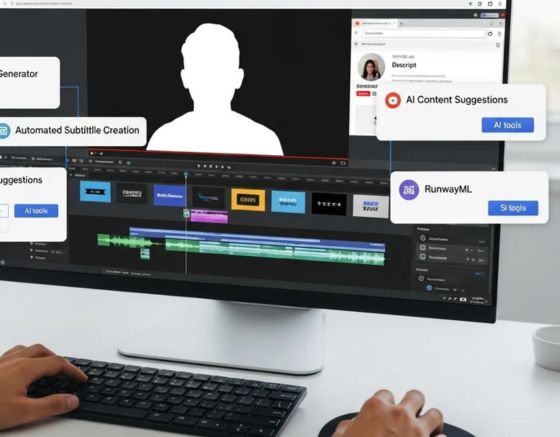
Faceless YouTube videos—content that doesn’t show the creator’s face—have become a fast-growing way to reach audiences while keeping production lean. This guide explains the AI models—video generators, voiceover engines, and editing software—that automate most production tasks. You’ll learn how these tools work, which features matter, and how options like Syllaby, Seedance, and NANOBanana compare so you can pick the right stack for your channel.
Which AI Video Generation Tools Lead Faceless YouTube Automation?
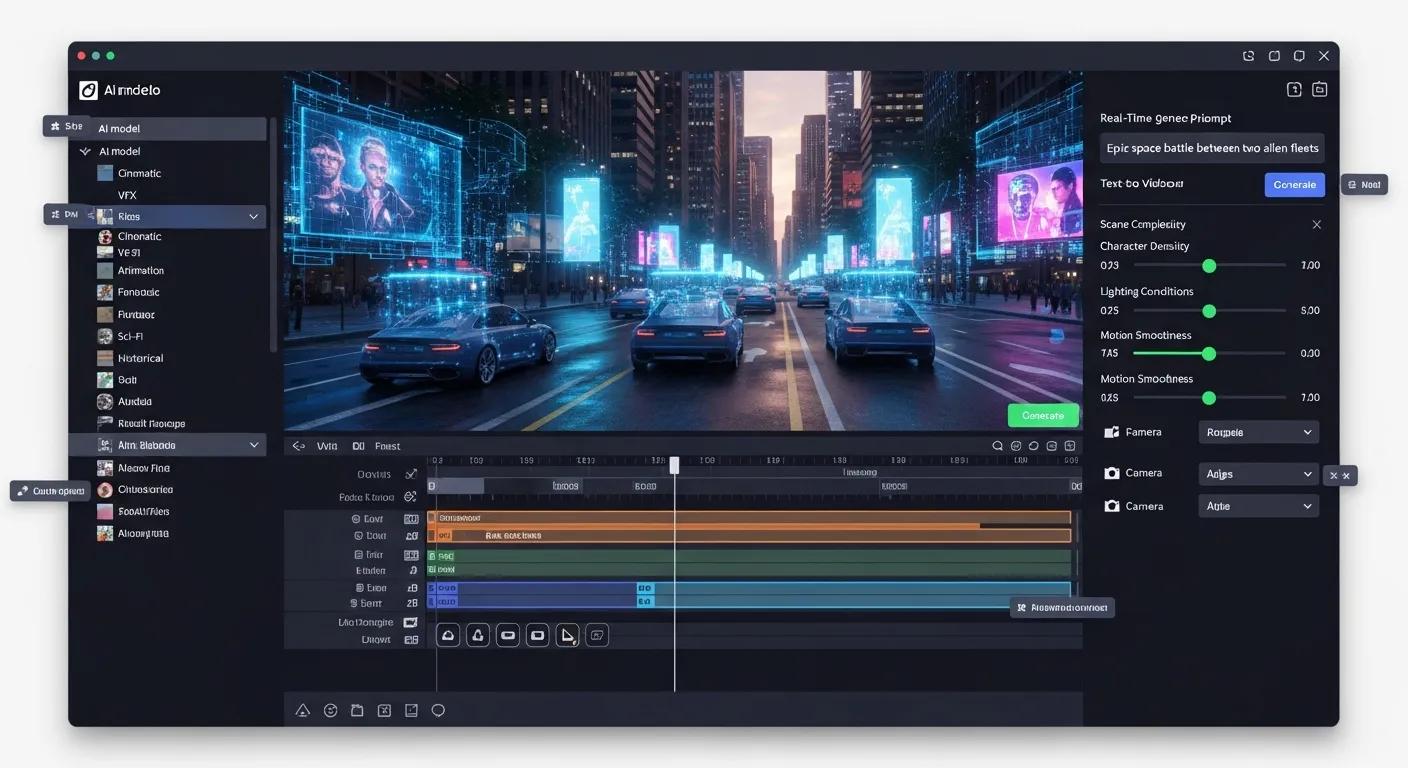
AI video-generation platforms speed up production by turning scripts, images, and audio into finished clips. They use machine learning to automate storyboard creation, scene composition, and basic editing, so creators can focus on ideas and optimization rather than manual assembly.
Text-to-video systems are central to this shift: they translate written scripts into visual sequences that tell a story.
Text-to-Video AI for Narrative Storytelling Text-to-video generation is driving a new wave of content creation by converting written narratives into visual stories. Combining natural language understanding, computer vision, and machine learning, these systems help creators move from script to screen more quickly and affordably—redefining how we produce and consume digital video. From script to screen: Unveiling text-to-video generation, SR Solanki, 2024
How do AI models automate faceless video creation?
AI automates faceless videos through a few core steps. First, script generation crafts concise, on-topic narration from prompts or templates. Then voiceover generation converts scripts into natural-sounding speech using modern TTS engines. Finally, editing automation stitches visuals and audio together with transitions, timing, and basic color or motion adjustments. Together, these steps let creators produce polished videos without deep technical skills. For more information, visit faceless video content creation for YouTube channel.
This end-to-end approach is echoed in research that combines animation, neural TTS, and optimized processing for scalable content creation.
AI Avatar Video Generation & Voice Synthesis
The paper outlines an integrated pipeline that automates avatar video production by pairing facial-animation tools (e.g., SadTalker) with high-quality neural text-to-speech (Google Cloud Neural2 TTS with SSML) and efficient video processing (FFmpeg). The system follows a three-phase workflow: (1) batch processing for large-scale multi-avatar generation, (2) interactive single-video creation with natural voice synthesis, and (3) quality improvements via intelligent upscaling. Automated Avatar Video Generation for Scalable Educational Content: Integration of AI-Driven Animation and Natural Voice Synthesis, 2025
What features distinguish top AI video generation platforms?
Leading platforms stand out by offering flexibility, smooth integrations, and analytics. Key differentiators include:
- Customization Options: Controls for visual style, pacing, and templates let you match videos to your brand and format.
- Export and Integration Features: Reliable exports and connections to editing, publishing, or asset-management tools speed up workflows.
- Analytics Capabilities: Built-in metrics help you measure engagement and iterate on formats that work.
How to Use AI Voiceover Generators for Faceless YouTube Videos?
Voiceover generators add personality and clarity to faceless videos without hiring voice talent. Pick a TTS that balances natural prosody with customization (tone, speed, emphasis) and pair it with clean, concise scripts for the best results.
What are the best AI voice synthesis tools for natural narration?
A few tools are commonly used for natural-sounding narration:
- Syllaby: An AI video creator that includes voiceover features; it’s strong at end-to-end video generation but not specialized in advanced voice cloning.
- Copy.ai: Primarily a text and script assistant—helpful for writing voice scripts but not a native TTS provider.
- Jasper: Known for content and script generation and now offers voiceover capabilities, though its TTS depth lags behind dedicated voice platforms.
How does AI script automation enhance voiceover quality?
Automated script tools analyze top-performing formats and produce tighter, audience-focused scripts that are easier for TTS engines to render naturally. Better scripts mean smoother pacing, fewer awkward pauses, and clearer emphasis, so the final voiceover feels intentional and engaging.
What Are the Best Faceless Video Editing Software Options?
After generation and voiceover, editing ties everything together. The right editor makes trimming, timing, and stylistic tweaks fast, especially when it includes AI-assisted features that handle repetitive tasks.
AI-led editing reduces manual busywork, letting creators focus on story and design rather than routine fixes.
AI Video EditingSoftware for Automation
AI-powered editing helps creators prioritize creative choices by automating tasks like colour grading, scene detection, transitions, and audio cleanup. These tools save time and let editors concentrate on narrative and visual impact rather than repetitive, technical chores. AI in video production: From script to screen, MD Rahman, 2024
Which software supports seamless AI-driven video assembly?
Several editors support AI-augmented workflows:
- Adobe Premiere Pro: An industry standard with Adobe Sensei features for automated edits and asset organization.
- Final Cut Pro: A polished, user-friendly editor with strong performance; it offers fewer AI automation features than Premiere but excels in speed and editing control.
- Syllaby: Designed for rapid AI-driven video creation and basic editing, useful for creators who want quick turnarounds.
How to scale faceless video production for social media campaigns?
Scaling requires predictable, repeatable processes. Focus on three practical tactics:
- Bulk Creation: Use batch tools to produce multiple videos from templates or a single script, increasing output without extra staff.
- Content Scheduling: Set a calendar and automate publishing so you maintain consistent visibility across platforms.
- Analytics Tracking: Monitor watch time, click-throughs, and retention to double down on formats that perform.
How Do Seedance, NANOBanana, and Syllaby Compare for YouTube Automation?
When choosing a platform, match its strengths to your workflow. Seedance, NANOBanana, and Syllaby each target different needs—from deep editing to rapid template-based generation—so the best choice depends on whether you prioritize speed, customization, or repurposing.
What unique benefits does Syllaby offer for faceless video creators?
Syllaby’s appeal is its all-in-one focus: script-to-video tools combined with voice options and quick edits. Highlights include:
- Customization Options: Style settings and templates let you adapt output to your brand voice.
- SEO Optimization Tools: Built-in features that help videos get discovered through better titles, descriptions, and metadata.
- User-Friendly Interface: Designed for creators at every level, reducing the learning curve for consistent production.
How do Seedance and NANOBanana differ in AI video automation features?
Seedance leans into AI editing and repurposing—great for reworking existing footage—while NANOBanana focuses on ultra-fast generation using templates, ideal when you need high volume and quick turnaround. Both are useful; pick based on whether you need depth (editing and repurposing) or speed (templated generation).
New AI models and tools continue to reshape faceless video production. By combining generation, voice, and editing tools thoughtfully, creators can raise output quality while keeping processes efficient.
Frequently Asked Questions
What are the key advantages of using AI for faceless YouTube video production?
AI speeds up production, reduces costs, and automates repetitive tasks—scriptwriting, voiceovers, and basic editing—so creators can focus on strategy and audience. Customization and analytics also enable consistent branding and data-driven improvements.
Can AI-generated videos be monetized on YouTube?
Yes. AI-generated content can be monetized if it follows YouTube’s policies and respects copyright. Make sure your content is original or properly licensed, and maintain a clear creative voice to attract viewers and advertisers.
How can I ensure the quality of AI-generated voiceovers?
Choose reputable TTS providers with natural prosody and customization (tone, speed, emphasis). Edit scripts for clarity, test multiple voices, and gather viewer feedback to refine delivery and pacing.
What are the best practices for scripting AI-generated videos?
Start with a concise outline, keep language direct, and write for the spoken word—short sentences and clear transitions. Add cues for emphasis and pauses so TTS renders natural pacing, and test scripts with your chosen voice engine before finalizing.
How do I choose the right AI video editing software for my needs?
Match the tool to your workflow: prioritize automation and integrations if you need scale, choose an editor with advanced controls if you need fine-grained adjustments, and try trials to confirm performance and usability.
What role does analytics play in optimizing faceless video content?
Analytics reveal what keeps viewers watching—watch time, retention peaks, and drop-off points. Use these signals to refine topics, formats, and pacing so future videos better match audience preferences.
Conclusion
AI makes faceless YouTube production faster and more accessible: from generating scripts and natural-sounding voiceovers to assembling and polishing final edits. Understand each tool’s strengths, pick systems that fit your workflow, and use analytics to iterate. Start experimenting with the platforms discussed here to streamline your process and scale your channel efficiently.