Syllaby Product Badge Syllaby AI badge

Create Audio to Video with AI

Effortlessly turn your audio recordings, podcasts, voiceovers, or music tracks into captivating videos. Perfect for engaging your audience across platforms!

*You can cancel your subscription anytime*

Featured on

Unlock the True Potential of Audio to Video Creation

Engage Your Audience

Visuals tailored to your audio for maximum impact.

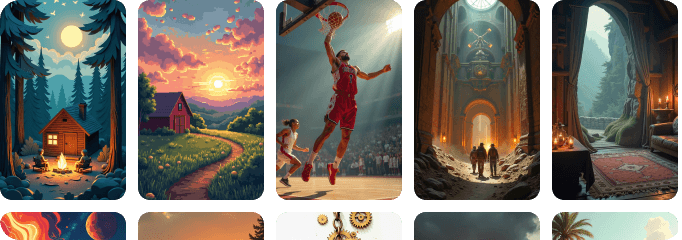
Cozy cabin in a tranquil forest at sunset, showcasing Syllaby.io's audio-to-video transformation features.
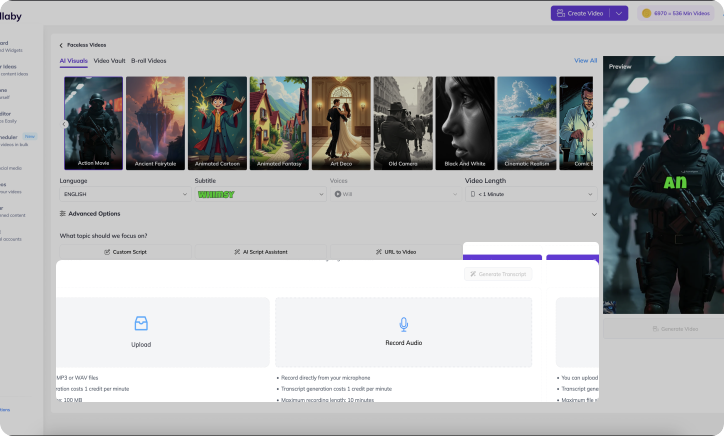
User interface of Syllaby.io showing audio-to-video conversion tools with engaging visuals and captions.

Scalable and Efficient

Create more in less time, without compromising quality.

User interface of Syllaby.io showcasing audio-to-video conversion features with visuals and captions.

AI-Powered Visuals

Intelligent syncing of visuals to audio for professional results.

Diverse Styles

Choose from a variety of themes to suit your audio’s mood.

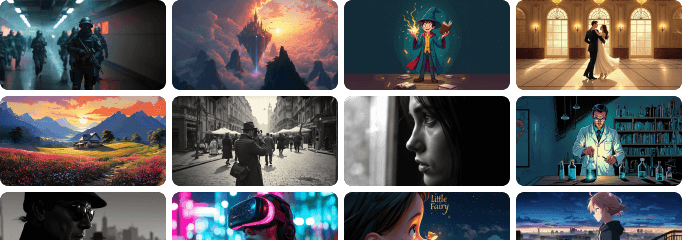
Group of people using Syllaby tools to create audio videos in diverse settings, showcasing dynamic activities.

*You can cancel your subscription anytime*

How Syllaby’s Audio to Video Creation Works

01

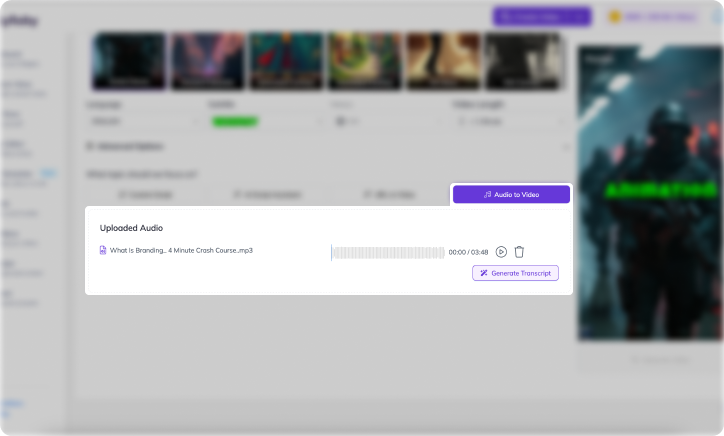
Upload Your Audio

Start by uploading your audio file.

Audio to Video
Vibrant green eye

Cinematic Realism

Faceless video creation

Animated Cartoon

SWAT team members

Action Film

Photographer in crowd

Black and White

Colorful vintage cars

Animated Fantasy

Virtual reality headset

Cinematic Realism

Little Fairy Illustration

Comic Book

Astronaut under moon

Digital Art

Horseback warriors

Ancient Egypt

Charming village scene

Animated Fantasy

Scientist in lab

Futuristic Sci-Fi

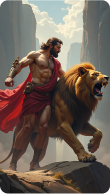
Hercules with lion

Greek Mythology

02

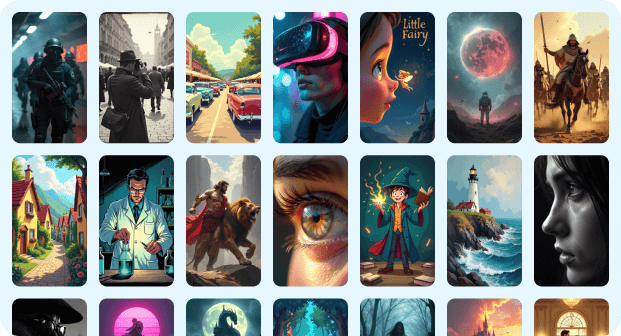
Choose Your Image Style

Select from our curated image styles that suits best for your video.

03

AI-Generated Transcripts Made Effortless

Upload your audio file, and let AI create an accurate transcript, saving you hours of manual typing.

Audio file interface on Syllaby.io showing progress, transcript, and video conversion options for branding education.
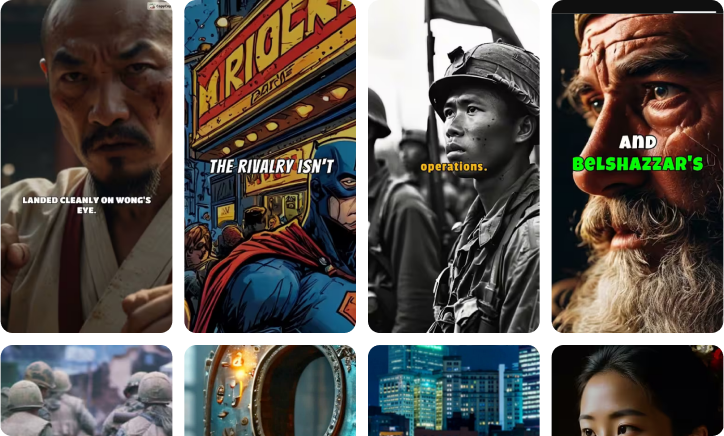
Illustration depicting brand building: distressed man, comic book, soldiers, and elderly man's face.

04

Generate Your Video

Click "Generate" and watch as your Faceless video brings your script to life! Easily download and share your video across multiple platforms.

*You can cancel your subscription anytime*

Create the Perfect Video Length for Your Needs

Syllaby.io video creation tools featuring soldiers, knights, and magical beings with tactical gear.

Engage Your Audience with Short-Form Videos

Capture attention quickly with short, impactful videos perfect for social media, brand announcements, or quick tips.

Deliver In-Depth Content with Long-Form Videos

Dive deeper with long-form videos ideal for storytelling, tutorials, and detailed guides.

Video content strategies

Users on Syllaby

19000 +

Videos Generated

90000 +

Videos Published

25000 +

Scripts Generated

56000 +

100,000+ videos created in Syllaby

Faceless v1
Faceless v2
Avatar Videos

Why Our Customers Are Over the Moon 🌕!

Frequently Asked Questions

To create a video from an audio file on Syllaby, follow these simple steps:

  1. Upload Your Audio File: Start by uploading your audio file (MP3, WAV, etc.) to our platform.

  2. Choose Your Art Style: Select an art style that suits your content from our wide range of options, such as Animated Cartoons, Minimalist Design, or Digital Painting.

  3. Customize Your Video: Add visual elements like backgrounds, text overlays, and animations. You can also choose a fitting voiceover to enhance your video.

  4. Preview and Edit: Review your video to ensure it meets your expectations. Make any necessary adjustments to the visuals or audio.

  5. Export and Share: Once you're satisfied with your video, export it in your desired format and share it on social media platforms or save it for future use.

Turning an audio file into a YouTube video using Syllaby is quick and easy:

  1. Upload Your Audio: Upload your audio file to the Syllaby platform.

  2. Select an Art Style: Choose an art style that aligns with your content, such as Vintage Film, Pop Art, or Vector Graphics.

  3. Add Visuals: Enhance your audio with visual elements like images, text, and animations. You can also choose a background that complements your audio content.

  4. Customize and Preview: Personalize your video to match your brand or message. Preview the video to ensure it looks great.

  5. Export and Upload: Export your video in a YouTube-friendly format and directly upload it to your YouTube channel from our platform.

To turn an MP3 into a video with Syllaby, follow these steps:

  1. Upload Your MP3: Begin by uploading your MP3 file to Syllaby.

  2. Choose an Art Style: Pick an art style that fits your content. Options include Abstract Art, Art Deco, and Digital Painting.

  3. Add Visual Content: Incorporate visual elements such as animations, text, and images to create a compelling video.

  4. Customize and Review: Tailor the video to your preferences and review it to ensure it meets your standards.

  5. Export and Share: Export the final video in the desired format and share it on your preferred platforms or save it for later use.
Unleash Creativity: Get Started Facelessly Today!

Step into the future of limitless visual storytelling with Syllaby’s generative character tools. Craft cinematic adventures with virtual personalities and bring your vision to life, no face required!

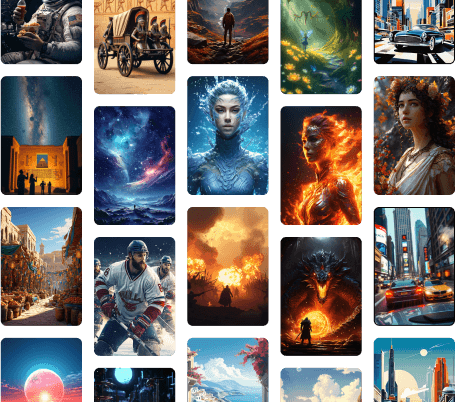
Diverse characters in vibrant landscapes and urban scenes, highlighting Syllaby.io's content creation themes.