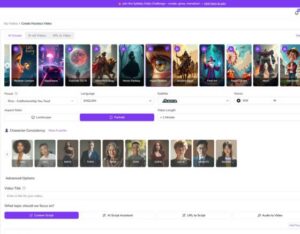




AI video script generators are tools that transform prompts, data, and audience signals into structured scripts designed for specific video formats, platforms, and goals. They work by mapping intent (education, conversion, awareness) to proven script frameworks—hooks, beats, transitions, and CTAs—so creators can scale output while preserving clarity and purpose. Using an AI video script generator saves time on research and first-draft writing, enabling rapid iteration and A/B testing across formats like explainers, promos, tutorials, social shorts, faceless videos, and avatar-led content. This article explains the core video types AI can produce, how AI adapts scripts for social platforms and long-form content, the mechanics behind faceless and avatar videos, how demos and tutorials are structured, industry-specific script considerations, and why a platform like Syllaby fits into a modern video workflow. Along the way you’ll find templates, checklists, comparison tables, and actionable prompts to generate targeted scripts for YouTube, TikTok, Instagram Reels, and more.
What Are the Core Video Types You Can Create Using an AI Video Script Generator?

AI script generators can produce a broad set of core video types that map directly to marketing, education, and product goals. They generate explainers and educational modules that teach concepts clearly, promotional and marketing scripts designed to convert, product demos that highlight features and benefits, short-form social videos optimized for quick retention, long-form YouTube scripts structured for watch-time, faceless videos that rely on captions and B-roll, and AI avatar videos that use synthesized presenters. The generator chooses structure—hook, problem, solution, steps, CTA—based on the target format and audience persona, which helps maintain consistency across series and campaigns. Below are concise type definitions that double as featured-snippet-ready summaries and quick prompts for an ai youtube script generator or ai short-form video script workflow.
AI-generated core video types:
- Explainer videos: Short to mid-length scripts that define a problem, explain a solution, and end with a clear CTA for education or onboarding.
- Promotional videos: Conversion-focused scripts for launches, ads, or brand stories that highlight benefits, urgency, and social proof.
- Product demos: Stepwise demonstrations that show features in action, include objections handling, and guide the viewer to next steps.
The definitions above set the stage for how AI composes the first draft of a script, and the following subsection explains the specific mechanics behind explainer and educational scripts.
Introductory table mapping types to lengthand use:
| Video Type | Typical Length | Primary Use Case |
|---|---|---|
| Explainer | 60–180 seconds | Product or concept education and onboarding |
| Promotional | 15–90 seconds | Ads, launches, and conversion-focused messaging |
| Product Demo | 2–6 minutes | Feature walkthroughs and buyer decision support |
| Short-form Social | 10–60 seconds | Virality, teasers, micro-tutorials |
| Long-form YouTube | 8–20+ minutes | Deep dives, authority building, SEO-driven content |
| Faceless / Avatar | 15 seconds–10 minutes | Scalable content without on-camera talent |
This table helps you choose the right target length and objective before generating a script, and the next section details how AI structures explainer and educational scripts.
How Does AI Generate Scripts for Explainer and Educational Videos?
An AI script generator creates explainer and educational scripts by applying a predictable narrative arc—hook, problem statement, solution explanation, evidence or steps, and a closing CTA—while adapting vocabulary and complexity to the audience. It analyzes input prompts for audience level, learning objectives, and preferred tone, then outputs a modular script with labeled scenes and suggested timing for each beat. Sample outline: Hook (0–10s) → Context + Problem (10–30s) → Solution Overview (30–60s) → 3 Steps or Examples (60–150s) → Recap + CTA (final 10–20s). This structure ensures cognitive flow and retention by chunking information and providing signposting language, which helps viewers follow lessons and complete actions. Use the outline above as a prompt template when requesting an ai explainer scripts or ai tutorial script generation to get a publish-ready draft with scene notes and suggested on-screen text.
AI-Generated Explainer Videos in Educational Contexts Rapid technological advancements and widespread access to high-speed internet via diverse personal devices have profoundly reshaped the higher education learning environment. This includes the accelerated adoption of various AI software within literary criticism courses. Numerous instances of successful explainer video development and deployment highlight their positive influence on student emotional engagement and heightened focus. THE DEVELOPMENT OF TRADITIONAL AND AI-GENERATED EXPLAINER VIDEOS AS SUPPLEMENTS TO LITERARY ANALYSIS IN ENGLISH LITERATURE …, 2023
What Promotional and Marketing Videos Can AI Script Generators Create?
AI script generators craft promotional and marketing scripts by prioritizing benefit-led language, emotional hooks, and conversion signals such as urgency or social proof, tailored to the campaign objective and ad placement. They can produce short ad scripts for paid placements, brand-story narratives for organic channels, testimonial-style scripts that weave user evidence, and product-launch outlines that combine features with limited-time offers. When generating promotional copy, AI can output multiple variants for A/B testing—different hooks, CTA wording, and persona-focused messaging—so marketers can iterate quickly. To create high-converting marketing scripts, include prompts specifying target KPI (clicks, signups, watch-through) and audience persona so the AI optimizes tone and CTA accordingly.
How Can AI Script Generators Help Create Engaging Social Media Videos?
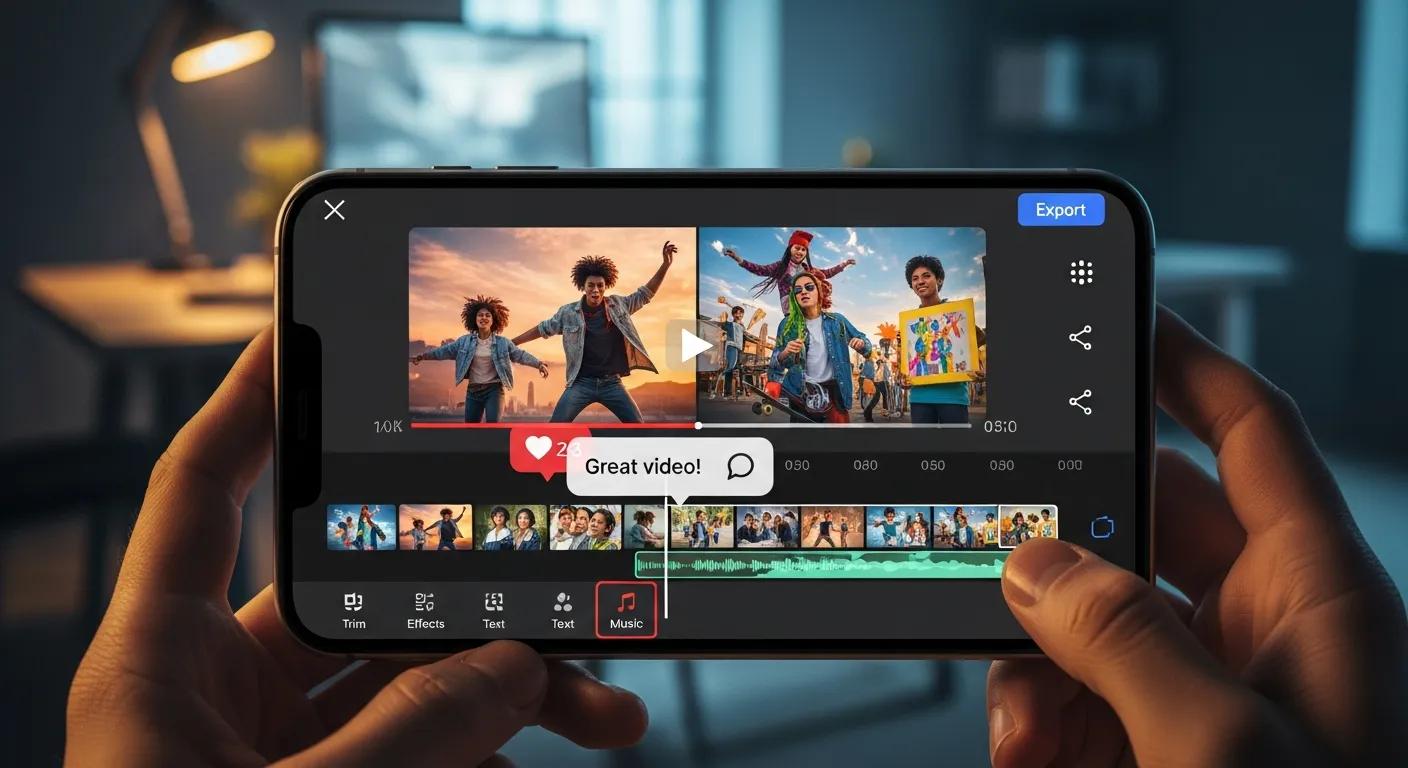
AI script generators help social creators adapt messaging to platform constraints and audience behavior by optimizing hook timing, pacing, caption copy, and CTA placement for short attention spans. They know platform norms—early hook for TikTok and Reels, chaptered intros for YouTube—and can produce caption-ready text and hashtag suggestions that increase discoverability. AI also streamlines repurposing by transforming a long-form script into a series of short clips with distilled hooks and teasers that feed social funnels. The next subsections break down short-form and long-form strategies with templates and practical tips for an ai script generator for tiktok or ai script generator for instagram reels.
Introductory list: How AI optimizes social performance
- Hook-first structure: Positions the attention-grabbing line within the first 1–3 seconds to maximize retention.
- Caption and subtitle generation: Produces platform-optimized captions and searchable text to support accessibility and SEO.
- Pacing and scenelength: Adjusts scene durations based on average watch times and engagement patterns per platform.
These optimization tactics allow creators to repurpose scripts efficiently and deliver platform-appropriate content that increases viewability and shares. The next subsection outlines common short-form formats and templates.
What Types of Short-Form Videos Can AI Script Generators Produce for TikTok and Instagram Reels?
AI generates several short-form formats commonly used on TikTok and Instagram Reels, including trend-based hooks, micro-tutorials, product teasers, challenge prompts, and quick testimonials, each optimized for immediate attention and shareability. Scripts emphasize a concise hook, one clear idea, and a fast CTA or loop to encourage replays; for example, a 30-second micro-tutorial will contain a 3–5 second hook, a 15–20 second demonstration of one technique, and a 3–5 second CTA. Prompting the AI with suggested hashtags, caption intent, and desired energy level yields scripts that include suggested on-screen text and cut markers for editing. Creators can produce multiple variants for iterative testing by asking for different hooks or emotional tones within the same script request.
Short-form templates list:
- Trend Hook + Quick Tip: Hook → Tip → Visual example → CTA.
- Before/After Micro-Demo: Problem → Quick fix demo → Proof → CTA.
- Rapid FAQ Answer: Question → Concise answer → 1 supporting fact → CTA.
These templates provide repeatable formats for testing creative variations across short-form platforms and help maintain a consistent posting cadence for social growth. The following subsection explains how AI handles long-form scripting needs.
How Does AI Support Long-Form Video Script Creation for YouTube and Other Platforms?
For long-form YouTube videos, AI builds chaptered outlines, suggested timestamps, and SEO-rich titles and descriptions tied to the script to improve discoverability and retention metrics. It produces an attention-grabbing intro, defined chapters with transition lines, mid-video recaps to reduce drop-off, and end cards that reinforce CTAs and next steps. A typical AI-generated 10–12 minute script includes a 15–30 second hook, three to five chapters of 90–180 seconds each, and a strong closing that encourages subscriptions or resource downloads. AI can also suggest keywords and thumbnail phrasing aligned with the script’s focus to maximize click-through rate. Use an ai youtube script generator prompt that includes target keywords, desired chapters, and examples of preferred tone to receive a fully annotated, SEO-aware draft.
What Are Faceless and AI Avatar Videos, and How Does AI Script Generation Enable Them?
Faceless videos are productions that convey messages without on-camera human presenters, relying on text overlays, voiceover, B-roll, animations, and captions; AI avatar videos use synthetic presenters—digital characters with lip sync and gestures—to deliver scripted content. AI script generators enable both formats by specifying precise visual cues, on-screen text timing, and voiceover phrasing to match avatar cadence or caption pacing. By producing scene-level directives (e.g., “0:05–0:10—on-screen stat with b-roll of workspace; VO: ‘Stat X shows…'”), AI bridges script-to-production tools like text-to-video and avatar engines. The table below compares faceless formats and avatar options so you can choose the right approach for your goals and resources.
Introductory table explaining avatar/faceless options:
| Avatar Type | Best Use Case | Production Benefit |
|---|---|---|
| Text + B-roll Faceless | Quick tutorials, listicles | Fast production, low talent cost |
| Voiceover + Motion Graphics | Explainers and data stories | High clarity with visual support |
| AI Avatar Presenter | Product landing pages, course intros | Scalable on-brand presenter with consistent delivery |
| Animated Character | Brand storytelling | High creative control and audience appeal |
This comparison highlights how each approach trades off authenticity, scale, and effort; the next subsections detail how AI writes for faceless formats and how avatars consume scripts.
How Do AI Script Generators Create Scripts for Faceless Videos?
When generating faceless video scripts, AI focuses on explicit scene descriptions, clear on-screen text cues, voiceover lines optimized for clarity, and B-roll suggestions to maintain engagement without a human host. Scripts specify timing for captions, where to place emphasis, and which visuals should reinforce the spoken line, for example: “Scene 3 (0:30–0:45): Close-up of product UI; VO: ‘Tap here to…’ On-screen caption: ‘Quick tip’.” This level of specificity reduces back-and-forth during editing and enables quick assembly in text-to-video tools. A production checklist generated alongside the script—covering shot list, caption rules, and CTA placement—ensures that faceless videos remain coherent and persuasive even without an on-camera presenter.
What Is the Role of AI Avatars in Video Script Generation?
AI avatars consume scripts that are adapted for pacing, intonation, and gesture cues; generators add parenthetical notes for breath, emphasis, and pauses so avatars deliver natural-sounding speech synchronized with facial animation. Scripts for avatars often limit sentence length, include explicit emotional cues (e.g., “(warm)”), and mark beats for gestures, which improves lip-sync accuracy and viewer perception of authenticity. AI can produce multiple voice-tonality options and adjust vocabulary to fit a chosen avatar persona, making it straightforward to maintain consistent brand voice across hundreds of videos. When using avatar-driven scripts, it’s important to test intonation and timing in the avatar engine to ensure the final delivery aligns with viewer expectations.
How Does AI Script Generation Support Product Demos and Tutorial Videos?
AI supports demo and tutorial creation by converting feature lists and technical steps into audience-friendly narratives that highlight benefits, show actions, and remove friction during adoption. It transforms raw product specs into step-by-step walkthroughs with suggested visuals, timing, and objection-handling lines that anticipate viewer questions. AI can generate comparison language, integrate metrics or mock social proof, and create multiple variants aimed at different decision stages—top-of-funnel explainers or bottom-of-funnel purchase guides. The EAV table below compares demo/tutorial script elements and expected viewer outcomes so you can align tone and depth to your objective.
Introductory table comparing demo/tutorialelements:
| Script Element | Characteristic | Expected Viewer Outcome |
|---|---|---|
| Feature Highlight | Benefit-focused phrasing | Viewer understands value quickly |
| Step-by-step Demo | Actionable, time-stamped steps | Viewer gains confidence to replicate |
| Objection Handling | Short rebuttals and proof | Reduces friction and doubt |
| CTA + Next Steps | Clear, single action | Higher conversion or signup rate |
This breakdown clarifies how different script parts map to outcomes; the next subsections provide concrete guidance on persuasive patterns and tutorial structure.
What Makes AI Scripts Effective for Product Demonstrations and Reviews?
AI-written demo scripts are effective because they prioritize benefit-first framing, weave in social proof or metrics when available, and present a logical flow from problem to solution that aligns with common buyer questions. AI uses persuasive patterns—highlighting a pain point, demonstrating the feature that addresses it, showing a quick result, and closing with a risk-reducing CTA—to build credibility and urgency. Including brief quotes, data points, or a one-line testimonial placeholder in the script increases trust and gives editors clear spots to insert social proof. For best results, instruct the AI to include explicit transition phrases and user-objection scripts to aid seamless editing and maintain viewer momentum.
Short checklist list for demo clarity:
- Open with the customer problem: Frame why this feature matters.
- Show the action: Demonstrate the step visibly, with VO explaining each move.
- Highlight the benefit: Emphasize the outcome, not just the feature.
- Close with a single CTA: Guide viewers to the next micro-conversion.
These best practices help convert product interest into action by simplifying complex functionality into viewer-friendly sequences. The following subsection outlines how to structure a tutorial using AI.
How Can AI Script Generators Structure Tutorial and How-To Video Content?
AI structures tutorial content into clear phases—overview and prerequisites, sequential steps with estimated times, short checks for comprehension, a recap, and a final CTA—so learners can follow along and measure progress. For a three-step tutorial, the AI will assign time windows to each step, include on-screen prompts (e.g., “Pause here and try”), and suggest common mistakes to avoid, which reduces confusion and increases completion rates. It also recommends recap phrasing and mnemonic hooks to improve retention, and can generate downloadable checklists or timestamps for accessibility. When prompting an AI, include the target learner level and desired completion time so the output matches audience expectations.
How Are Industry-Specific Video Scripts Created with AI?
AI customizes industry-specific scripts by incorporating domain jargon, regulatory constraints, tone requirements, and goal-oriented CTAs so content aligns with sector needs such as lead generation, patient education, or curriculum delivery. Prompt engineering includes specifying audience personas, compliance notes (e.g., avoid certain claims), and preferred formality, which the AI uses to select vocabulary and citation style. AI can also generate variants for sales funnels, clinician-facing content, or learner modules, ensuring messaging is appropriate for each stakeholder. The next subsections provide concrete industry examples and prompt templates to illustrate real-world tailoring.
What Types of AI Video Scripts Are Used in Real Estate, Healthcare, and Education?
In real estate, AI produces virtual-tour voiceovers and listing highlight scripts that guide viewers through property features and neighborhood benefits to generate leads. In healthcare, AI drafts patient-education videos that explain conditions, procedures, and next steps using plain language and clinician-friendly structure to increase adherence and reduce call volume. In education, AI generates lesson-module scripts and course intros that break complex topics into learnable chunks with objectives and assessments. Each industry script prioritizes the primary goal—lead capture for real estate, clear patient guidance for healthcare, and learning outcomes for education—and tailors tone and regulatory caution accordingly.
How Does AI Customize Video Scripts for Business and Marketing Needs?
AI customizes scripts for business objectives by accepting parameters like audience persona, campaign objective, desired CTA, tone, and length, then producing persona-driven variations that align with specific metrics. Prompt templates can request a “formal B2B sales walkthrough for decision-makers” or a “conversational B2C product teaser for young adults,” and the AI will adjust language, evidence level, and pacing. Businesses can iterate quickly by generating multiple variants and A/B testing different hooks and CTAs, enabling data-driven optimization of messaging across campaigns and platforms. The result is faster creative velocity and better alignment between script content and marketing KPIs.
Why Choose Syllaby as the Best AI Video Script Generator for Diverse Video Types?
Provide AI-powered tools for video content creation and social media management, leading users to subscribe to the platform.
Syllaby offers an AI Script Generation feature that produces scripts tailored to industries and audiences while integrating into a broader content workflow that covers idea discovery through scheduling. The platform’s value propositions include effortless script creation, industry-specific templates, audience-optimized tone, publish-ready formatting, faceless video and AI avatar support, and a comprehensive workflow from idea to scheduled post. These capabilities help teams scale production, create consistent messaging across channels, and save time on drafting and repurposing scripts.
Feature list summarizing Syllaby advantages:
- Effortless Script Creation: Generates structured, publish-ready scripts from short prompts.
- Industry-Specific Content: Preset templates and prompts tuned for sectors like real estate, healthcare, and education.
- Optimized for Audience: Audience persona controls that tailor tone and complexity.
- Faceless Videos & AI Avatars: Script cues and avatar-tuned phrasing for scalable presenter-free content.
- Comprehensive Workflow: Idea discovery to script generation, customization, and scheduling to streamline content operations.
This summary captures how Syllaby supports diverse video types with time- and cost-saving features that make it practical for creators and marketing teams, while still allowing granular control for brand and compliance needs.
What Features Make Syllaby Ideal for Marketing and Business Video Scripts?
Syllaby includes a template library with industry presets, audience and tone customization controls, and publish-ready formatting that outputs scene labels, caption-ready text, and CTA options to fit marketing funnels. Marketers can use Syllaby to produce multiple script variants for A/B testing, create faceless and avatar-ready scripts with timing cues, and generate SEO-aware titles and descriptions for long-form content. Two example workflows enabled by these features are: (1) a rapid campaign run where a brand generates three ad variants, selects the best-performing hook, and schedules the winner; and (2) a course production flow that creates chaptered lesson scripts and timestamps for batch recording. These features reduce iteration cycles and simplify handoffs between content teams and editors.
How Does Syllaby Save Time and Cost in Video Content Creation?
Syllaby reduces time and cost by automating the initial research and scripting phase, producing publish-ready drafts that require fewer revision cycles and less external agency work. By generating multiple script variants, providing avatar-compatible phrasing, and integrating scheduling for social channels, Syllaby enables bulk creation and faster time-to-publish. This decreases reliance on expensive production steps and shortens the script-to-publish timeline, allowing teams to produce more content with the same resources. For teams prioritizing velocity and scale, Syllaby’s end-to-end features translate into measurable efficiency gains in both creative output and scheduling.
Provide AI-powered tools for video content creation and social media management, leading users to subscribe to the platform. Syllaby’s workflow-oriented approach—idea discovery through script generation and scheduling—helps creators publish more consistently while maintaining brand voice and platform optimization.
- Faster Drafting: Auto-generated scripts cut initial writing time significantly.
- Bulk Scheduling: Built-in scheduling reduces manual posting overhead.
- Avatar& Faceless Support: Lowers talent costs by enabling presenter-free or avatar-based videos.
These points illustrate how the platform’s features combine to save production time and reduce external costs for teams focused on volume and consistency.
Provide AI-powered tools for video content creation and social media management, leading users to subscribe to the platform. For creators and teams ready to scale, Syllaby bundles script generation, customization, and scheduling into a single workflow that makes it practical to maintain an ongoing content cadence.
- Subscription-Friendly Workflow: Access to integrated tools simplifies recurring campaigns.
- Publish-Ready Outputs: Scripts formatted for editors and automation reduce handoff delays.
- Industry Presets: Lower the learning curve for new content themes and sectors.
These final notes emphasize how Syllaby supports both creative experimentation and production discipline, helping teams convert ideas into scheduled, platform-optimized videos at scale.