




Syllaby Real Clone Lite
Video Shooting Specifications
Welcome to Real Clone Lite Avatar
Are you ready to bring your digital presence to life like never before? With Real Clone, you can create your very own personalized avatar that mirrors your unique facial expressions, voice, and mannerisms. Whether you’re a content creator, educator, or business professional, Real Clone offers an immersive and engaging way to connect with your audience.
Here are our example videos.
- Consent Video:
Before we can move forward with the official production, we require the avatar’s actor to record a video, giving consent to authorize Syllaby to use his/her video for creating the avatar. If there is no video of the person appearing on camera providing their authorization, we will not proceed with the studio avatar production process.
When recording the consent declaration, please pay attention to the following:
- The consent declaration must be recorded by the person for whom the avatar is being created.
- The consent declaration should not have any editing or audio-visual synchronization issues.
Here’s an example:
“I, {user name}, allow Syllaby to use the footage of me to build a Syllaby Avatar for use on the Syllaby platform.”
1. Clothing and Appearance:
- Wear solid-colored clothing that contrasts with the background. Avoid patterns or colors that blend with your surroundings.
- Keep your hairstyle neat and avoid accessories that may cast shadows or obstruct your face.
2. Recording Your Video:
- Start recording when you’re ready, and speak directly to the camera as if you’re having a conversation with someone.
- Relax, be yourself, and let your personality shine through. The goal is to capture the essence of who you are.
3. Environment:
- Choose a quiet and well-lit environment for recording. Avoid noisy or distracting backgrounds.
- Ensure the room is well-lit with natural or artificial light to capture clear facial expressions.
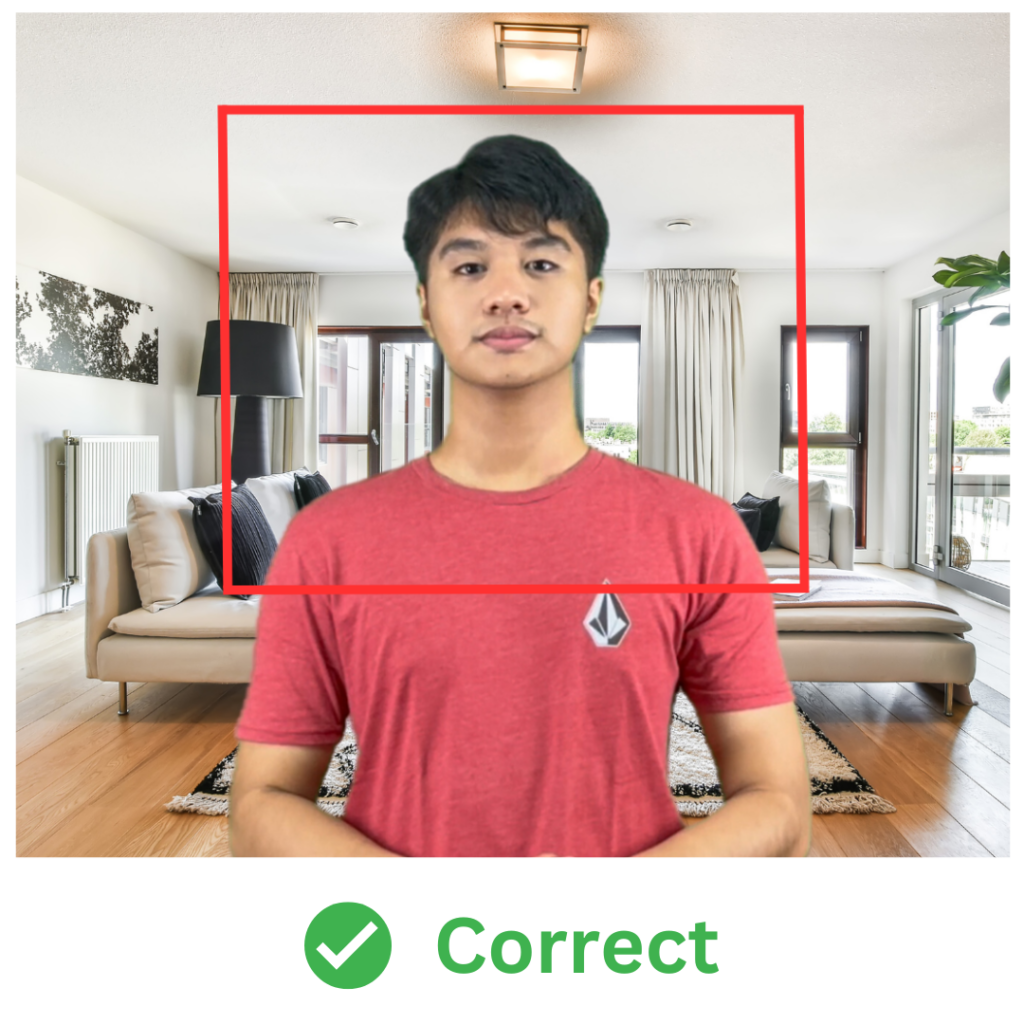
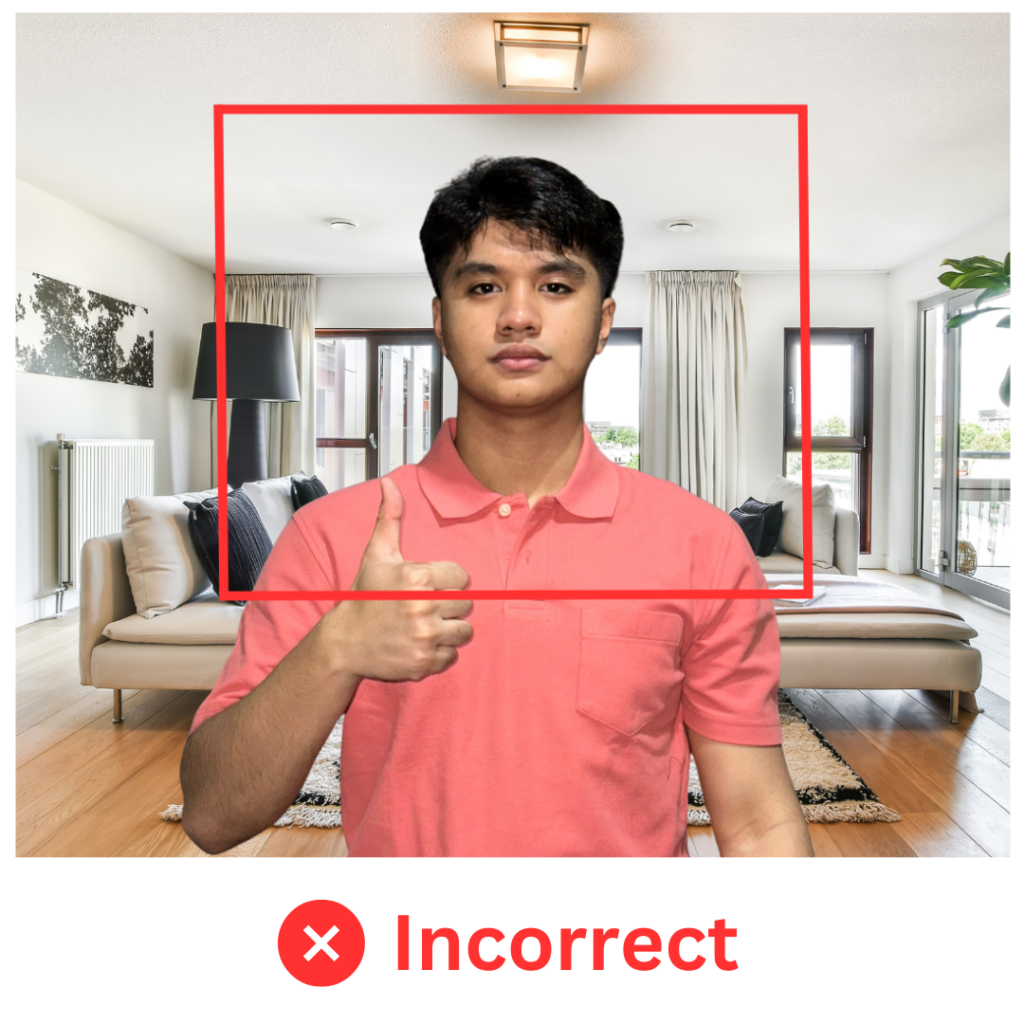
4. Facial Expressions and Hand Gestures:
- Do not pout, pinch your lips together, or stick out your tongue. Also, avoid hand movements around the face area.
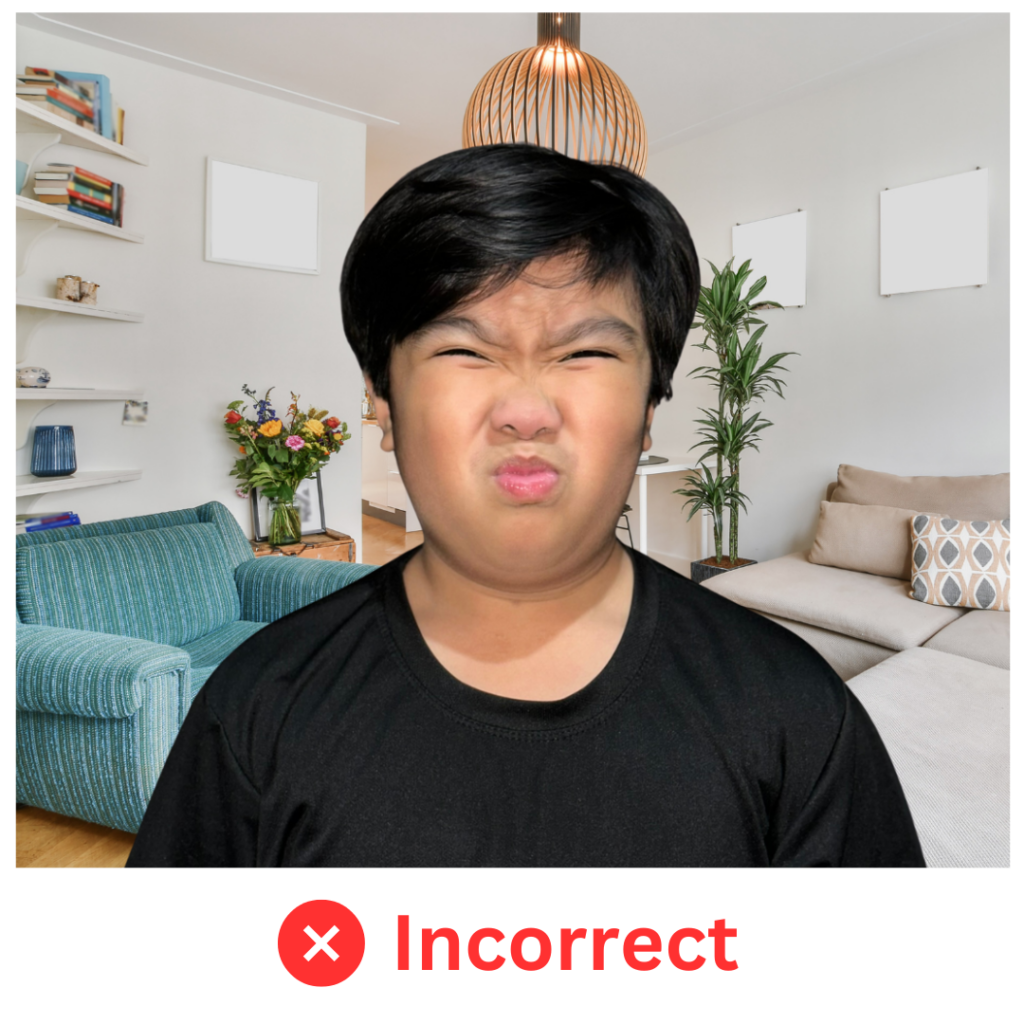
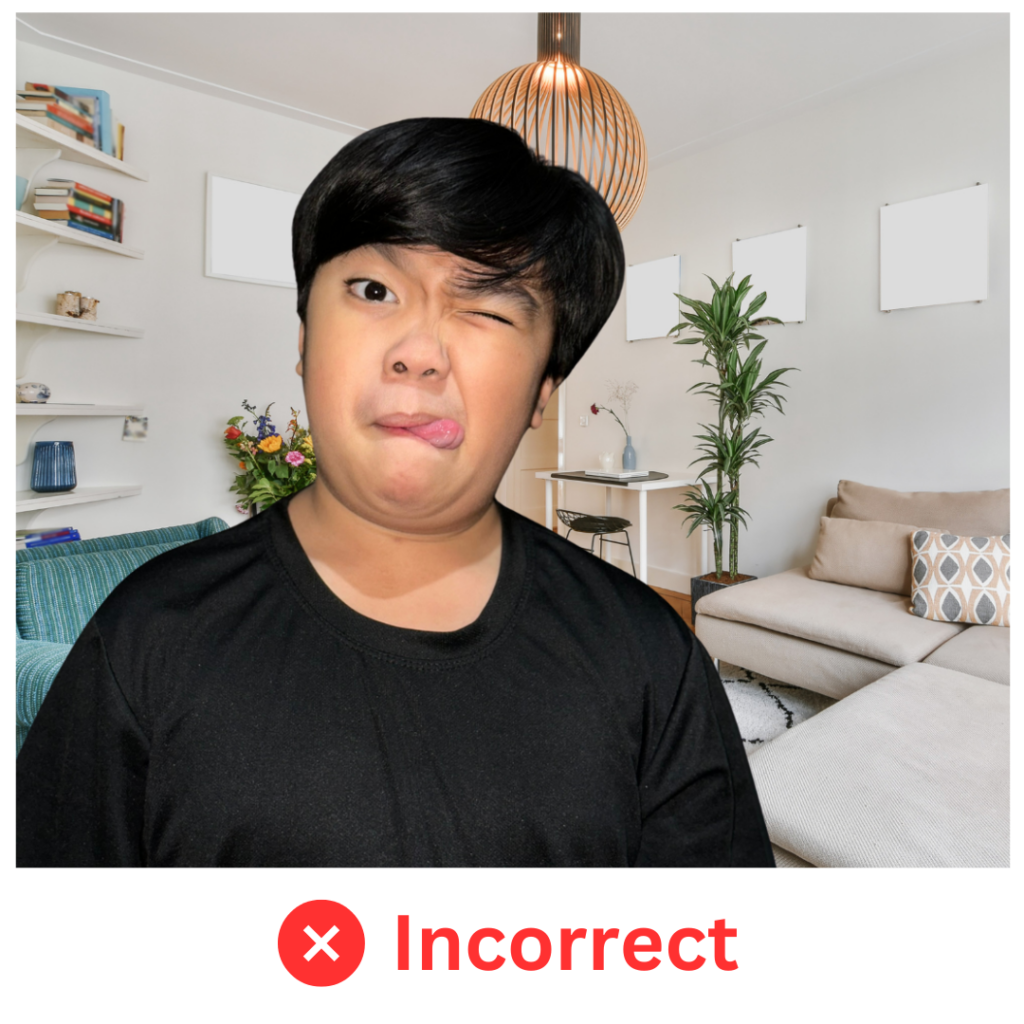
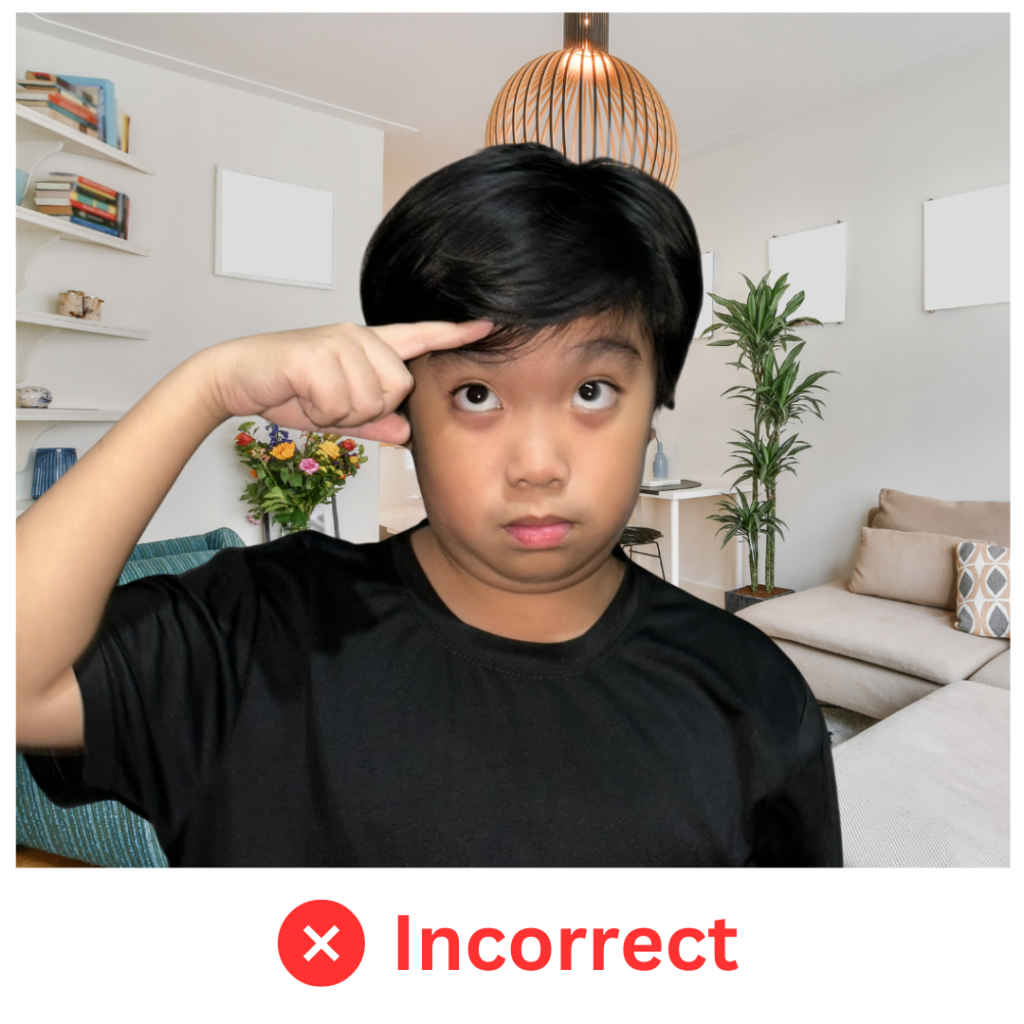
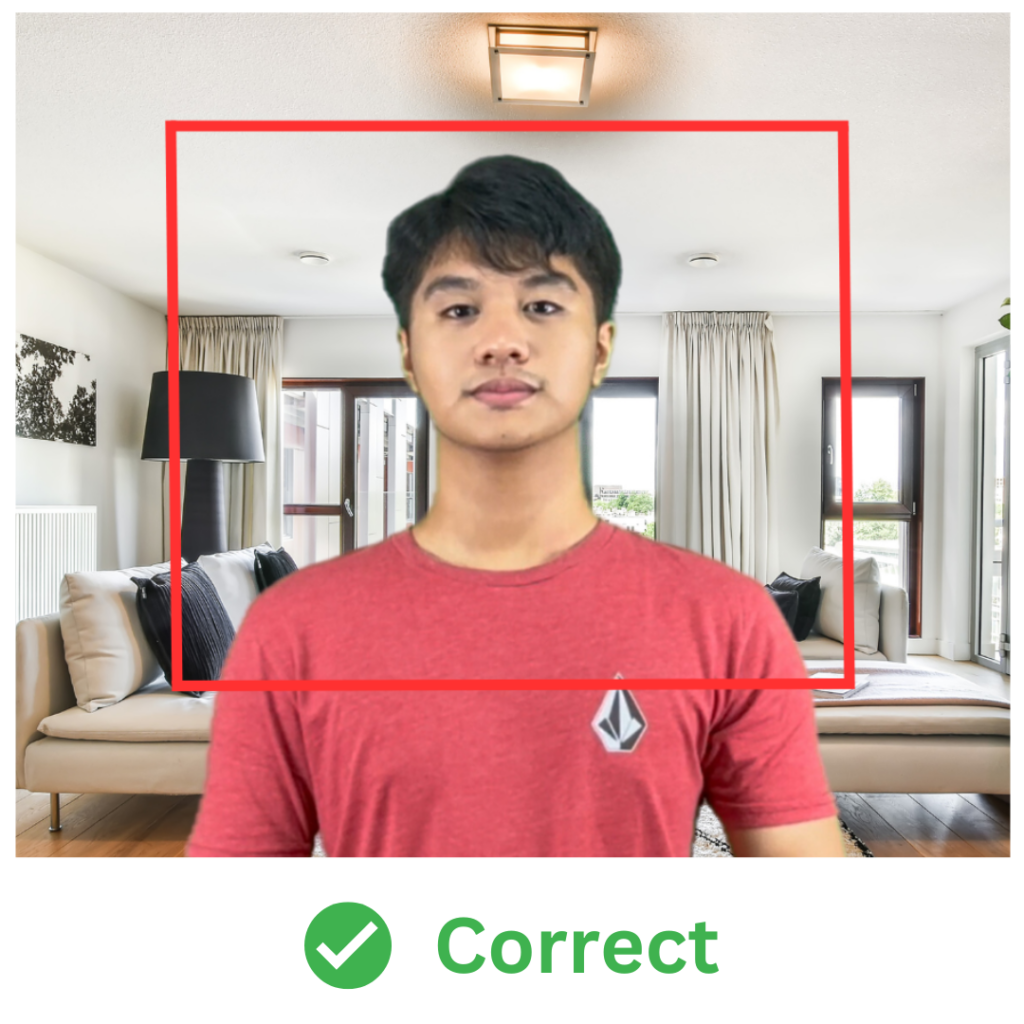
- Use generic gestures and keep hands below your chest
5. Script and Content:
- Prepare a short script or talking points to guide your recording. Keep it concise and relevant to showcase your personality and communication style.
- Avoid reading directly from a script or sounding overly rehearsed. Aim for a conversational tone that feels natural.
6. Testing:
- Before recording your final video, do a test run to check lighting, sound, and framing. Make any necessary adjustments to ensure everything looks and sounds good.