
Syllaby MCP Server · Now live

The Syllaby MCP Server
for any AI client

Connect once, then write scripts, render faceless videos and build storyboards from an ordinary conversation in Claude, Claude Code or ChatGPT.

01

Copy the Syllaby connector URL

You will paste this URL into Claude in the next step

https://api.syllaby.io/mcp
02

Settings → Connectors

In claude.ai or Claude Desktop open Settings → Connectors → Add custom connector, name it Syllaby and paste the URL

Open Claude Connectors
03

Connect, sign in and start

Sign in, then ask Claude to generate a script or a faceless video

Start creating
01

Copy the Syllaby connector URL

You will paste this URL into ChatGPT in the next step

https://api.syllaby.io/mcp
02

Settings → Connectors

In chatgpt.com open Settings → Connectors → Add custom connector, name it Syllaby and paste the URL

Open ChatGPT Connectors
03

Connect, sign in and start

Sign in, then ask ChatGPT to generate a script or a faceless video

Start creating
01

Copy the Syllaby connector URL

You will paste this URL into Claude Code in the next step

https://api.syllaby.io/mcp
02

Settings → Connectors

In Claude Code CLI open Settings → Connectors → Add custom connector, name it Syllaby and paste the URL

Open Claude Code Connectors
03

Connect, sign in and start

Sign in, then ask Claude Code to generate a script or a faceless video

Start creating

As Featured In

Forbes
Business Insider
Yahoo! News
MarketWatch
WRAL TechWire
Futurepedia
Moz
MarketingProfs
GrepBeat
Product Hunt — #1 Product of the Day

What is the Syllaby MCP Server?

MCP, the Model Context Protocol, is an open standard that lets AI clients call external tools directly. The Syllaby MCP server exposes Syllaby’s video engine as tools any client can use.

You ask

You ask

Describe the video you want

Your AI client

Your AI client

Claude, Claude Code and ChatGPT

Syllaby MCP

Syllaby MCP

Authenticates and routes the call

Syllaby engine

Syllaby engine

Script, visuals and render

Back in chat

Back in chat

Finished video, ready to publish

Works with the AI tools you already use

Add the Syllaby MCP server to any MCP-compatible client, then create videos from an ordinary conversation.

Claude Claude
ChatGPT ChatGPT
Claude Code Claude Code
Syllaby MCP
Syllaby MCP
27 tools · one endpoint
Scripts Scripts
Faceless Video Faceless Video
Storyboards Storyboards
Assets Assets
Credits Credits
Export Export
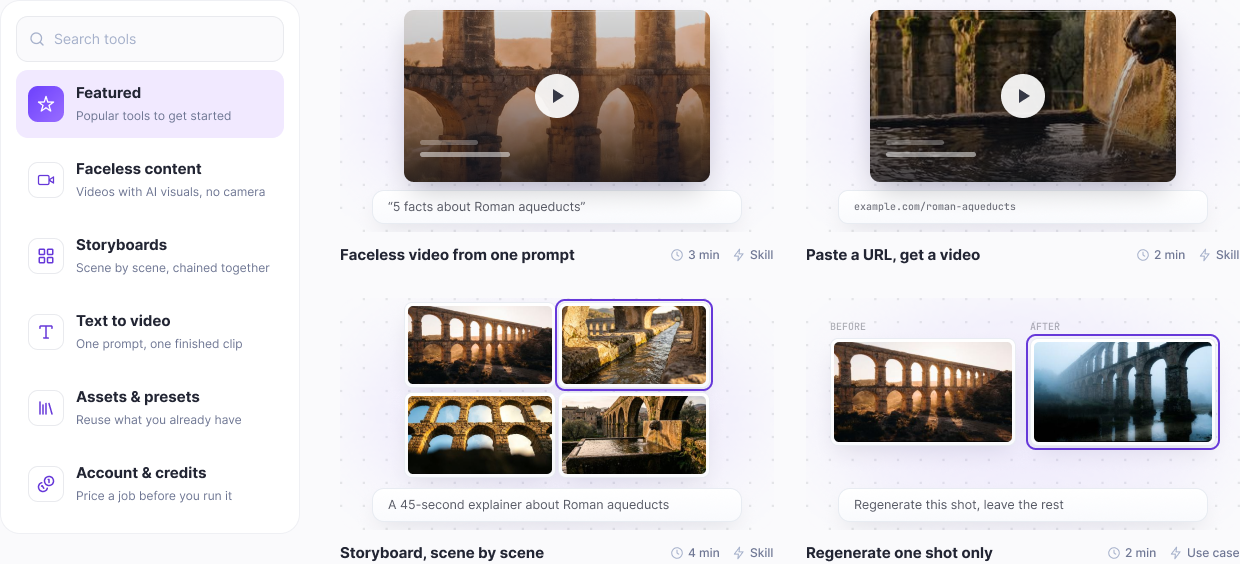
Every tool in the Syllaby MCP Server

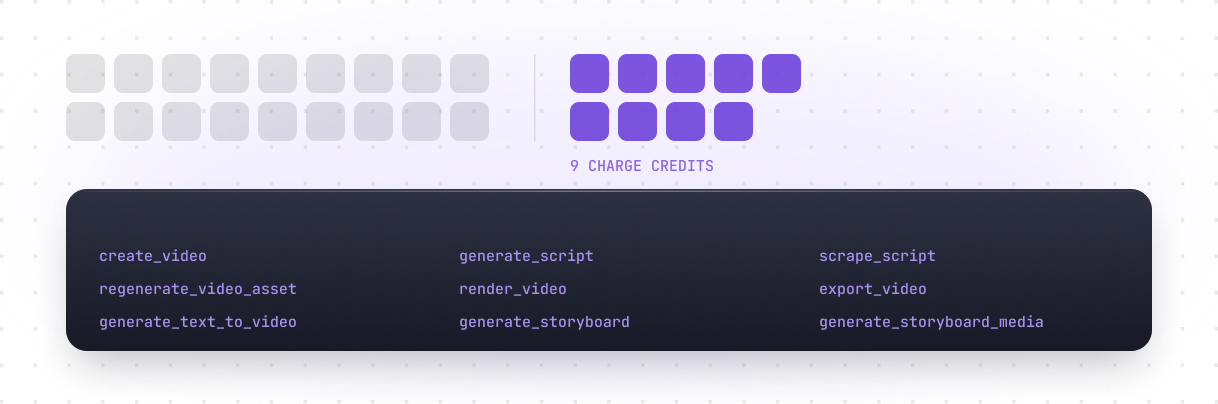
27 tools across faceless video, text-to-video, storyboards, assets and credits, callable from any MCP client. Eighteen are free to call; nine charge credits.

Conversational video creation

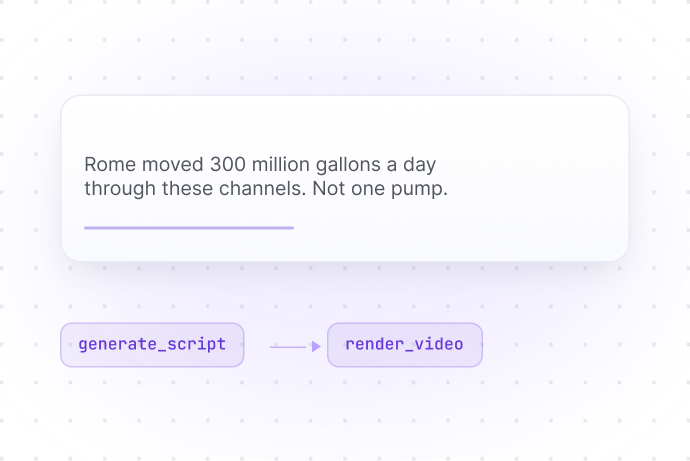
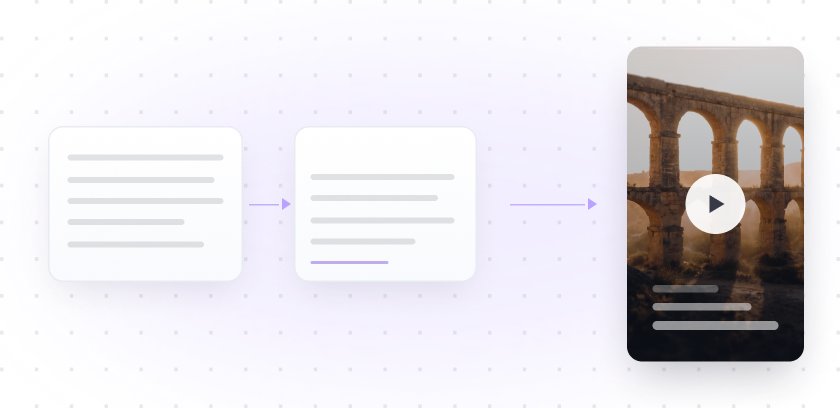
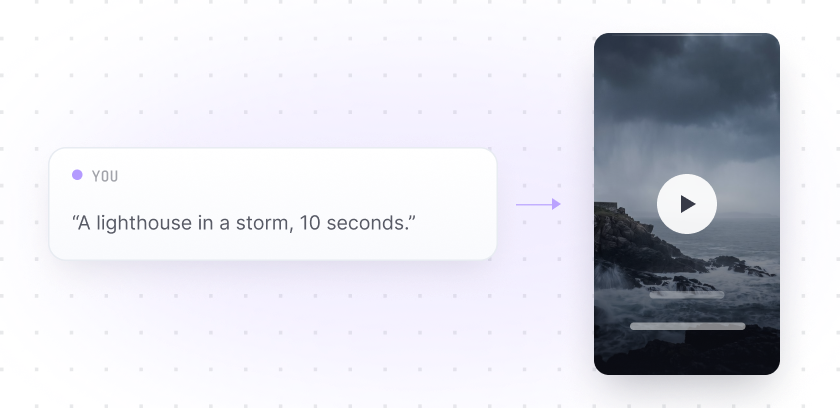
Ask for a faceless video and the server drafts it, writes the script, renders it and hands back the file.

Script first, render after

Generate a script in chat, refine it in place, then render that same draft without leaving the conversation.

Storyboards, scene by scene

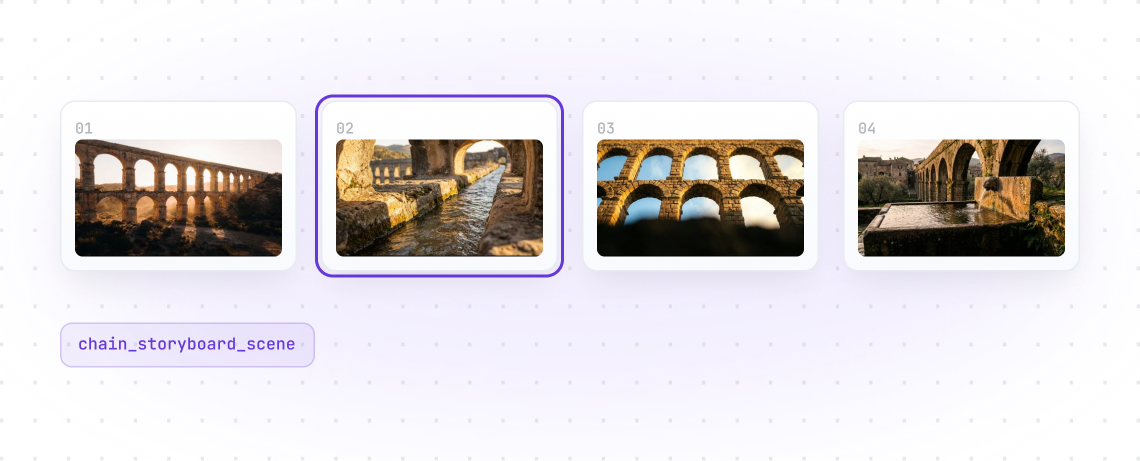
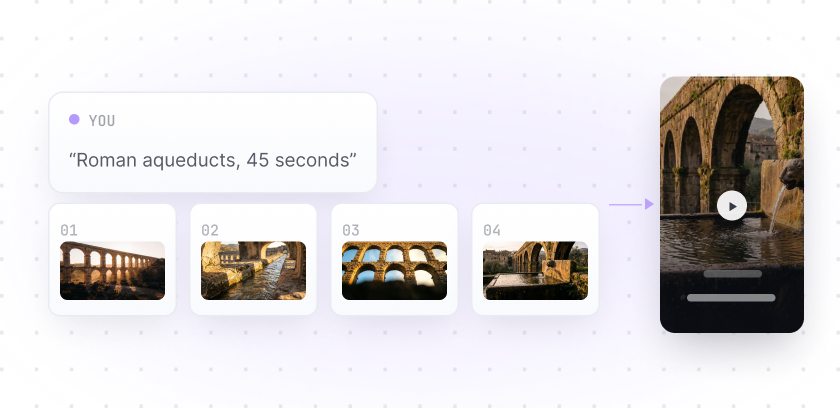
Build a storyboard, edit a single scene, chain one scene into the next, then render the whole thing.

A link becomes a video

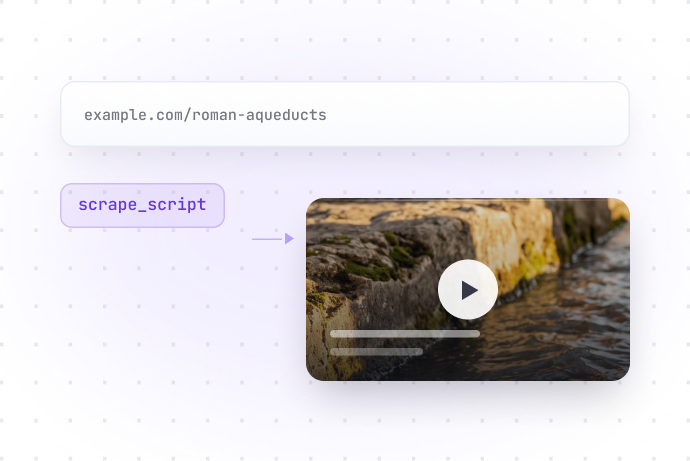
Point it at an article and it pulls out the script and the images, then builds the video from them.

Price it before you spend

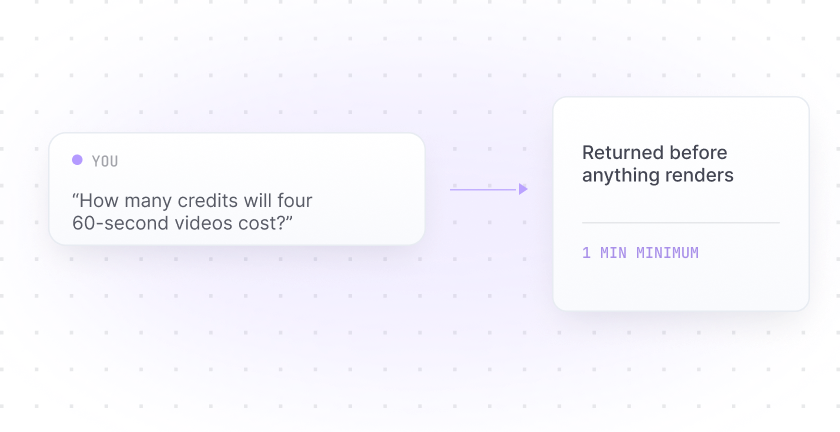
Ask what a render will cost and check what you have left, before anything is charged.

Every tool in the Syllaby MCP Server

27 tools across faceless video, text-to-video, storyboards, assets and credits, callable from any MCP client. Eighteen are free to call; nine charge credits.

Connect Syllaby to your AI client

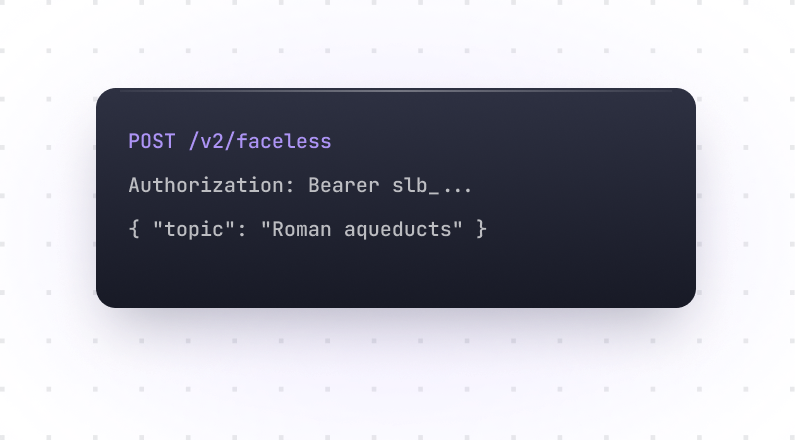
The documented ways in. Add a custom connector and authorize over OAuth, or pass a bearer API key for headless environments.

claude.ai

Connector URL

https://api.syllaby.io/mcp

Claude Desktop

Connector URL

https://api.syllaby.io/mcp

ChatGPT

Developer mode

https://api.syllaby.io/mcp

Claude Code

OAuth

claude mcp add --transport http syllaby
https://api.syllaby.io/mcp

Claude Code · headless

Bearer token

claude mcp add --transport http syllaby
https://api.syllaby.io/mcp \ --header "Authorization: Bearer slb_..."

Any MCP client

Connector URL

https://api.syllaby.io/mcp

Built for developers, agencies and content teams

Whether you are wiring Syllaby into an internal assistant, running client work at volume, or you simply want video creation where you already chat, the MCP server fits the way you already work.

Content teams

You plan content in one place and want to create without switching tools.

Agencies

You run video work for several clients and need it repeatable, not bespoke every time.

Developers

You are building an agent, copilot or internal tool and want video generation inside it.

Popular workflows you can build

In MCP the trigger is the prompt. Type one of these and the server chains the tools for you. No builder, no wiring.

Blog post → faceless short

scrape_script

create_video

render_video

export_video

One sentence → one clip

generate_text_to_video

Idea → multi-scene storyboard

generate_storyboard

generate_storyboard_media

Scene → the next scene

chain_storyboard_scene

generate_storyboard_media

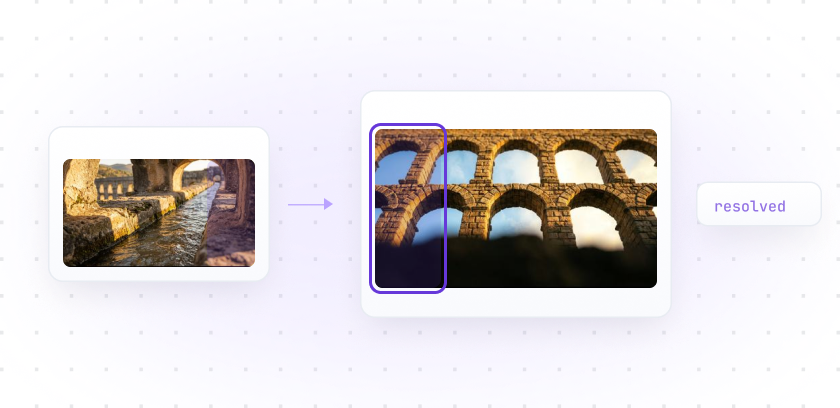
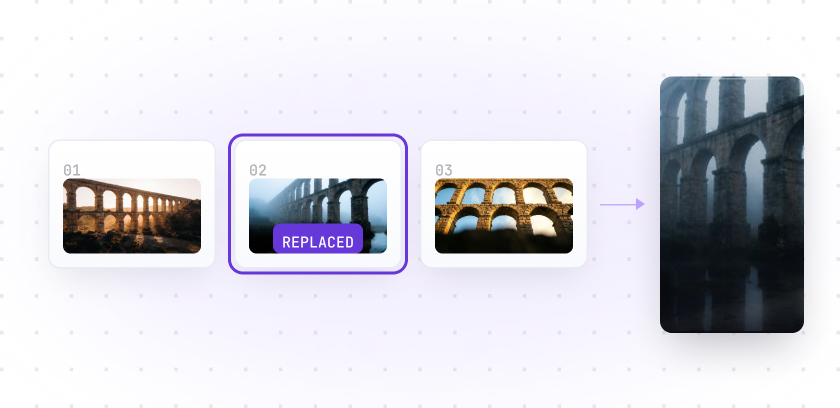
One bad shot → replaced

regenerate_video_asset

render_video

export_video

Cost check before you commit

Explore the Syllaby MCP Server

The whole surface in one place: the command you run, what you say once it is connected, and the rules that govern access.

Config Terminal
MCP api.syllaby.io/mcp
1# add the hosted server2claude mcp add --transport http \3  syllaby https://api.syllaby.io/mcp45# or skip OAuth for CI6claude mcp add --transport http \7  syllaby https://api.syllaby.io/mcp \8  --header "Authorization: Bearer slb_..."
CONNECTED what you say next
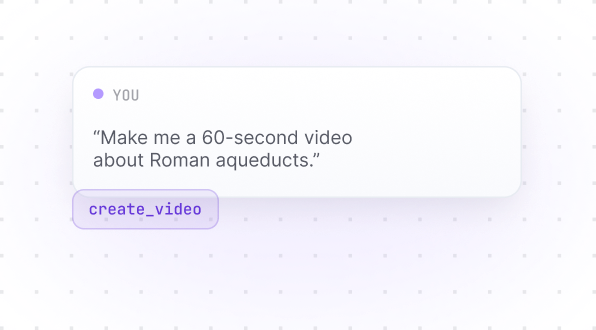
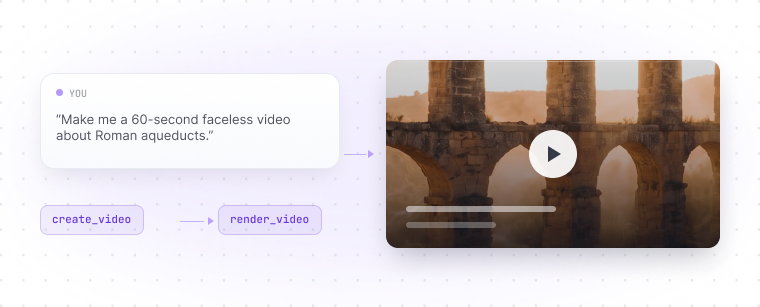
> Make me a 60-second faceless video
about Roman aqueducts.
create_video drafted
render_video rendered
aqueducts.mp4 in your library

Authentication

OAuth by default, or a bearer API key for headless use

Authorization: Bearer slb_…

Server URL

Every MCP client points at this one endpoint

https://api.syllaby.io/mcp

API keys

Generate a key in your account settings

Manage keys →

Tools

27 callable tools. Eighteen free, nine charge credits.

Browse tools →

Error handling

Consistent error shapes with clear codes

4xx / 5xx

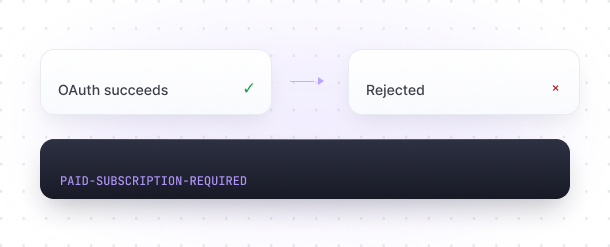
Subscription

An active paid subscription. Trial accounts are rejected.

PAID-SUBSCRIPTION-REQUIRED

Full MCP documentation

Every tool, parameter, error code and best practice in the complete reference.

What it costs to run

Eighteen of the 27 tools are free to call. Nine charge credits, and that list is closed. These are the rules the server actually enforces.

Eighteen free, nine that charge

Reads, estimates, drafts, scene edits and scene chaining cost nothing. The charging list is closed: these nine tools and no others.

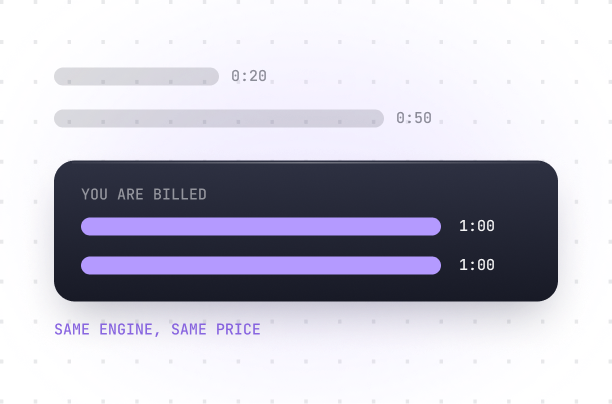
Short renders cost the same

Renders bill a minimum of one minute, so a 20-second and a 50-second render on the same engine cost the same.

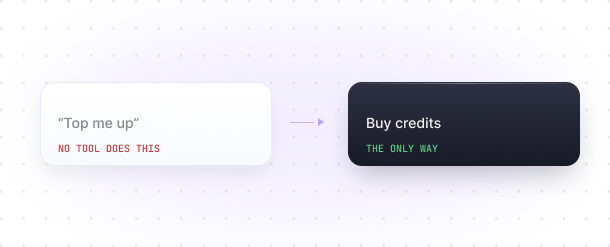
No tool sells you credits

Nothing on this server tops up a balance or upgrades a plan. If you are short, the agent says so and points you at your account.

Trials can connect, but not call

A trial account authenticates fine, then every tool call is rejected until the subscription becomes paid.

Other ways in

The hosted server is one route. Two more are documented, both installed from npm and both authenticating with the same bearer API keys.

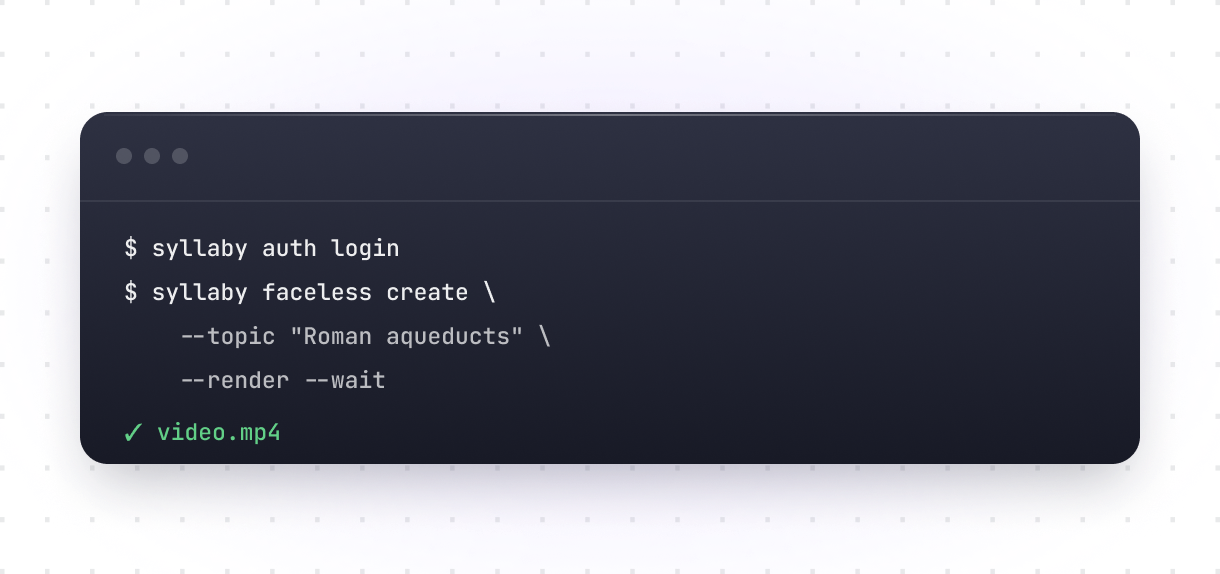
Or skip the chat entirely

The whole API as curated terminal commands, plus a raw escape hatch for every endpoint. Same bearer keys, same rate limits.

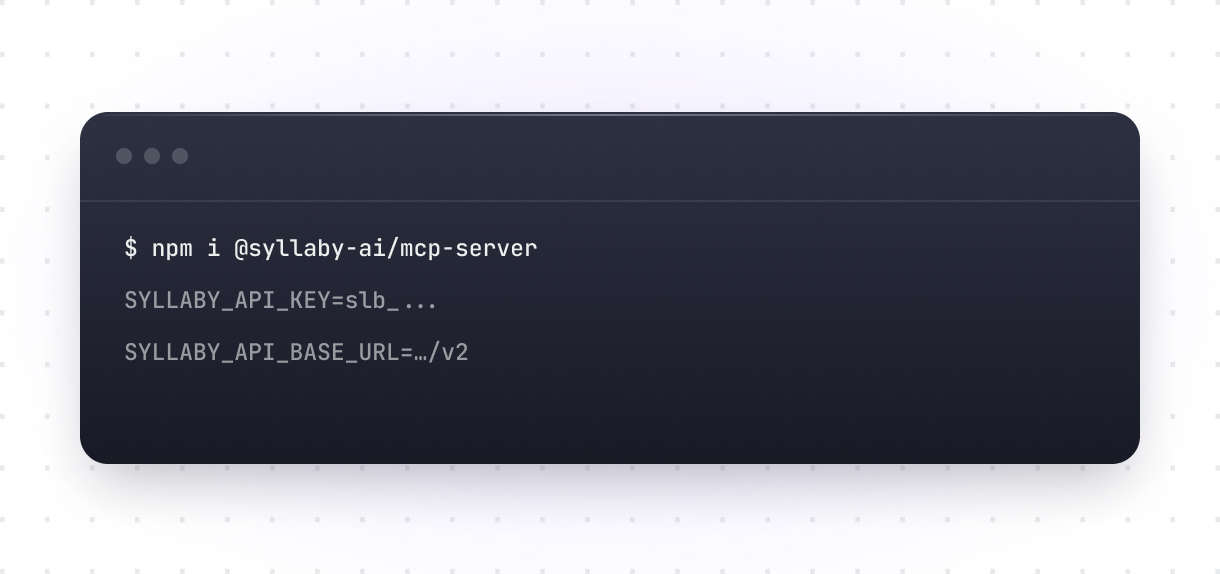
Run it on your own machine

The same tools as a local MCP process instead of the hosted server. Installable from npm, the MCP Registry, Smithery, or as a desktop extension.

Three ways to create with Syllaby

Use the app by hand, drive it from the AI client you already talk to, or build straight against the API. Same engine underneath, three different ways in.

Syllaby API

Build Syllaby into your own product.

Best for Product and engineering teams

Syllaby MCP

Create from the AI client you already use.

Best for Teams, agencies and power users

Syllaby App

Create by hand in a visual interface.

Best for Creators and marketers

Syllaby App
Syllaby MCP
Syllaby API
Where you work
In the app
In your AI client
In your codebase
Setup
Just log in
Paste one URL
API key + integration
Code needed
None
None
Yes
Best for
Creators, marketers
Teams, agencies, power users
Product and eng teams

MCP questions

What the Syllaby MCP server is, which clients it works with, and what it costs to run.

Syllaby MCP server showcase

Yes. Syllaby runs a hosted remote MCP server at https://api.syllaby.io/mcp that exposes 27 tools to any MCP-compatible client.

Yes. Syllaby runs a hosted remote MCP server at https://api.syllaby.io/mcp that exposes 27 tools to any MCP-compatible client.

Yes. Syllaby runs a hosted remote MCP server at https://api.syllaby.io/mcp that exposes 27 tools to any MCP-compatible client.

Yes. Syllaby runs a hosted remote MCP server at https://api.syllaby.io/mcp that exposes 27 tools to any MCP-compatible client.

Yes. Syllaby runs a hosted remote MCP server at https://api.syllaby.io/mcp that exposes 27 tools to any MCP-compatible client.

Yes. Syllaby runs a hosted remote MCP server at https://api.syllaby.io/mcp that exposes 27 tools to any MCP-compatible client.

Yes. Syllaby runs a hosted remote MCP server at https://api.syllaby.io/mcp that exposes 27 tools to any MCP-compatible client.

Yes. Syllaby runs a hosted remote MCP server at https://api.syllaby.io/mcp that exposes 27 tools to any MCP-compatible client.

Yes. Syllaby runs a hosted remote MCP server at https://api.syllaby.io/mcp that exposes 27 tools to any MCP-compatible client.

Yes. Syllaby runs a hosted remote MCP server at https://api.syllaby.io/mcp that exposes 27 tools to any MCP-compatible client.

Yes. Syllaby runs a hosted remote MCP server at https://api.syllaby.io/mcp that exposes 27 tools to any MCP-compatible client.

Still have questions?

Contact our support team