




As Featured In










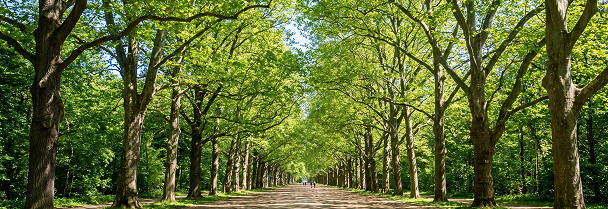


Made in the AI Images studio
Every image below came out of this one window. The model that made each is named on the tile.

 Seedream 5.0 Pro

 GPT Image 2

 Nano Banana 2
 Nano Banana Pro
 Nano Banana Pro
 GPT Image 1.5
 Seedream 4.0
 Seedream 5.0 Lite
 GPT Image 2
 Nano Banana


Frequently Asked Questions
Everything you need to know about Syllaby Labs.

It is one place for every image you make in Syllaby. Today images live inside thumbnails, storyboards and avatars separately. The studio brings every model, your references and your whole image library into a single window.
It is one place for every image you make in Syllaby. Today images live inside thumbnails, storyboards and avatars separately. The studio brings every model, your references and your whole image library into a single window.
It is one place for every image you make in Syllaby. Today images live inside thumbnails, storyboards and avatars separately. The studio brings every model, your references and your whole image library into a single window.
It is one place for every image you make in Syllaby. Today images live inside thumbnails, storyboards and avatars separately. The studio brings every model, your references and your whole image library into a single window.
It is one place for every image you make in Syllaby. Today images live inside thumbnails, storyboards and avatars separately. The studio brings every model, your references and your whole image library into a single window.
It is one place for every image you make in Syllaby. Today images live inside thumbnails, storyboards and avatars separately. The studio brings every model, your references and your whole image library into a single window.
It is one place for every image you make in Syllaby. Today images live inside thumbnails, storyboards and avatars separately. The studio brings every model, your references and your whole image library into a single window.
It is one place for every image you make in Syllaby. Today images live inside thumbnails, storyboards and avatars separately. The studio brings every model, your references and your whole image library into a single window.
Still have questions?
Contact our support team