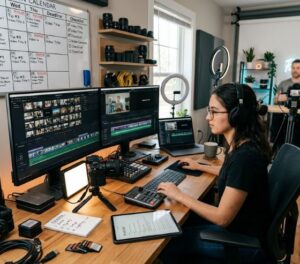






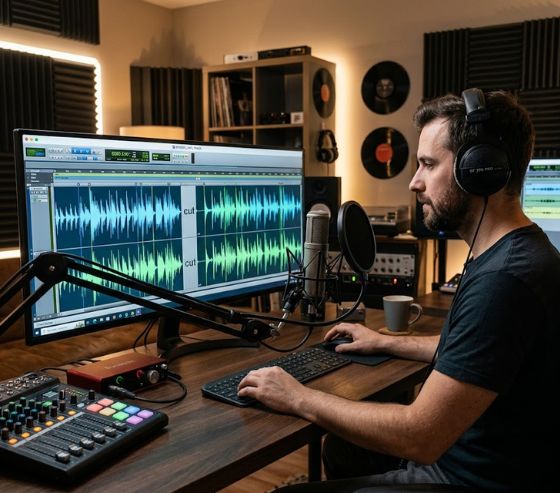
Voiceover pacing, silence trimming, retention editing work together to shape audio rhythm, remove awkward pauses, and keep viewers engaged from start to finish. Mastering these three post-production steps directly improves video completion rates by eliminating audience fatigue and maintaining dynamic verbal energy. Content creators who balance speech cadences with clean audio cuts consistently achieve higher average view durations across digital platforms.
When viewers watch online video content, their attention spans react instantly to subtle changes in sound quality and speech delivery. A sluggish delivery creates boredom, while unpolished dead air signals low production quality. By leveraging modern audio software, creators can fine-tune voice tracks to build polished, compelling visual stories.
Audio clarity is often the invisible force behind successful online media. Creators who optimize sound dynamics across an automated video creation platform notice an immediate increase in audience interaction and subscription growth. Finding the ideal harmony between vocal speed, silence removal, and retention techniques forms the foundation of modern audio engineering.
Understanding Voiceover Pacing for Audience Engagement
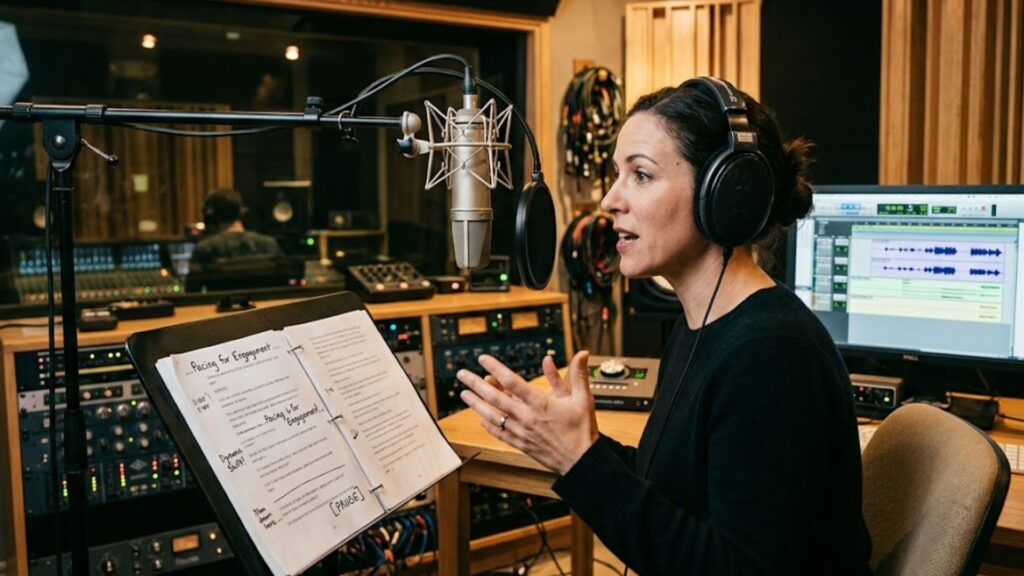
Voiceover pacing, silence trimming, retention editing form the core blueprint for keeping viewers immersed in your narrative. Pacing refers to the rate and rhythmic cadence at which spoken words are delivered throughout a narration track. Controlling this speed prevents audience distraction and ensures key information lands with maximum clarity.
Audio speed is measured through spoken cadence, which dictates how quickly listeners process complex concepts. Fast-paced narration builds excitement during energetic segments, whereas a steady pace supports educational breakdowns. Content creators must adjust delivery speeds to match the emotional context of their video.
Different niches require distinct vocal speeds to achieve optimum viewer retention. For instance, educational channels and medical explainer creators tailoring video content across different industries often opt for a deliberate, clear delivery. Matching speech tempo to target audience expectations builds immediate trust and credibility.
What Is the Ideal Words Per Minute for Voiceover?
Determining the target words per minute for voiceover project scripts depends heavily on content type and video intent. Standard conversational narration generally ranges between 130 and 160 words per minute for optimal comprehension. Commercial spots often push closer to 170 words per minute to pack maximum enthusiasm into short timeframes.
If spoken delivery drops below 120 words per minute, viewers frequently report feeling disengaged or impatient. Conversely, exceeding 180 words per minute can cause listening fatigue and force viewers to drop off. Achieving the ideal balance keeps listeners focused on your message without overwhelming their cognitive processing capacity.
Here is a quick breakdown of standard speech rates based on video style:
- Instructional Tutorials: 130 to 145 words per minute
- Documentary Narration: 135 to 150 words per minute
- Casual Conversational Videos: 150 to 165 words per minute
- High-Energy Promotional Ads: 165 to 180 words per minute
How Pacing Influences Listener Comprehension
The human brain processes auditory information in real time, requiring subtle structural micro-pauses between major ideas. When speech flows at an even tempo with balanced variation, listeners absorb key points effortlessly. Varying sentence lengths and vocal emphasis creates an organic rhythm that maintains continuous curiosity.
Writing scripts designed specifically for spoken delivery makes pacing far easier to execute in post-production. Using an AI script generation feature allows creators to format sentences with natural breath stops and balanced sentence structures. Proper script architecture eliminates tongue-twisters and awkward verbal transitions before recording even begins.
Furthermore, strategic vocal modulation keeps speech from sounding monotone. Monotonous delivery signals to the viewer that the content lacks excitement, causing swift drop-offs. By intentionally shifting pitch and speed during key narrative pivots, video producers maintain an inviting tone.
Optimizing Silence Trimming to Eliminate Dead Air
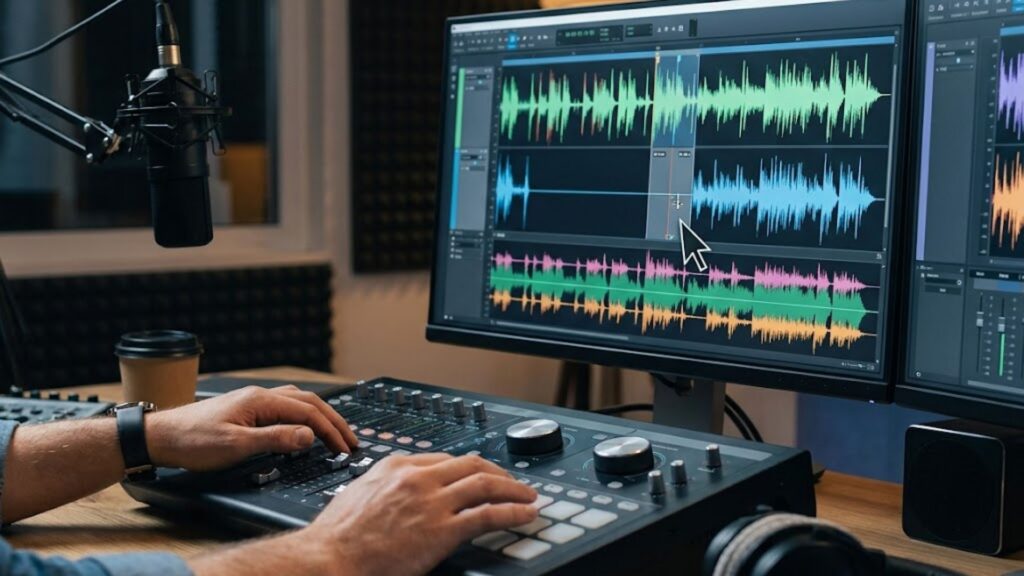
Dead air is one of the primary culprits behind sharp drops in viewer analytics. Silence trimming removes unnecessary pauses, deep breaths, and vocal hesitations that disrupt the momentum of a narration track. Cleaning these gaps ensures your audio stays crisp and maintains listener momentum.
In traditional recording environments, audio editors spend hours manually highlighting and deleting quiet gaps on timeline tracks. Modern creators streamline this process by utilizing automated software that scans audio waveforms for silent intervals. Removing non-essential pauses immediately boosts the overall velocity of the narrative.
Automated Silence Removal vs. Manual Trimming
Many modern editing suites allow creators to remove silence from audio automatically by setting precise volume thresholds and duration parameters. Automated silence removal algorithms automatically detect gaps below a chosen decibel level and collapse them instantly. This technology slashes editing time while maintaining natural speech patterns.
When using synthetic narration, automated trimming ensures synthetic speech tracks sound completely natural and fluid. Utilizing advanced AI voice cloning capabilities gives creators full control over breath marks and cadence adjustments. This synergy between voice generation and silence trimming produces broadcast-quality results in seconds.
For high-volume production teams, automated silence removal transforms post-production workflows into seamless operations. Syllaby AI integrates automated speech smoothing directly into video generation pipelines, ensuring audio tracks remain tightly edited without manual timeline editing. This efficiency allows creators to focus on high-level content strategy rather than tedious waveform trimming.
The Danger of Over-Trimming Audio
While removing dead air is crucial, deleting every single pause creates an unnatural delivery that exhausts listeners. Natural speech requires brief micro-pauses for punctuation, emphasis, and emotional resonance. Striking a balance between tight editing and natural breathing prevents audio from sounding overly rushed.
A helpful guideline is to preserve short pauses between major topic changes while eliminating long hesitations within sentences. Keeping silent breaks between 200 to 400 milliseconds preserves natural speech rhythms without slowing down overall video momentum. Strategic pauses give audience members time to process critical statements.
Mastering Voiceover Pacing, Silence Trimming, Retention Editing for High Watch Time
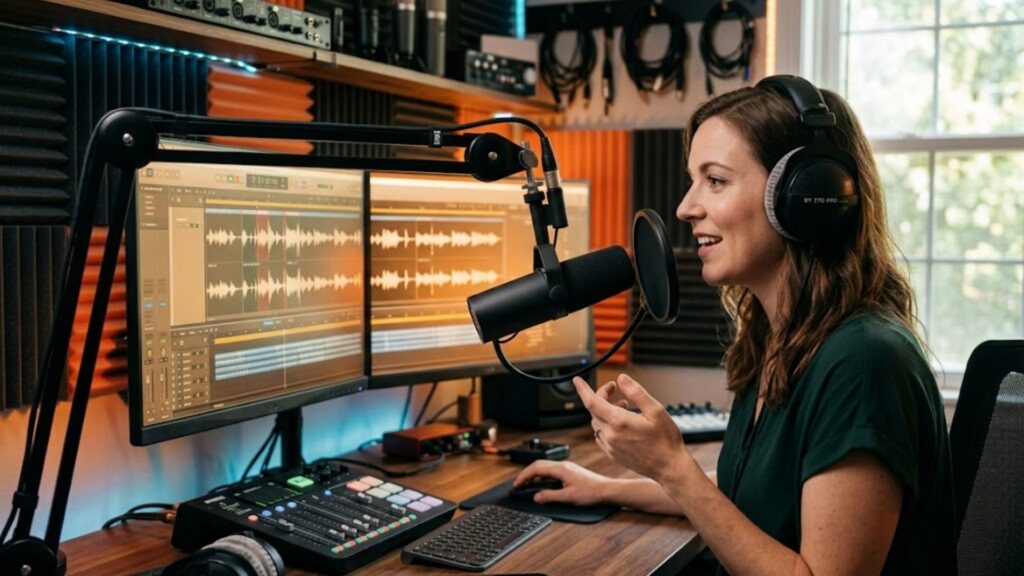
Retention editing involves structural and audio modifications designed specifically to keep viewers watching longer. Combining precise audio adjustments ensures your video holds audience attention across every second. High retention signals algorithms that your video provides exceptional value.
Implementing audience retention editing techniques requires looking at audio and visual cues as a unified experience. Editors use sound effects, audio risers, background music ducking, and vocal cuts to signal transitions and reignite viewer focus. Strategic audio shifts prevent viewer boredom and maintain continuous visual interest.
Audio editing plays an exceptionally critical role in content styles where on-camera talent is absent. Channels that rely on faceless video generation tools depend entirely on dynamic voiceover pacing and rich sound design to drive viewer retention. A tightly edited voice track paired with engaging visuals guarantees strong audience connection.
Audio Pattern Interrupts and Sound Design
Pattern interrupts break up repetitive sound patterns before a viewer loses focus or clicks away. Introducing subtle sound effects, pitch shifts, or subtle background music swaps every 10 to 15 seconds re-engages the listener’s brain. These tiny audio cues reset focus without interrupting the core message.
Background music leveling, or audio ducking, is another vital aspect of retention editing. Lowering background music during spoken voiceovers and raising it during visual transitions creates a dynamic acoustic atmosphere. Proper volume leveling keeps narration crisp and easy to understand.
Synergizing Voiceover and Visual Cut Tempo
Visual editing tempo should always mirror the pace of the underlying voiceover track. Fast-paced voice narration demands quick visual cuts, b-roll switches, and screen graphic reveals to keep visual stimulation aligned with sound. Conversely, slower vocal explanations benefit from longer visual holds.
Investing in dedicated tools that synchronize visual elements with audio tracks saves hundreds of editing hours. Reviewing flexible pricing plans for automated video editing platforms helps teams scale their production quality affordably. Syllaby AI provides robust, cost-effective options designed to automate audio synchronization effortlessly.
Voiceover Pacing & Retention Benchmark Guide
| Voiceover Pacing Style | Target Speed (WPM) | Primary Use Case | Retention Impact |
| Relaxed & Deliberate | 120 – 135 WPM | Technical Tutorials, Legal & Medical Explainers | Prevents cognitive overload; high completion on complex subjects. |
| Standard Conversational | 140 – 155 WPM | Educational Videos, Storytelling, Vlogs | Maintains steady interest with natural, easy-to-follow cadence. |
| Uptempo & Energetic | 160 – 175 WPM | Social Shorts, Product Demos, Entertainment | Hooks viewers quickly; maximizes short-form retention rates. |
| Fast Promotional | 180+ WPM | Commercial Teasers, Flash Sales, Disclaimers | Creates urgency; best kept brief to avoid listener fatigue. |
Streamlining Audio Post-Production with Automation
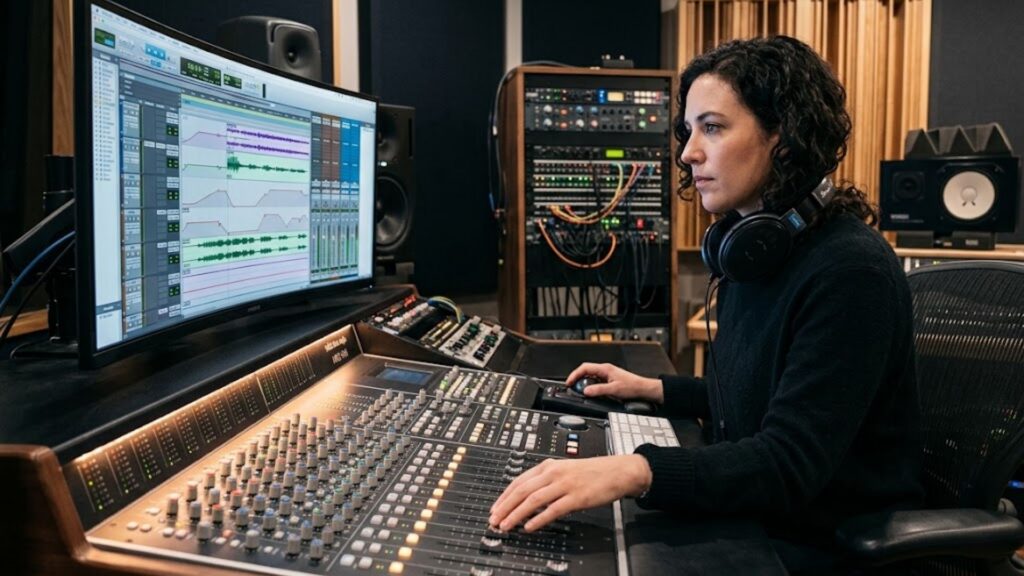
Integrating modern artificial intelligence into audio editing workflows dramatically simplifies voiceover optimization. Syllaby AI allows creators to automate speech pacing, script alignment, and voice selection within a single unified workspace. Automating repetitive audio tasks frees up valuable creative energy for video concepts.
For enterprise teams and developer workflows requiring custom integrations, automated tools provide scalable backend support. Utilizing custom API integration solutions allows organizations to incorporate advanced script-to-video automation directly into existing content management systems. This ensures consistent voiceover quality across massive video libraries.
Building an efficient video pipeline requires reliable technology and ongoing support. Teams looking to elevate their production efficiency can get in touch with our team to discover custom solutions tailored to their growth goals. Syllaby AI remains committed to helping creators master voiceover pacing, silence trimming, retention editing through modern automation.
Frequently Asked Questions
What is the ideal words per minute for voiceover narration?
Conversational voiceover narration typically ranges between 140 and 160 words per minute. Technical or complex instructional content performs better at 130 to 140 words per minute, while high-energy promotional videos can reach up to 170 words per minute for maximum impact.
How do you remove silence from audio automatically without sounding robotic?
You can remove silence from audio automatically by setting audio thresholds to detect dead air pauses longer than 300 milliseconds. Preserving brief micro-pauses between 200 and 300 milliseconds between natural sentences preserves the speaker’s natural rhythm and avoids a choppy sound.
How does silence trimming improve audience retention rates?
Silence trimming eliminates dead air, hesitation sounds, and breath gaps that cause viewer boredom. By maintaining continuous verbal momentum, video completion rates increase because listeners remain actively engaged without unexpected lulls.
What are the best audience retention editing techniques for audio?
Key audio retention editing techniques include adjusting vocal pacing, ducking background music under speech, inserting subtle sound effects as pattern interrupts, and trimming dead air gaps between phrases to maintain momentum.
How does voiceover pacing impact viewer drop-off points?
Monotone or overly slow pacing causes viewer drop-off within the first 30 seconds of a video. Shifting spoken tempo dynamically at transition points keeps viewers curious and prevents mental fatigue throughout longer videos.
Elevating Video Performance Through Strategic Audio Editing
Mastering voiceover pacing, silence trimming, retention editing transforms raw narration into a captivating viewing experience. By tailoring words per minute, eliminating dead air, and applying strategic pattern interrupts, content creators can double their audience retention and scale their channel growth. Taking a proactive approach to audio editing ensures every published video delivers maximum impact.
Whether you produce educational tutorials, corporate marketing videos, or social media clips, audio refinement remains your greatest asset for audience growth. Embracing automated tools like Syllaby AI simplifies the entire audio editing process, letting you publish polished content faster than ever before. Start optimizing your voiceovers today to watch your retention metrics soar.