


AI now enables the creation of animated images and talking avatars that enhance engagement. This article reviews the tools that convert still pictures into lifelike animations with synchronized voice. It explains how these tools work and how to choose the right option for marketing, social media, or personal projects. The guide covers top tools, step-by-step animation instructions, the lip-sync technology behind them, and practical use cases. For guidance on scripting these videos, see the AI video script generators.
Key Takeaways
- AI tools enable users to animate pictures with realistic voice synchronization and facial expressions effectively.
- Leading AI photo animation software features include realistic voice synthesis, customizable avatars, and high-resolution outputs.
- Syllaby offers unique capabilities like digital twins, multi-language support, and 4K resolution for dynamic avatar creation.
- Animating a face involves selecting a quality image, uploading it, animating expressions, adding voice, and exporting the result.
- AI lip sync technology synchronizes mouth movements with audio to create lifelike talking avatars for engaging content.
- Accurate lip sync enhances viewer engagement by making animated characters appear authentic and emotionally expressive.
- Animated talking avatars support marketing by enabling customer interaction, creative storytelling, and personalized messaging.
- Subscription plans for AI avatar tools provide access to advanced features, regular updates, and cost-effective content creation.
- Pricing influences user choice between premium features for businesses and affordable options for freelancers or casual users.
Which Are the Best AI Tools for Creating Talking Avatars and Photo Animations?
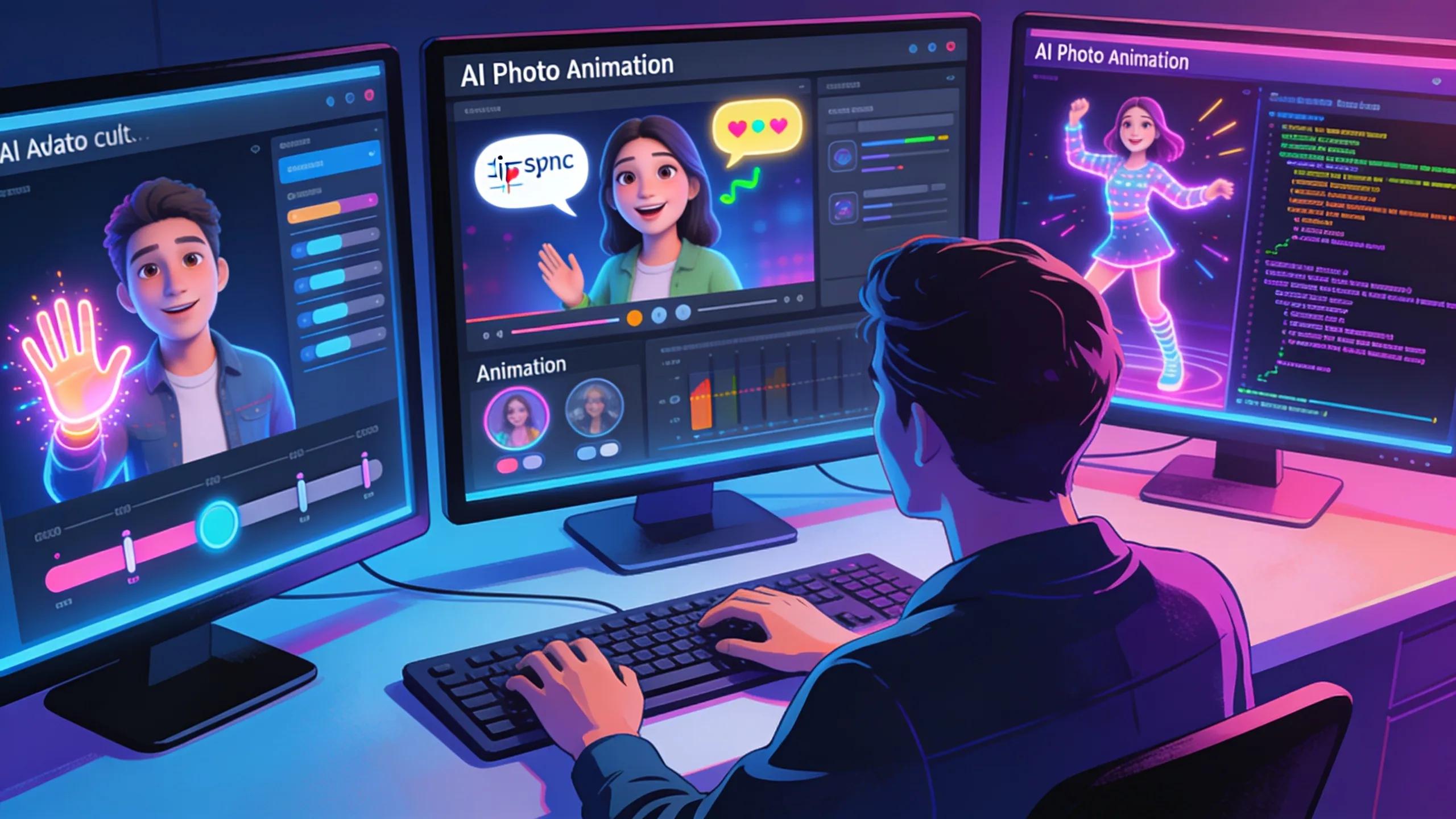
AI has changed how animated images and talking avatars are produced. Several platforms stand out for their features and user experience. This section compares those tools by capability and user benefit. Learn more about these AI video generation tools.
What Features Distinguish Leading AI Photo Animation Software?
Leading AI photo animation tools combine precise voice generation, flexible avatar controls, and high-quality exports. These elements support professional outputs across channels.
- Realistic Voice Synthesis: Advanced text-to-speech capabilities allow for natural-sounding voiceovers that sync perfectly with lip movements.
- Customizable Avatars: Users can create avatars with tailored appearances, enhancing personal branding and engagement.
- High-Resolution Output: Many tools provide options for generating high-quality, detailed animations suitable for a variety of applications, from social media posts to professional presentations.
Together, these features let users produce polished, engaging animations with minimal effort.
How Do Tools Like Syllaby Compare to Other Avatar Animation Platforms?
When evaluating tools like Syllaby alongside other avatar animation platforms, several key features set them apart:
| Tool | Unique Features | User Experience | Pricing |
|---|---|---|---|
| Syllaby | Digital Twin, Multi-Language Support, High-Accuracy AI, Premium Media Assets, 4K Resolution | User-friendly interface with extensive tutorials | Starts at $29/month |
| Synthesia | Diverse Avatar Library, User-Friendly Process | Intuitive design easy for beginners | Pricing upon request |
| Colossyan | Customizable Avatars, Language Proficiency | Simple navigation with interactive guides | Tiered subscriptions available |
Syllaby’s capabilities in realistic avatar creation and broad language support make it well suited for dynamic content needs. Explore the relevant industries.
What Are the Step-by-Step Instructions to Animate a Face from a Picture Using AI?
Animating a face from a photo follows a clear and repeatable process. Use reliable tools and high-quality source material to ensure the best results.
- Select a High-Quality Image: Start with a clear photo, preferably one that captures facial expressions and features well.
- Upload the Image: Using your chosen AI tool, upload the image to the platform.
- Animate the Face: Utilize the animation features to assign expressions and movements. This often includes selecting specific actions like smiling, talking, or even blinking.
- Add Voice: Choose or upload an audio file that will serve as the voice for the animation. Ensure that the audio aligns with the intended expressions.
- Export the Animation: Once satisfied with the preview, export the final animation in the desired format for usage.
Follow these steps to produce engaging animated images that support storytelling and audience interaction.
How Does AI Lip Sync Technology Enable Realistic Talking Avatars?
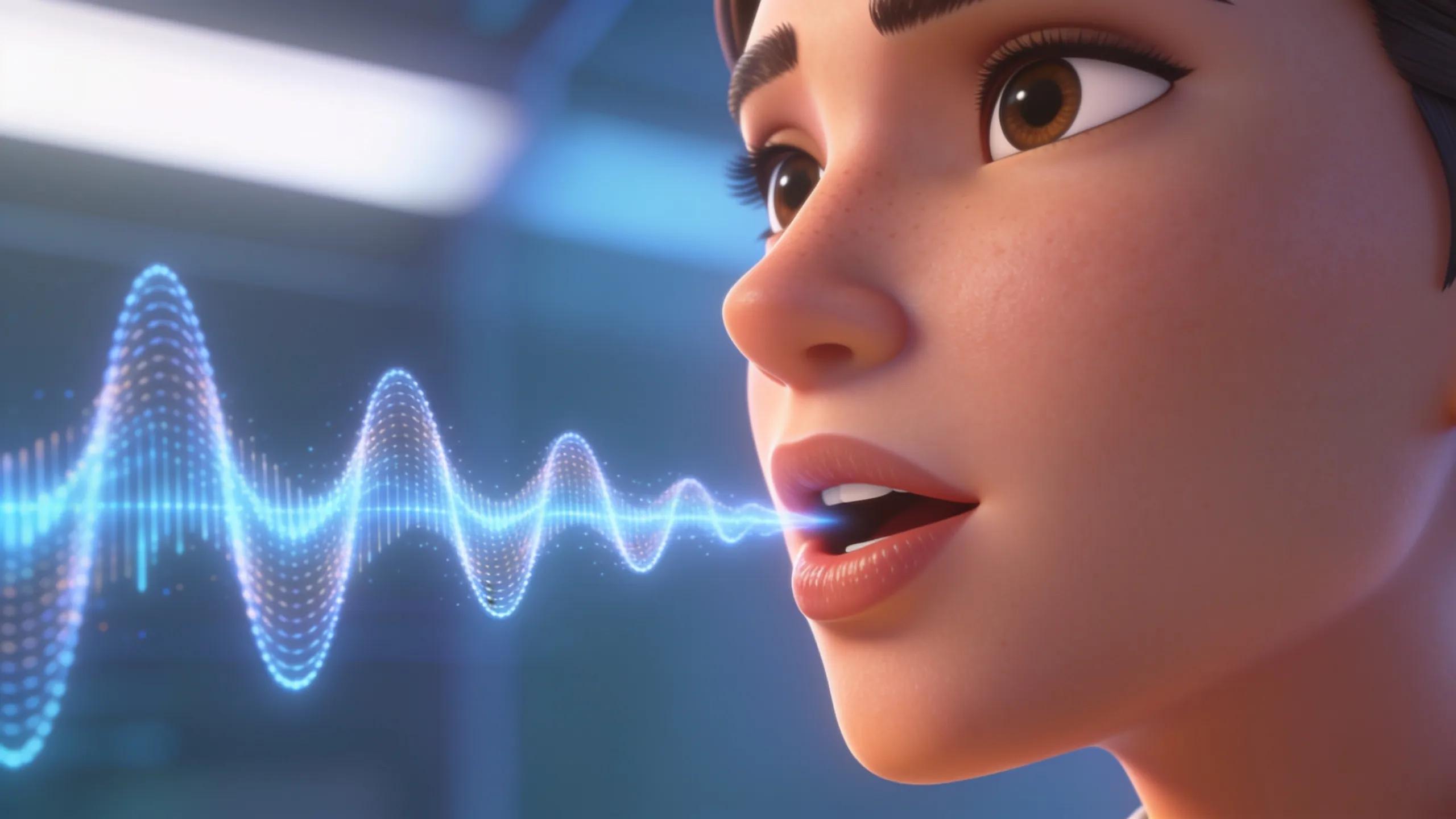
AI lip-sync systems align mouth movements and facial expressions with audio tracks. They analyse the audio and generate matching facial motion to create a convincing speaking avatar.
This capability increases engagement in marketing and educational content by producing more dynamic visuals. Many platforms include faceless video features that rely on this technology.
What Is AI Lip Sync and How Does It Work in Faceless Video Creation?
AI lip sync converts phonetic elements from audio into coordinated mouth animations. Algorithms map sounds to movements so avatars appear to speak naturally and display appropriate expressions.
In faceless videos, this technology lets animated characters carry the message without live presenters. The combination of voice synthesis and lip sync broadens the range of suitable applications, from promotions to training materials.
Why Is Accurate Lip Sync Important for Engaging Video Content?
Accurate lip sync makes animated characters believable and easier to watch. When audio and mouth movements align, viewers focus on the message rather than the mechanics. Poor sync undermines credibility and reduces engagement.
What Are the Practical Use Cases of Animated Talking Avatars for Social Media and Marketing?
Animated talking avatars serve several marketing and social media functions. They act as virtual representatives, tell brand stories, and deliver tailored messages to target audiences.
- Customer Interaction: Avatars can serve as virtual assistants for businesses, providing users with immediate responses that facilitate a better customer experience.
- Creative Storytelling: Brands can leverage animated avatars to narrate brand stories or product information engagingly and entertainingly.
- Personalized Marketing: By creating tailored messages that speak directly to potential customers, brands can enhance their reach and connection with audiences.
These applications help brands increase reach, improve message clarity, and deliver consistent experiences across channels.
How Can Personalized Video Content Enhance Social Media Engagement?
Personalised videos with animated avatars increase relevance for viewers. Tailored content attracts attention and encourages interactions, which improves shareability and reach.
Organisations that use these avatars can better match content to audience segments, which supports higher retention and response rates.
In What Ways Do Scalable Faceless Videos Support Lead Generation?
Scalable faceless videos allow marketers to deploy consistent messaging across channels without high production overhead. They are efficient for volume campaigns and brand reinforcement.
This method reduces production costs while enabling measurable distribution. The resulting engagement metrics yield insights that inform future campaigns.
How Do Subscription Plans for AI Talking Avatar Tools like Syllaby Provide Value?
Subscription plans for AI avatar tools provide tiered access to features and outputs. They let users choose the level of capability and support that fits their production needs. See Syllaby pricing for details.
What Subscription Benefits Improve Efficiency and Access to Features?
The benefits of subscribing to AI tools include:
- Access to Advanced Features: Subscribers can utilize the latest tools and technologies which enhance animation and engagement.
- Regular Updates: Subscription models ensure that users receive continuous updates and new features, keeping them in line with industry standards.
- Cost-Effectiveness: Opting for a subscription can often result in lower costs compared to purchasing individual features outright, especially for businesses requiring regular output.
These benefits streamline production and maintain access to current tools, improving output quality and speed.
How Does Pricing Impact Commercial Use and Content Creators’ Choices?
Price influences the selection of tools for businesses and creators. Higher tiers offer advanced features and support suited to commercial needs. Lower-cost options appeal to freelancers and small teams with limited budgets.
Reducing access barriers encourages wider adoption and spurs competition that benefits users. For questions or assistance, contact the sales team via the contact us page.
Frequently Asked Questions
1. Can animated talking avatars be used in educational content?
Yes. Animated avatars can present information clearly and keep learners engaged. They can demonstrate procedures, offer explanations, and support interactive learning formats.
2. What technical specifications should I consider when choosing an AI animation tool?
Evaluate output resolution (for example, 4K), export file formats, processing speed, voice-synthesis quality, avatar customisation, and integration options. Also assess the user interface and available customer support.
3. How does animated content impact viewer retention on social media?
Animated content holds attention longer than static images. Movement and storytelling increase watch time, shares, and interactions, which improves campaign performance on social platforms.
4. Are there free AI tools for creating animated avatars?
Yes. Several platforms offer free or freemium plans that let users test basic features. Advanced capabilities generally require a paid plan or upgrade. Trial periods and reviews help identify suitable options.
5. How can I optimize my animated videos for better SEO performance?
Use relevant keywords in titles and descriptions, add clear thumbnails, include transcriptions, and enable closed captions. Host videos on your site when possible and track engagement to improve dwell time.
6. Can the same avatar be used across different platforms and advertising channels?
Yes. AI-generated avatars are adaptable across social, web, and email channels. Reusing a single avatar supports consistent branding and efficient content production.
7. What are the ethical considerations when using AI-generated avatars?
Ensure avatars do not misrepresent real people and respect privacy and consent. Avoid misleading uses and be transparent about AI-generated content, particularly in sensitive contexts.
Conclusion
AI-driven avatar and image animation can strengthen engagement and storytelling across digital channels. The right tools improve production efficiency and deliver consistent brand experiences. Explore available solutions to match your goals and elevate your content strategy.