





Video dominates online communication, and AI avatar generators simplify producing polished, presenter-led videos. These tools help creators, marketers, and small businesses scale production while preserving a personalised feel. This article explains how AI avatar generators work, their core components, and practical ways to use digital presenters to produce professional videos more efficiently.
Key Takeaways
- AI avatar video generators create professional videos using customizable digital presenters with synthesized speech and realistic movements.
- These tools combine voice cloning, text-to-speech, and machine learning to produce engaging, human-like avatar presentations.
- Virtual presenter technology enhances audience engagement by delivering personalized, immersive video content cost-effectively.
- Step-by-step video creation involves selecting software, scripting, customizing avatars, producing, and editing the final video.
- AI avatar videos improve marketing by increasing engagement, reducing production costs, and enabling personalized content delivery.
- Subscription plans vary by features and video render limits, with higher tiers offering advanced customization and unlimited production.
- Optimizing AI-generated videos for social media requires tailoring content, engaging audiences interactively, and applying SEO best practices.
- Digital human animations foster stronger brand connections and improve viewer retention and conversion rates in campaigns.
- Incorporating storytelling and feedback mechanisms enhances viewer interaction and strengthens brand loyalty through AI presenters.
What Is an AI Avatar Video Generator and How Does It Work?
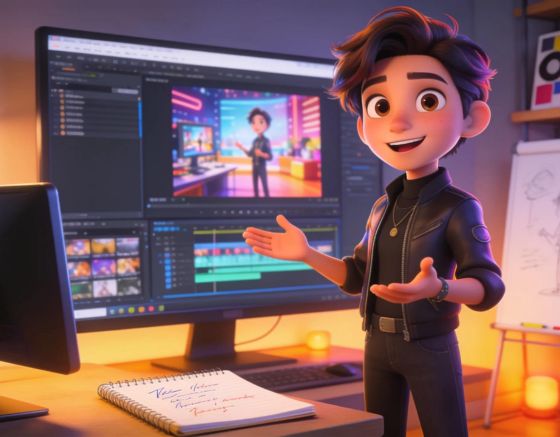
An AI avatar video generator enables the production of presenter-led videos by combining AI-driven animation with speech synthesis. Users create customizable avatars that deliver prepared scripts with naturalised motion and vocal delivery. The platform relies on machine learning and text-to-speech systems to synchronise voice and movement, reducing the technical burden of traditional video production and widening access to high-quality outputs.
Syllaby’s AI Avatar Video Generator reflects this approach by offering scalable digital human videos designed for social media and lead generation. The platform streamlines workflows so teams can prioritise message clarity and audience interaction.
Key Features of AI Avatar Video Software
AI avatar video platforms include features that replace manual production steps with automated, brand-safe options. Key capabilities typically cover avatar design, voice replication, and integrations that support end-to-end content workflows.
- Customizable AI Avatars: Users can tailor avatar characteristics such as appearance, voice, and mannerisms to better align with their branding and audience needs.
- Voice Cloning: Advanced voice synthesis technology allows for the replication of unique vocal patterns, making avatars sound more human and relatable.
- Integration Capabilities: Many AI avatar tools are equipped to integrate with other software, facilitating smoother content creation workflows and content management.
Together, these features enable targeted, on-brand videos that drive viewer relevance and operational efficiency.
How Virtual Presenter Technology Enhances Video Content
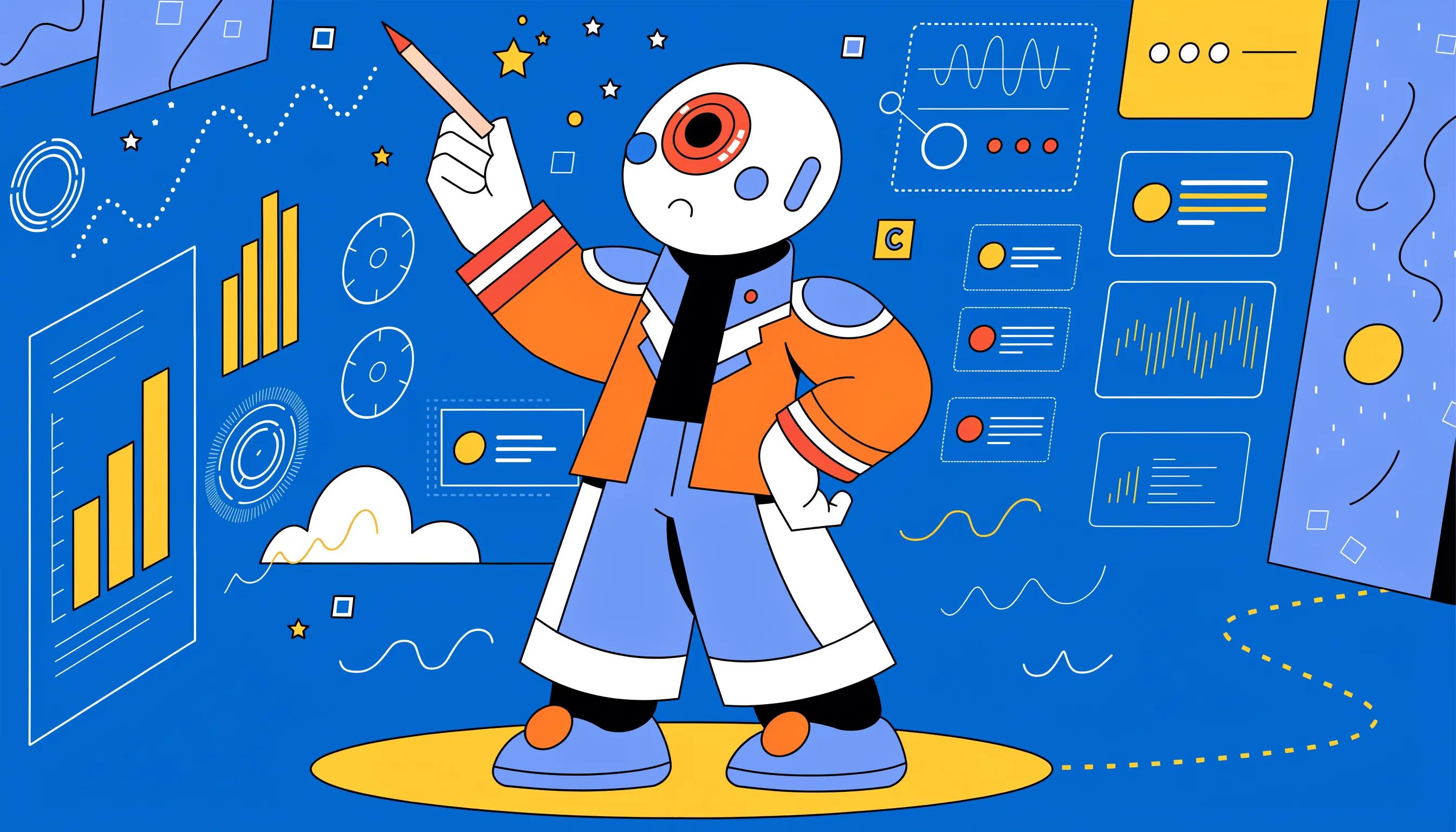
Virtual presenters combine lifelike avatars with advanced speech synthesis to create immersive content that holds attention. Their human-like delivery improves clarity and makes instructional or promotional material easier to follow.
Brands can use AI presenters to communicate consistently at lower cost than traditional shoots, enabling smaller organisations to deploy professional video assets across channels without large production budgets.
How to Create Professional Digital Human Videos Step by Step
AI avatar workflows simplify production into repeatable stages. The core steps cover platform selection, script preparation, avatar setup, automated rendering, and final edits.
- Choose an AI Avatar Software: Select a platform that fits your project needs. Look for options offering customizable features, ease of use, and supporting resources.
- Script Development: Write down the message you want to convey in the video. This script will be the basis for the avatar’s presentation.
- Avatar Customization: Personalize your avatar by selecting specific features such as voice, appearance, and background settings to match your brand identity.
- Video Production: Input the script into the software, adjusting settings as needed. Most platforms will generate the video automatically, syncing the avatar’s actions with the audio.
- Review and Edit: Once the initial video is produced, review it for any necessary changes. Fine-tuning the edit brings out the best quality in the final presentation.
Setting Up and Customizing Your AI Avatar
Start by defining the avatar persona to match your audience and brand: select features such as gender, ethnicity, attire, and tone. Templates and advanced controls help maintain consistency across assets.
Voice modulation and emotional settings let you adjust delivery for instructional, promotional, or conversational content, improving viewer connection and comprehension.
Recent advances allow systems to generate realistic speaking videos from minimal inputs, reducing setup time while preserving natural motion and expression.
GAIA: Zero-shot Talking AI Avatar Generation for Natural Videos
Zero-shot talking avatar generation seeks to synthesize realistic talking videos from speech and a solitary portrait image. Prior methodologies have typically leveraged domain-specific heuristics, such as warping-based motion representations and 3D Morphable Models, which inherently constrain the naturalness and diversity of the resulting avatars. In this study, we present GAIA (Generative AI for Avatar), a framework that obviates the need for such domain priors in talking avatar generation. Gaia: Zero-shot talking avatar generation, T He, 2024
Automated Video Creation Tools: Streamlining Production
Automation handles routine tasks—editing, effects, and audio sync—so teams spend less time on technical details and more on message design. Modern tools pair templates with guided workflows to accelerate production without sacrificing quality.
Evaluations show that platforms combining ease of use with integration options are most effective for scaling video production across marketing stacks.
What Are the Benefits of Using AI Avatar Videos for Marketing and Engagement?
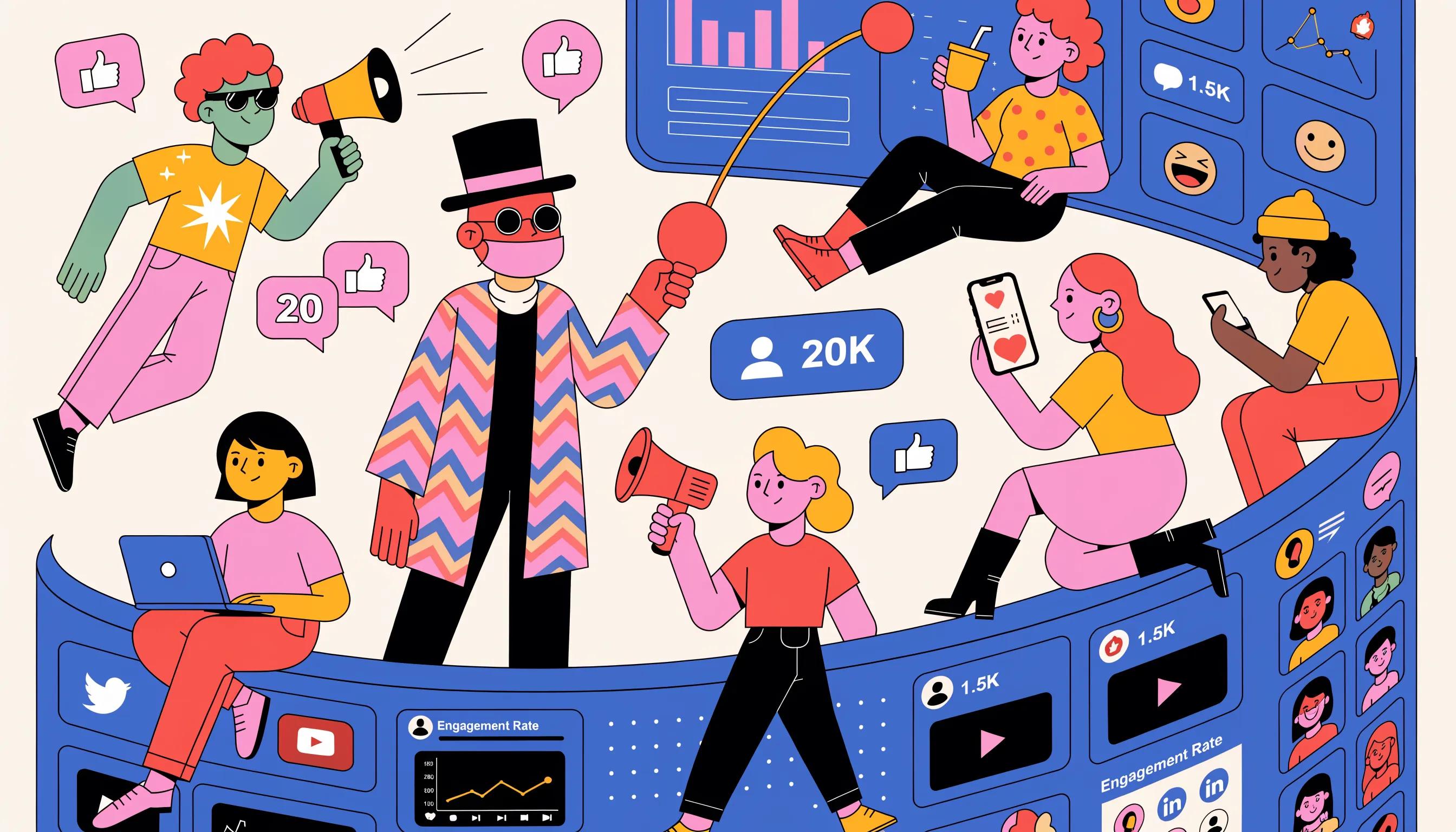
Integrating AI avatar videos in marketing increases engagement and improves brand visibility by delivering consistent, on-message presentations that scale across channels.
- Increased Engagement: Research indicates that video content garners higher engagement rates than static images. AI avatars add a personal touch, making content feel more relatable.
- Cost-Effectiveness: Producing videos with AI avatars requires considerably less investment than hiring professional actors or production teams, making it feasible for smaller businesses.
- Personalization Benefits: Avatars can be customized to reflect the audience’s preferences, fostering a stronger connection and improving retention rates.
These benefits show why AI avatar technology is a practical option for teams aiming to boost reach while managing production budgets.
Improving Lead Generation with Virtual Spokespersons
Virtual spokespeople enable targeted messaging that matches audience segments, supporting interactive experiences that encourage engagement. Used in emails and social feeds, personalised avatar videos can lift conversion rates and strengthen campaign performance.
Evidence indicates consumers favour personalised interactions, which helps build loyalty and extend reach when messages align with recipient needs.
Scalability and Personalization Features for Social Media
AI avatar workflows scale production by automating repeatable elements so teams can generate multiple, tailored videos for different products and audiences with limited incremental effort.
Combining automation with channel-specific adjustments improves turnaround and keeps content fresh, helping brands maintain consistent presence across platforms.
Which Pricing and Subscription Plans Are Available for AI Avatar Video Generators?
Providers commonly offer tiered subscription models to match varying usage levels and feature needs. Selecting the right plan depends on expected volume, required customisation, and budget.
Here’s a look at several subscription models commonly found in the market:
| Plan Type | Monthly Cost | Features Included |
|---|---|---|
| Basic | $49 | Access to basic avatars and voice options, limited to 10 video renders per month. |
| Pro | $99 | Includes advanced avatar customization, voice cloning features, and up to 30 video renders per month. |
| Premium | $199 | Unlimited video renders, premium voice options, analytical dashboard, and priority customer support. |
Compare plan features against your content goals and production cadence to identify the best value. For full details, review pricing.
Comparing Free Trials and Paid Subscription Tiers
Free trials let teams evaluate core features and usability before committing. Trials are useful for testing avatar quality and workflow fit, though they often limit resolution and render counts.
Upgrading to a paid tier unlocks advanced tools and higher output capacity, which can improve production quality and return on investment over time.
How Pricing Aligns with Feature Access and Scalability
Higher tiers typically provide advanced customisation and greater production limits, lowering per-video costs as volume grows. Assess projected usage to determine the most cost-effective plan for scaling content output.
What Are Best Practices for Optimizing AI Video Content on Social Media?
Optimise AI videos for each platform by matching format, length, and tone to audience expectations. Apply clear calls to action and concise messaging to improve viewer response.
- Content Tailoring: Create videos specifically tailored to each platform’s audience, adjusting length and style accordingly.
- Audience Engagement Strategies: Use interactive elements such as polls or questions within the video to foster interaction.
- SEO Practices for Video: Implement relevant keywords in titles, descriptions, and captions to improve discoverability.
Applying these practices increases the chance your content will be discovered and acted upon, supporting measurable marketing objectives.
Effective Use of Digital Human Animations in Campaigns
Digital human animations provide consistent characters that reflect brand voice and guide viewers through campaign narratives. Well-planned animations improve message clarity and encourage repeat engagement.
Mapping content themes and deploying avatars at key touchpoints helps create coherent stories that move audiences toward conversion.
Tips for Enhancing Viewer Interaction with AI Presenters
Improve interaction by designing scripts that invite responses, using clear storytelling techniques, and selecting a tone that fits the audience. Appropriate humour and relatable examples can increase appeal when used judiciously.
Establishing feedback loops and clear engagement paths lets teams adapt content in response to audience signals, reinforcing loyalty and retention. For any inquiries or further assistance, feel free to reach out.
Frequently Asked Questions
1. How can I integrate AI avatar videos into my existing marketing strategy?
Identify where video can add value—social posts, email, landing pages—and deploy tailored avatar clips at those touchpoints. Use analytics to measure performance and iterate on messaging to improve engagement and conversion.
2. What industries benefit the most from using AI avatar videos?
Many sectors can benefit, including e-commerce, education, healthcare, and entertainment. Typical uses include product demos, online lessons, patient instructions, and character-driven content for storytelling.
3. Are AI avatar videos suitable for live presentations?
Most avatar systems focus on pre-recorded content, but some platforms support live or real-time avatar features for webinars and streams, enabling interactive sessions that mimic live presentations.
4. Can I use multiple avatars in one video production?
Yes. Platforms often support multiple avatars in a single production, allowing for dialogue, different perspectives, or segmented messaging to address diverse audience groups within one video.
5. How do I choose the right AI avatar video software for my needs?
Evaluate ease of use, customisation options, integrations, support, and pricing. Trial accounts and user reviews help confirm whether a platform aligns with your production complexity and team capabilities.
6. Are there limitations to using AI avatars in video production?
Limitations include variable realism across platforms and the risk of reduced personal touch if overused. Maintain a balance between AI-generated content and authentic human-led interactions to preserve credibility.
7. What future developments can we expect in AI avatar technology?
Future improvements are likely to include greater realism, richer emotional expression, and more natural interactive responses, as well as deeper integration with AR and VR formats for immersive experiences.
Conclusion
AI avatar video generators make professional presenter-led content more accessible and cost-effective. They help teams produce consistent, personalised videos at scale, improving engagement while reducing production complexity. Explore these tools to streamline your content workflow and strengthen your brand messaging.