







Finding a video platform that converts written prompts into polished video clips is only half the battle for modern content creators. While tools like Fliki excel at text-to-video conversion, creators still struggle to find topics that their target audience is actively searching for and then distribute those videos consistently across social platforms. A true all-in-one Fliki alternative adds keyword research and scheduling into a single software environment, allowing marketers and creators to research customer questions, write structured scripts, generate finished video assets, and publish content directly to social platforms without switching applications.
By unifying research, generation, and distribution, platforms like Syllaby AI eliminate content bottlenecks and help brands build a scalable, search-driven video marketing engine. Choosing an all-in-one content creation platform streamlines your entire digital strategy by replacing multiple separate software subscriptions with a cohesive, end-to-end workflow.
The Modern Video Creation Challenge: Why Basic Text-to-Video Isn’t Enough
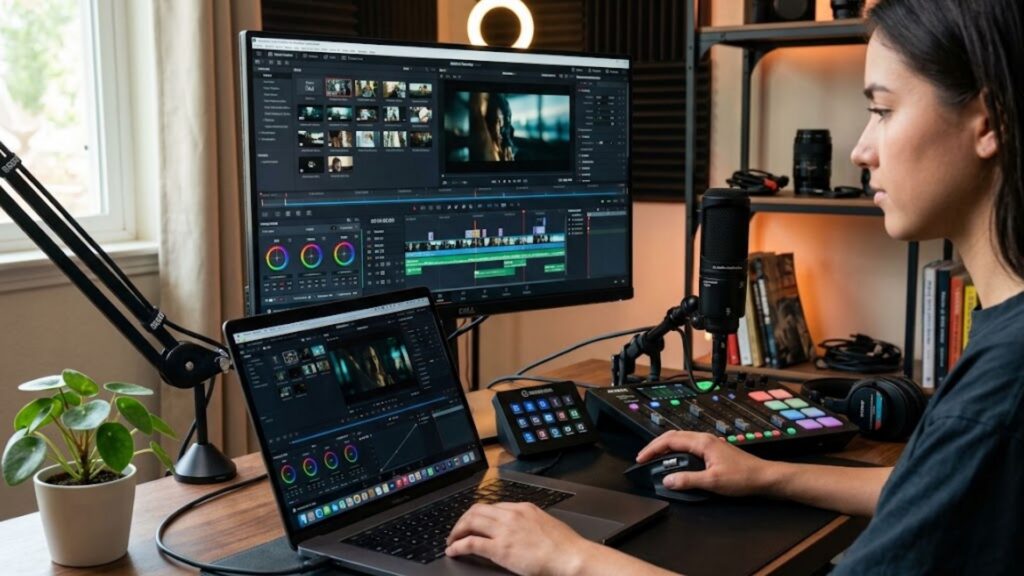
Text-to-video generation technology has fundamentally altered how digital content is produced. Creators no longer need expensive studio gear, lighting setups, or complex desktop editing software to produce professional short-form videos. However, many popular platforms focus strictly on the visual rendering phase of production, leaving creators to handle topic research, audience demand validation, script formatting, and cross-platform publishing on their own.
When you rely exclusively on visual generators, you often end up creating videos that look great but fail to attract views. Without understanding what your target market is searching for, your video production becomes a guessing game. Furthermore, manually uploading, titling, and scheduling finished video files across TikTok, YouTube Shorts, Instagram Reels, and LinkedIn takes up hours every week.
Many creators find themselves comparing options like fliki vs ai video generator credits to determine which software provides the most value for their monthly budget. While visual media generation credits are essential, spending your budget on rendering videos that nobody is searching for leads to poor return on investment. A modern workflow requires research insights prior to spending production credits.
Understanding overall software value requires looking at transparent monthly and annual pricing plans that include pre-production research tools and post-production publishing features alongside rendering minutes. This ensures that every credit spent translates directly into strategic, searchable media.
The Bridge Between Content Discovery and Automated Publishing

Successful video marketing relies on a continuous three-step cycle: discovering audience demand, producing relevant video assets, and publishing content consistently. When these three steps exist in separate tools, friction occurs at every transition point.
When you identify a trending question or high-volume search query in a standalone research tool, you must manually copy that data into a script generator. Once the script is written, you paste it into a video rendering tool, download the final MP4 file to your local device, and then manually re-upload it to various social media schedulers. Each step introduces potential errors and delays.
Integrating AI-powered script generation directly into your research and editing pipeline eliminates manual copy-pasting. When your video creation engine understands the search intent behind a topic, it produces video scripts specifically structured to answer audience questions, improve viewer retention, and drive conversions.
Which Fliki Alternative Adds Keyword Research and Scheduling?
Choosing a Fliki alternative adds keyword research and scheduling directly into your weekly production routine, eliminating the friction of jumping between disconnected apps. Syllaby AI stands out as the leading solution designed specifically to solve this end-to-end production bottleneck for creators, agency owners, and digital marketers.
Rather than starting with an empty text prompt and hoping for the best, Syllaby AI begins by analyzing real customer search queries within your specific niche or industry. The platform uncovers exact questions your target audience asks online, showing search volume, audience interest trends, and content opportunities before you write a single line of script.
Once an audience query is selected, the platform automatically drafts an engaging, hook-driven script tailored for short-form social video formats. From there, users can transform the script into a finished video complete with customized digital avatars, realistic voiceovers, dynamic captions, and background visuals using an automated faceless video generator that requires no camera appearance or manual editing experience.
After rendering is complete, you do not need to download the video or log into third-party social media schedulers. Syllaby AI includes a built-in content calendar and multi-platform scheduler, enabling you to publish your finished video directly to YouTube Shorts, TikTok, Instagram Reels, and Facebook Pages with a few simple clicks.
| Feature / Capability | Standard Text-to-Video Tools (e.g., Fliki) | Syllaby AI Workflow |
| Target Search Topic Research | Requires external SEO tools | Built-in industry question finder |
| Script Writing Engine | Basic prompt-based output | Structured outline and hook generation |
| Voice Cloning Capabilities | Included on higher tiers | Integrated realistic voice synthesis |
| Faceless Video Generation | Stock footage matching | Multi-style automated scene builder |
| Social Media Content Calendar | Not available | Integrated visual calendar |
| Direct Social Publishing | Manual download required | Direct auto-posting to top platforms |
Core Features to Look for in an All-in-One Video Platform

When evaluating alternatives to traditional video generation software, it is vital to assess whether the tool covers the full lifecycle of video content creation. Here are the core features that separate basic video generators from complete video marketing platforms.
1. Built-in Search Topic and Audience Idea Discovery
High-performing video marketing starts with answering real audience questions. A platform with integrated topic research analyzes search engine data and social media trends to surface exact phrases prospective customers use when looking for solutions.
This data-driven foundation ensures that every video script you generate directly addresses validated market interest. Instead of guessing what video titles might attract views, you build a content roadmap based on real audience demand.
2. High-Quality Scripting and Voice Cloning
A strong visual presentation cannot compensate for poor audio quality or weak narrative structure. Modern platforms must offer high-fidelity speech synthesis and personalized audio features that allow creators to build brand recognition across channels.
Leveraging text to video with voice cloning gives your content a distinct brand personality while saving hours of manual voiceover recording time. By pairing personalized voice avatars with custom AI voice cloning technology, creators can publish daily video updates in their authentic voice without spending hours in a sound recording booth.
3. Diverse Visual Styles and Faceless Video Options
Not every business owner or marketer wants to appear on camera. Whether due to camera shyness, privacy considerations, or team resource constraints, faceless video creation has become one of the fastest-growing segments in digital marketing.
A versatile video engine should provide multiple creative aesthetics, including animated styles, realistic digital avatars, dynamic motion graphics, and curated background media. Exploring diverse faceless video art styles helps brands maintain a distinct visual identity on social feeds while producing content efficiently behind the scenes.
4. Direct Social Media Content Scheduling
The final hurdle in digital video production is consistent distribution. Social media algorithms heavily reward creators who post consistently, but manually uploading videos across multiple accounts every day quickly leads to creator burnout.
An integrated publishing calendar allows you to plan, queue, and schedule your video releases weeks in advance. Once your video is finalized, you simply pick a date, time, and target social profile, letting the platform manage the rest automatically.
Comparing Free Access Models and Credit Usage Efficiency
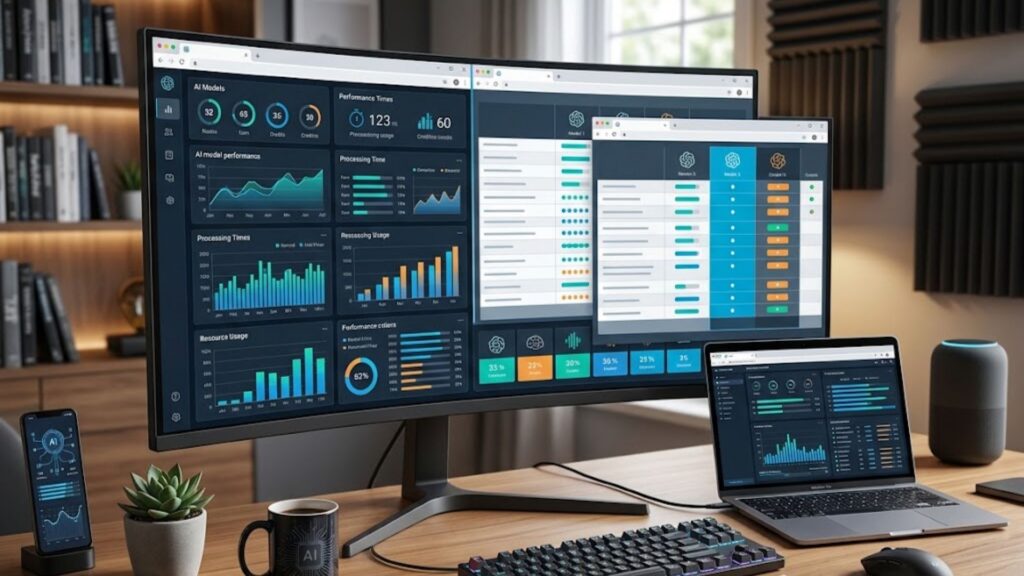
As creators search for a fliki ai alternative free trial or budget-friendly plan, understanding how different platforms structure their free tiers and credit limits is crucial for long-term planning.
Many traditional video tools offer free tiers that restrict video rendering to a few minutes per month, apply prominent brand watermarks, or limit video exports to low resolutions. These restrictions make free accounts virtually unusable for professional business marketing or client work, forcing users into paid plans almost immediately.
When evaluating software value, consider the entire operational suite provided by the subscription. A platform that provides topic research tools, script generation, voice cloning, rendering, and direct social media scheduling in a single subscription offers significantly greater overall ROI than a platform charging solely for raw video rendering minutes.
Businesses operating across diverse sectors can deploy tailored AI solutions across multiple industries to scale their video footprint efficiently while keeping software costs manageable and predictable.
Scalability and Advanced Integration Capabilities
As content creation operations expand from solo creators to agencies and marketing teams, software requirements evolve. Managing multiple social media channels for different client brands requires robust account management features, flexible workflows, and seamless technical integration.
Agencies need tools that facilitate fast content turnarounds while maintaining high quality control across client campaigns. Unified video creation engines allow agency teams to build standardized video production pipelines, enabling account managers to handle strategy, scripting, rendering, and posting inside a single shared platform.
For organizations looking to automate custom workflows or integrate video creation capabilities directly into their internal content management systems, reviewing developer API integration options provides a path toward enterprise-level video production automation.
When scaling your video output across multiple teams or client accounts, having direct access to specialized support ensures your content pipelines operate without interruption. Organizations can reach out to the support team to discuss custom enterprise plans, onboarding assistance, and workflow setup guidance.
Syllaby AI provides the ideal technical foundation for teams ready to automate their video production from initial keyword discovery to final platform posting.
Step-by-Step Strategy to Turn Search Topics into Scheduled Social Videos

Transforming search queries into a stream of published social media videos is straightforward when using an integrated video engine. Here is the step-by-step workflow for turning audience questions into published media:
- Step 1: Uncover Audience Demand. Use the built-in search tool to type in your main service, product, or industry topic. Review the list of questions real users are asking and select queries with strong audience interest.
- Step 2: Generate an Optimized Script. Select your target question and generate a structured video script. Adjust the narrative tone, hook strength, and call to action to match your brand voice.
- Step 3: Select Voice and Visual Settings. Choose your preferred AI voice clone or synthetic narrator. Select a visual art style, custom digital avatar, or faceless graphic layout that fits your campaign branding.
- Step 4: Render and Preview Video Scenes. Allow the video generator to assemble the speech narration, on-screen subtitles, visual transitions, and background audio into a polished short-form video clip.
- Step 5: Schedule Multi-Platform Distribution. Select your publishing dates, write platform captions, and choose your connected TikTok, YouTube Shorts, Instagram, and Facebook profiles for automated posting.
Frequently Asked Questions
Can you research target search topics directly inside an AI video generator?
Yes, certain advanced video platforms integrate topic research capabilities directly into their dashboard. Instead of relying on separate search research tools, these systems analyze real user questions and search queries, allowing you to identify high-demand topics before generating scripts and videos.
How does voice cloning enhance text-to-video content creation?
Voice cloning technology allows creators to record a short sample of their voice to generate a custom synthetic voice model. The AI video generator then uses this cloned voice to narrate generated scripts automatically, maintaining personal brand authenticity across videos without requiring live audio recording for each new post.
What is the benefit of scheduling videos directly within the video editor?
Scheduling videos directly inside your creation platform eliminates the manual process of downloading heavy MP4 files to your local hard drive and re-uploading them to separate scheduling software or social networks. It streamlines your publishing workflow, saves storage space, and ensures consistent multi-channel posting.
How do credit systems differ between video creation platforms?
Traditional video generators deduct credits based strictly on video rendering duration or export resolution. Integrated video platforms often provide broader utility per credit, combining research insights, script generation, voice rendering, and automated scheduling within a single credit framework to maximize overall content output value.
Can faceless videos drive engagement on social media platforms?
Yes, faceless videos featuring dynamic captions, engaging narrations, animated visual styles, and clear hooks perform exceptionally well on short-form video platforms like TikTok, Instagram Reels, and YouTube Shorts. They allow businesses and niche channels to consistently publish high-quality video content without needing an on-camera presenter.
Conclusion
Creating successful social media videos requires far more than just turning raw text into video clips. To build a channel that continuously attracts views and converts audience attention into loyal followers, you need a strategy backed by real audience demand, efficient production tools, and reliable content distribution.
Selecting a Fliki alternative adds keyword research and scheduling to your toolstack, giving you a distinct advantage in content consistency and audience growth. By relying on Syllaby AI to discover high-value search topics, produce faceless video assets with voice cloning, and schedule finished posts across your social channels, you transform your entire video creation process into a streamlined, automated marketing machine.