




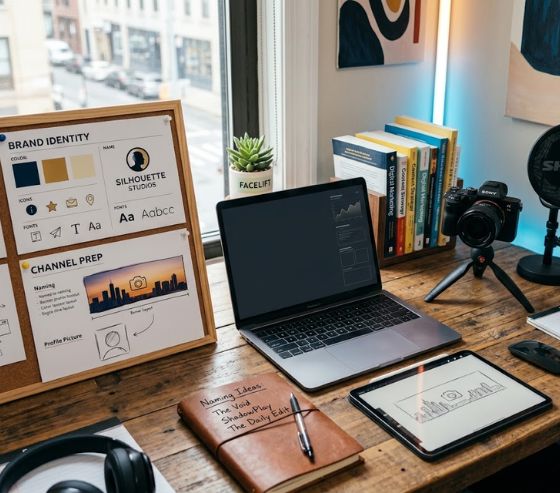
A successful faceless channel setup requires a clear brand name, a cohesive visual identity, an optimized banner size, and a compelling description in the about section. By establishing these four foundational elements, creators can build immediate credibility, capture viewer attention, and rank higher in search results without ever appearing on camera. When viewers land on a channel, these branding touchpoints communicate what the content covers and why they should subscribe.
Building a sustainable online brand relies heavily on creating a professional first impression. Without a human face to build immediate personal rapport, your visual identity and messaging must carry the weight of your channel presentation. Taking time to properly structure your initial presentation transforms casual passersby into loyal subscribers.
Mastering Your Faceless Channel Setup for Maximum Visibility
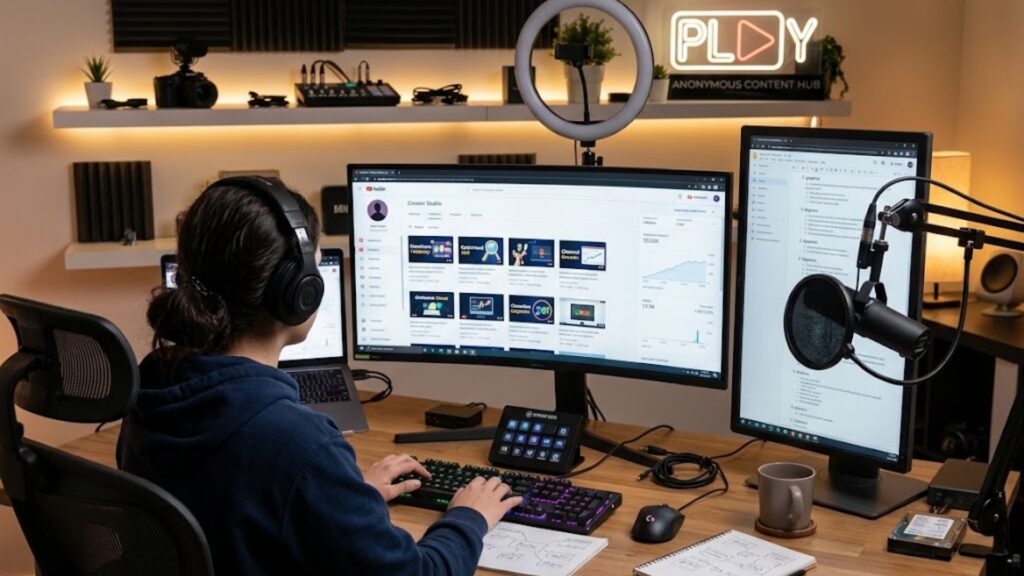
Executing a proper faceless channel setup ensures your channel stands out in crowded search feeds and suggestion columns. First impressions on video platforms happen within three seconds of a viewer landing on your homepage. If your branding appears unfinished or generic, viewers will likely return to search results without clicking your videos.
A well-planned setup builds viewer trust before anyone watches a single minute of your video content. Every graphic, word choice, and visual color choice communicates professionalism and subject mastery. When viewers recognize that a channel publishes organized and consistent content, they are far more likely to click the subscribe button.
Leveraging modern tools like the Syllaby AI content platform can accelerate your channel growth once your visual foundation is established. Connecting high-quality content production with strong channel presentation creates a flywheel effect for long-term audience engagement.
Step 1: Crafting Memorable Faceless YouTube Channel Name Ideas

Selecting the right title for your channel sets the tone for your entire content strategy. Your name serves as your primary brand identifier across video recommendations, comment sections, and external shares.
Brainstorming Brandable vs. Descriptive Names
When generating faceless YouTube channel name ideas, creators generally choose between descriptive titles and brandable words. Descriptive titles state exactly what the channel provides, such as “Daily Tech Insights” or “Wealth Growth Lab.” These names give potential viewers instant context about your topic area.
Brandable names, on the other hand, use unique or invented words like “MindLoom” or “VividHistory.” While brandable titles require more initial effort to build audience recognition, they allow for future expansion if you decide to broaden your content scope.
Balancing Simplicity and Search Relevance
To ensure your channel name remains easy to remember and find, keep these essential criteria in mind:
- Keep it short: Aim for one to three words that are easy to spell and pronounce.
- Avoid numbers and special characters: Numbers and hyphens make names harder to recall or search verbally.
- Ensure topic relevance: Incorporate terms that hint at your content area without limiting future growth.
- Check availability: Confirm that matching social handles and web domains are available before finalizing.
Testing your ideas against different niche content strategies across various industries helps ensure your channel name resonates with your specific target audience while maintaining long-term flexibility.
Step 2: Developing a Visual Brand Identity Without Showing Your Face

Because faceless channels do not feature a host, your visual branding must create the emotional connection normally provided by a presenter. A cohesive visual style makes your content instantly recognizable in crowded feeds.
Choosing the Right Profile Picture and Channel Icon
Your channel icon acts as your digital avatar across the entire platform. Since it appears in tiny circular formats on mobile devices and comment sections, simplicity is vital for readability.
- Abstract Logos: Modern geometric shapes work exceptionally well for tech, finance, and educational channels.
- Mascots or Vector Graphics: Custom illustrated characters add personality to storytelling, gaming, or entertainment channels.
- Typography Badges: Monograms or stylized initials offer a clean, corporate feel for professional topics.
Avoid detailed photos or intricate graphics that become blurry or unreadable when scaled down to mobile screen sizes.
Establishing Color Palettes and Typography
Color psychology plays a powerful role in shaping viewer perception. Bright primary colors like red and yellow evoke urgency and high energy, making them popular for news or trending topic channels. Deep blues and greens convey trust and financial security, which suits money management or educational content.
Select two to three dominant colors and stick to them across your channel icon, banner, and video thumbnails. Combine your color scheme with one readable font family for headlines and another for supporting text to establish clear brand consistency.
Using an automated faceless video creation feature allows you to preserve these exact brand colors and typography rules across all generated assets without manual redesigns.
Step 3: Designing Your Channel Banner and Dimension Guidelines
Your channel banner occupies the largest visual space on your channel homepage. It serves as your digital billboard, telling visitors what your channel is about and when you publish new content.
Banner Size Specifications and Safe Areas
Designing a channel header requires attention to display variations across desktop monitors, mobile phones, and television screens. Using a standard channel banner size template ensures that crucial text and logos remain visible on every device size.
| Device Display Format | Recommended Dimensions | Safe Area / Focus Zone |
| TV Display | 2560 x 1440 pixels | Entire image area visible |
| Desktop Display | 2560 x 423 pixels | Full width, center cropped vertically |
| Tablet Display | 1855 x 423 pixels | Medium width cropping |
| Mobile Display (Safe Area) | 1546 x 423 pixels | Center zone (all vital text/logos here) |
Placing your key messaging, logos, and call-to-action strictly inside the central 1546 x 423 pixel safe area prevents vital information from getting cropped out on smartphones.
Key Elements of an Effective Banner
An effective banner should answer three basic viewer questions within seconds: What is this channel about? Who is it for? When are new videos posted?
Keep the visual layout clean and clutter-free. Use a clear tagline summarizing your value proposition alongside a modest upload schedule line, such as “New Videos Every Tuesday and Friday.”
Drafting video scripts that reflect your banner’s core promise is made easier when using automated script generation capabilities to maintain strong topical focus across uploads.
Step 4: Writing a Powerful YouTube About Section SEO Description

The description tab of your channel plays a critical role in audience conversion and platform indexing. This text section informs both potential subscribers and search algorithms about your channel focus.
Structuring Your Opening Value Proposition
Crafting a compelling YouTube about section SEO description begins with a powerful opening hook. The first two sentences are the most crucial because they appear in search engine summaries and hover previews.
State your primary value proposition immediately without preamble. For instance, begin with: “Welcome to DataExplained, your primary source for clear data science tutorials, software guides, and tech career strategies.”
Follow your opening with a short paragraph outlining what viewers will gain by subscribing to your channel. Highlight specific subtopics, tools, or skills your videos cover regularly.
Adding Strategic Links and Contact Details
Conclude your description with a clear call-to-action inviting viewers to join your community. Remind readers to hit the subscribe button for weekly updates in your niche.
Include a business inquiry email address in the dedicated platform field to allow potential sponsors and collaborators to reach you directly. You can also link your secondary social channels or official website to drive external audience traffic.
Integrating custom realistic voiceovers into your video content ensures that the polished tone set in your description carries over directly into your audio presentation.
Automating Content Production for Your New Channel
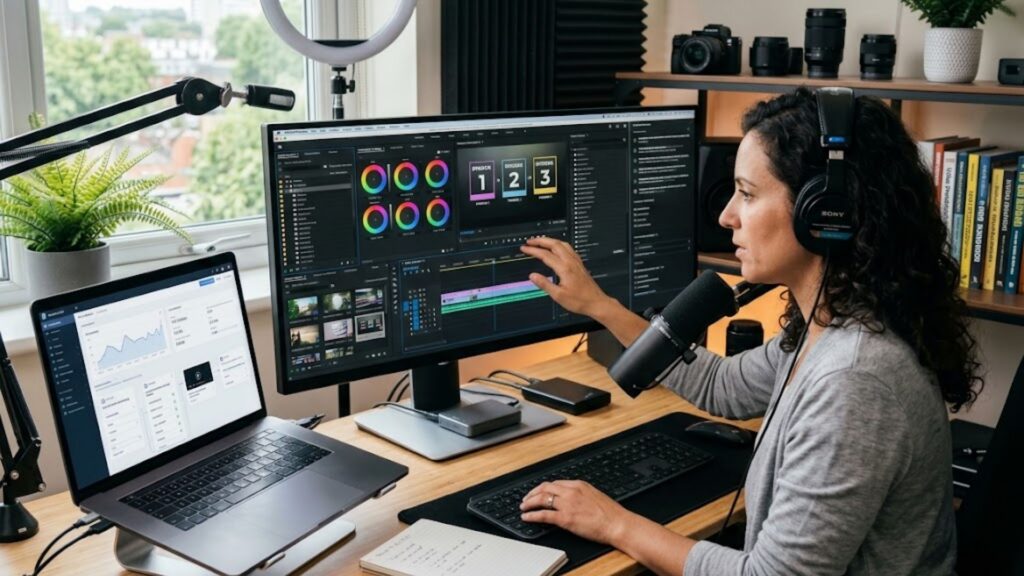
Once your channel name, visual identity, banner, and description are complete, your focus shifts toward producing high-quality content consistently. Maintaining a steady publishing schedule is vital for signaling activity to platform algorithms.
Creating videos manually can quickly become overwhelming, especially for solo creators managing research, scriptwriting, voice recording, and video editing. Modern AI technology helps creators streamline these production tasks while preserving high editorial standards.
Syllaby AI provides an end-to-end workflow designed specifically for faceless content creators. The platform generates targeted topic ideas, drafts structured video scripts, and produces complete videos with realistic voice options in a fraction of the traditional production time.
Developers and agencies looking to scale content workflows can leverage developer API integration to connect automated production pipelines directly into existing publishing systems.
Reviewing flexible platform subscription plans allows creators to select production tiers that align with their publishing frequency and business growth goals.
Frequently Asked Questions About Channel Setup
Can a faceless channel really get monetized on YouTube?
Yes, faceless channels can qualify for monetization as long as the content offers original value and adheres to platform policies. Channels utilizing stock footage, screen recordings, custom animations, or AI tools must focus on creating unique scripts, educational insights, or entertaining commentary to avoid content duplication flags.
What is the recommended channel banner size for all devices?
The official recommended dimension for a channel banner is 2560 x 1440 pixels. To ensure your text, logos, and core graphics display perfectly on mobile phones without cropping, place all critical elements inside the central 1546 x 423 pixel safe area.
How long should a YouTube channel About section description be?
A channel description should ideally be between 150 and 250 words. Focus on making the first 100 to 150 characters as impactful as possible, as this portion appears in search snippet previews across search engine results.
How often should you update your channel branding or banner?
You should keep your core brand identity consistent for at least 6 to 12 months to build recognition. However, you can make minor banner updates to highlight new content series, announce milestone events, or showcase upcoming live streams without changing your primary logo or color palette.
Do I need professional graphic design skills to set up a channel?
No, professional design skills are not required. Free online graphic tools provide pre-made banner templates, logo designs, and thumbnail layouts tailored specifically to standard channel dimensions.
Conclusion: Launching Your Channel for Long-Term Success
Setting up your digital storefront correctly is the first step toward building a thriving online business. By creating a memorable channel title, establishing clear visual branding, designing an optimized banner, and drafting an informative description, you lay the foundation for sustainable channel growth.
A properly executed faceless channel setup eliminates viewer hesitation and positions your channel as a trusted authority within your chosen topic area. When every visual and textual element works together, viewers are far more likely to engage with your content and return for future releases.
If you have additional questions regarding software features or need tailored setup support for your production pipeline, feel free to get direct expert assistance to optimize your content workflow today.