





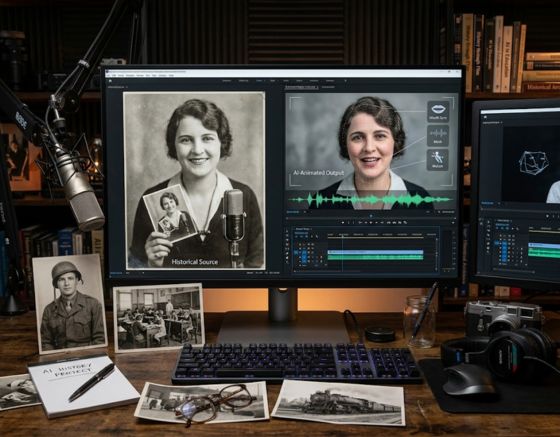
To make historical photos talk using AI, you need to upload a high-quality portrait to an AI animation platform, input a voiceover or text script, and let the software synthesize facial movements. This process converts static historical figures into dynamic narrators, creating immersive educational content for classrooms and online learners. If you want to know how to make a Picture Talk AI easily, modern web tools make it possible in just a few clicks without any prior video editing experience. By bringing long-dead figures to life, educators can command attention in a crowded digital landscape. Many content creators are already leveraging these techniques by registering for a free account on modern video generation platforms to get started.
Historical education has entered a brand new era where textbooks are no longer the sole medium of instruction. Visual media has taken over as the preferred method for modern students to digest complex timelines and historical events. Using technology to animate these images helps close the gap between dry dates on a page and real human experiences. By giving a voice to figures like Abraham Lincoln or Marie Curie, we build a bridge of empathy and curiosity. This guides students toward deeper research and a genuine interest in the past.
The transition from a silent image to a speaking historical guide requires an understanding of both narrative structure and synthetic media. When students see a portrait of a historical figure move, blink, and speak, their cognitive retention rates increase significantly. This is because multimodal learning stimulates different areas of the brain simultaneously. Using these tools represents a shift in pedagogy, turning passive observers into active, engaged participants in history.
To build a truly immersive lesson, teachers must combine historical accuracy with clean visual production. By focusing on realistic facial movements and accurate vocal representation, you can transform a simple classroom slide deck into an unforgettable cinematic experience. This guide will explore how modern educators can navigate this technological shift to produce top-tier learning resources.
Using an online video creation platform allows teachers to construct these interactive elements without dedicating hours to manual animation. The accessibility of these web tools levels the playing field for schools with limited budgets. Now, any classroom with an internet connection can access high-production-value visual aids that rival major educational networks.
Why Animated Historical Photos are Transforming Education
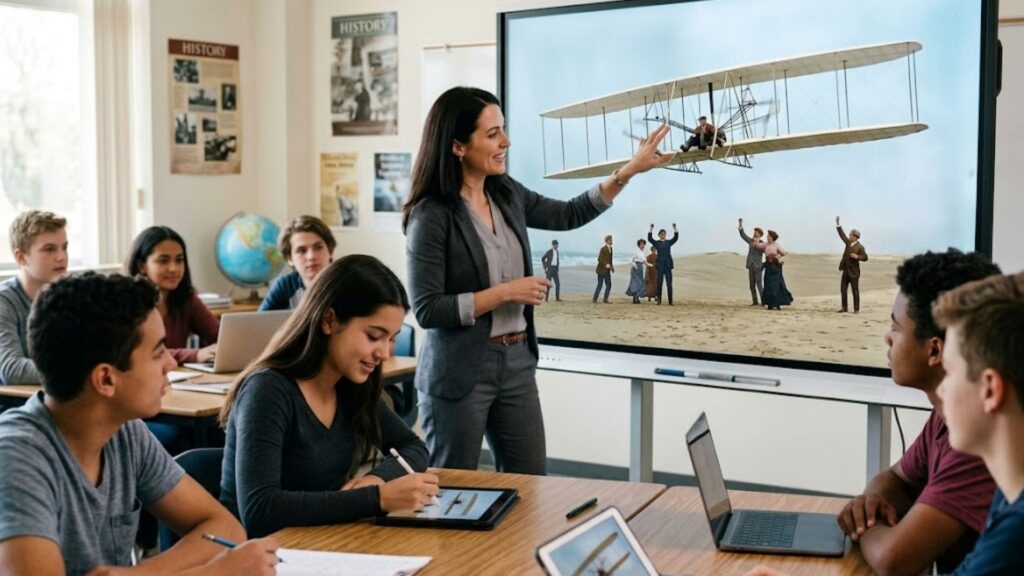
The integration of animated historical photos into the classroom is redefining student engagement. Traditional lectures often struggle to compete with the highly visual, fast-paced media that students consume daily outside of school. By introducing animated media, teachers can meet students on their own terms, presenting history with the same dynamism as modern entertainment.
When students watch AI education videos, they are not just memorizing facts; they are experiencing history through a narrative-driven lens. This method of teaching aligns perfectly with storytelling principles, which have always been the most effective way to pass down human knowledge. A talking portrait of a historical figure can explain their own decisions, describe the challenges of their era, and express emotions that a textbook paragraph simply cannot convey.
Furthermore, this technology allows for highly customized learning experiences. Teachers can tailor the script of an animated figure to match the specific curriculum requirements or reading levels of their classes. Whether teaching elementary students about the solar system through Galileo or explaining complex treaty dynamics to high schoolers, the narrative voice remains flexible and highly adaptable.
This personalized approach directly supports differentiated instruction, allowing teachers to create multiple versions of a historical narrative for various learning speeds. Students who struggle with reading can listen to the animated figure explain the lesson, while visual learners benefit from watching the expressions and accompanying subtitles. This multi-layered sensory approach ensures that no student is left behind.
Creating these materials has also become incredibly accessible for educators who do not have a background in animation. In the past, creating a moving character required expensive studio equipment, professional voice actors, and hours of manual frame-by-frame rendering. Today, teachers and educational content creators can produce high-quality lessons in minutes, even finding success by creating viral content with photo avatars to share educational tidbits on social media platforms.
How to Make a Picture Talk AI: A Step-by-Step Guide
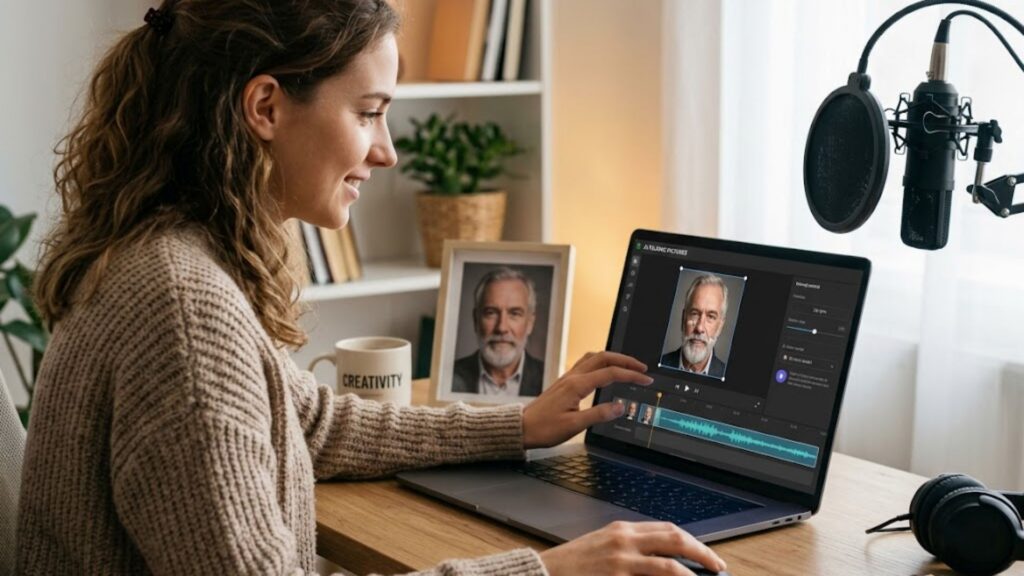
If you are wondering about How to Make a Picture Talk AI, the process has become incredibly streamlined thanks to modern web applications. You no longer need complex computer science knowledge to generate high-fidelity animations from a single flat image. Below is a comprehensive breakdown of the step-by-step workflow required to take a silent archival photo and turn it into an engaging historical narrator.
The modern workflow relies heavily on cloud computing, meaning all the heavy processing happens on remote servers rather than your personal computer. This allows users with standard school laptops or mobile devices to generate stunning visual animations in real-time. By following a structured approach, you can maintain high factual accuracy while achieving an impressive level of visual realism.
Step 1: Selecting and Preparing the Ideal Historical Portrait
The quality of your final animated video depends heavily on the initial image you choose. For the best results, look for high-resolution portraits where the subject is facing the camera directly. Clear, well-lit photographs with distinct facial features allow the computer model to map the facial coordinates with much higher accuracy, resulting in smoother mouth movements and less distortion.
If you are working with an older, damaged, or black-and-white photograph, consider using an image restoration tool first. Many platforms offer built-in features to remove scratches, improve contrast, and even colorize older photos. A clean, sharp image ensures that the animation looks natural and professional, preventing any jarring visual glitches during the talking segments.
Once you have a restored, front-facing image, you can use an AI portrait generator to prepare the asset for the next stages of video production. This step sets a strong foundation for the entire project, ensuring that the final output maintains a high level of visual fidelity. Selecting an authentic portrait also preserves the historical integrity of the figure you are representing.
Step 2: Drafting a Historically Accurate Script
The narrative content of your video is just as important as the visual presentation. When writing a script for a historical figure, strive for historical accuracy while keeping the tone engaging and accessible. Writing from a first-person perspective, such as having Frederick Douglass speak about his escape from slavery, creates an immediate and powerful connection with the audience.
Keep your sentences relatively short and use vocabulary that matches the historical era without becoming too difficult for modern students to understand. It is also helpful to include emotional cues within the text, which can help you select the right voice profile later. Ensure that the length of the script matches your desired video duration, keeping in mind that most educational social media videos perform best when they are under two minutes in length.
To keep the narrative structure strong, you can follow this simple three-part outline:
- The Hook: Start with a compelling personal statement or a rhetorical question about the historical figure’s life.
- The Core Lesson: Explain the major historical event, decision, or discovery using clear and logical explanations.
- The Takeaway: End with a thought-provoking message or a question that encourages students to conduct their own follow-up research.
Step 3: Utilizing Syllaby AI for Seamless Generation
Once you have your image and script ready, it is time to bring them together using Syllaby AI. This platform simplifies the process by analyzing your text or audio file and automatically mapping the vocal sounds to corresponding mouth shapes on your static image. By utilizing Syllaby AI to power these conversions, educators save dozens of hours that would otherwise be spent on frame editing.
Simply upload your selected historical photograph to the dashboard and input your written script. You can choose from a wide selection of high-quality, natural-sounding synthetic voices that match the age, gender, and regional accent of your historical figure. The system will then process the inputs, generating a synchronized video where the subject appears to speak your script naturally, complete with realistic eye blinks and subtle head movements.
Once the generation is complete, you can review the lip-sync quality and make adjustments to the pacing or pronunciation of specific words. This level of control ensures that the final video is polished enough for classroom presentations or wide-scale online publication. The resulting media asset can be easily exported and integrated into slideshows, websites, or video sharing platforms.
Key Features of an Effective Talking Image Generator
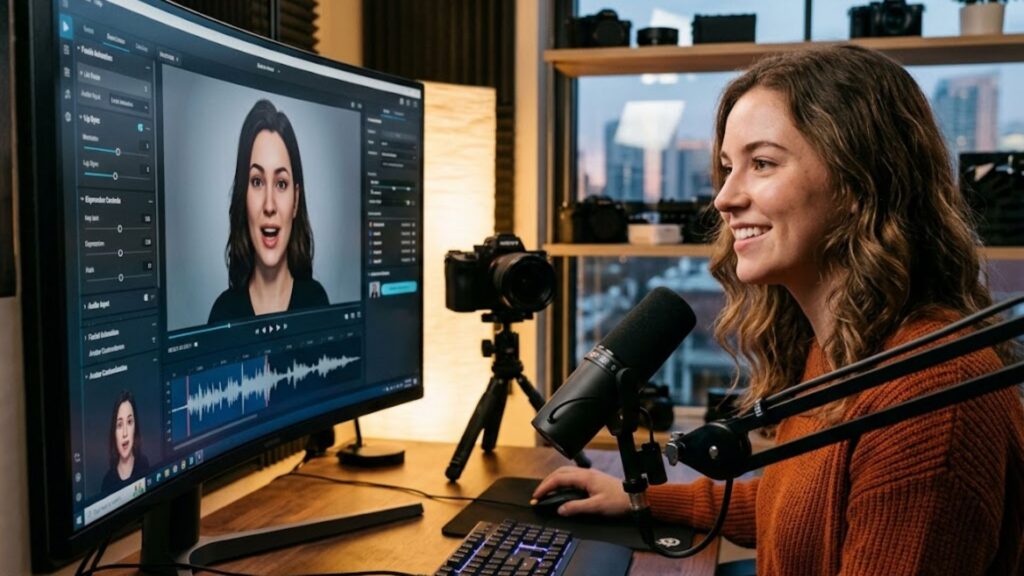
When choosing a platform to create educational videos, it is crucial to understand the features that contribute to a high-quality output. Not all animation tools are built the same, and some are much better suited for educational settings where clarity and realism are paramount. An exceptional talking image generator must offer precise lip-synchronization technology to prevent distracting visual disconnects.
If the mouth movements do not match the spoken words, it can create a distracting visual mismatch that pulls students out of the learning experience. The software must be able to recognize subtle phonetic differences and adjust the lip shapes accordingly in real-time. This level of precision helps maintain the illusion of reality, keeping the student fully focused on the educational lesson itself.
Another important feature is natural head movement and facial expressions. Humans do not remain perfectly still when they speak; we tilt our heads, blink our eyes, and raise our eyebrows to emphasize points. Advanced platforms use sophisticated neural networks to add these micro-movements automatically, making the animated historical figure look alive rather than rigid or artificial.
An all-inclusive system like Syllaby AI allows educators to manage the entire creation process from a single dashboard. This eliminates the need to jump between multiple programs to write scripts, generate voices, and render animations. Having these features integrated into one place saves valuable time for busy educators and content creators who need to generate material consistently.
| Technical Feature | Ideal Educational Standard | Practical Classroom Benefit |
| Lip-Sync Precision | Perfect mouth-to-audio synchronization with zero visible lag | Prevents cognitive disconnect and maintains student focus |
| Vocal Diversity | Authentic accents, age-appropriate tones, and gender options | Enhances historical accuracy and builds deeper student empathy |
| Visual Clarity | High-resolution output with natural micro-movements like blinking | Simulates face-to-face interaction and boosts attention span |
| Rendering Velocity | Standard processing times under three minutes for short clips | Saves precious prep time for educators managing busy schedules |
| User Interface | Intuitive, browser-based drag-and-drop systems | Eliminates technical barriers for teachers and students alike |
Best Practices for Creating High-Quality AI Education Videos
Creating educational content with artificial intelligence is an art form that combines historical research with technical skill. To ensure your videos are both educational and highly engaging, there are several industry best practices you should follow. These methods will help you produce content that looks highly polished while maintaining academic credibility.
First, always prioritize the quality of the audio track. Even if your animation is visually perfect, poor audio quality can quickly ruin the educational value of the video. Use clear, high-fidelity voices that speak at a moderate pace, ensuring that students can easily follow along and take notes if necessary.
Second, make sure to add accurate subtitles to your videos. Subtitles are not only essential for accessibility, helping hearing-impaired students engage with the content, but they also reinforce reading comprehension and vocabulary. Many viewers watch online videos with the sound turned off, so having bold, clear text on screen is critical for keeping their attention.
Using specialized faceless video production tools can help you automate many of these tasks. These tools often come with built-in subtitle generators, stock background music, and templates designed specifically for educational channels on platforms like YouTube and TikTok. This allows you to scale up your content creation efforts without sacrificing production value.
Finally, remember to fact-check your scripts before rendering your videos. While automated systems can generate amazing visuals and voices, the responsibility for historical truth lies entirely with the creator. Providing accurate, well-sourced information ensures that your videos remain a trusted resource for classrooms and educational institutions.
Enhancing Classroom Engagement Through AI Storytelling
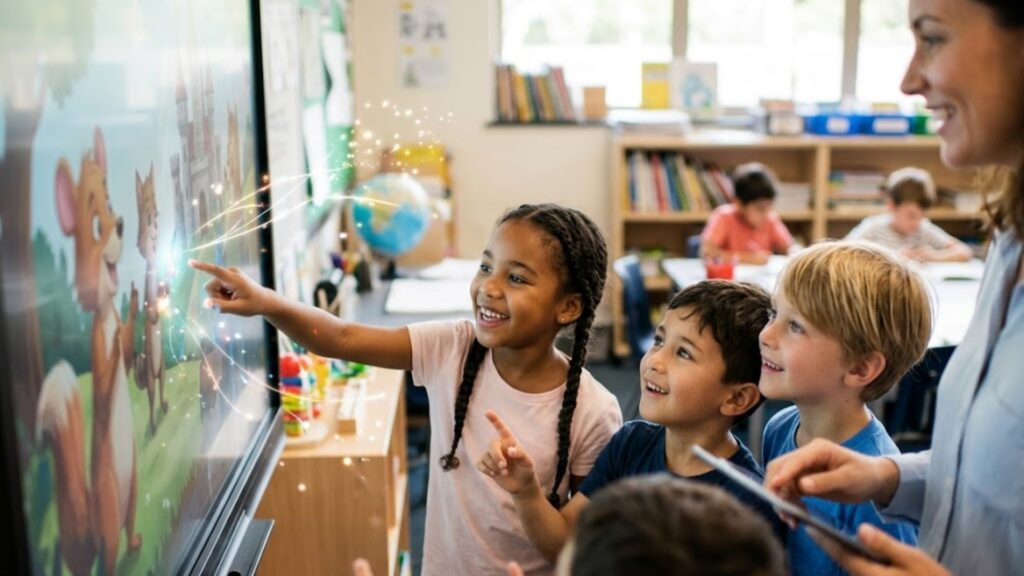
The ultimate goal of using animated historical photos is to foster a deeper love for learning. When students are active participants in their education, they are much more likely to retain information and develop critical thinking skills. Animated videos can serve as an excellent hook at the beginning of a class session, immediately capturing attention and setting the stage for the upcoming lesson.
You can also use these tools to encourage student-led projects. Instead of writing a traditional book report, students can use technology to animate a historical figure themselves, writing the script based on their own research. This hands-on approach teaches valuable digital literacy skills while requiring students to deeply understand the historical perspective of the figure they are animating.
If you are interested in exploring how these technologies can be integrated into your school, museum, or educational channel, you can learn more by choosing to get in touch with our team for personalized guidance. We can help you identify the best ways to scale your production and create content that truly resonates with modern audiences.
As education continues to evolve, those who embrace these advanced storytelling techniques will lead the way in creating more inclusive, engaging, and memorable learning environments. Bringing history to life is no longer a futuristic dream, it is a practical tool available to anyone with a computer and a passion for teaching. With the assistance of Syllaby AI to guide your efforts, the boundaries of modern educational media are virtually limitless.
Frequently Asked Questions
Can I animate any historical photo using AI?
Yes, you can animate almost any historical photo as long as the subject’s face is clearly visible and facing forward. If the photo is old, faded, or damaged, it is highly recommended to run it through an image enhancement tool first to restore clarity before uploading it to an animation platform. This ensures that the system can accurately detect the eyes and mouth of the historical figure.
How do I ensure the voices sound historically accurate?
Modern platforms offer a wide library of voice profiles with different accents, ages, and vocal tones. You can select a voice that matches the geographical origin and era of the historical figure. For instance, you can choose a distinguished nineteenth-century British accent for an animation of Queen Victoria to maintain immersion and historical integrity.
Is it legal to animate photos of historical figures?
Generally, yes, especially when used for educational and non-commercial purposes. Most historical figures who lived over a century ago are in the public domain, meaning their likenesses can be used freely. However, always ensure that the specific digital copy of the photo you are using does not have modern copyright restrictions from a museum, archive, or stock agency.
Do I need expensive video editing software to do this?
No, you do not need any expensive or complex software to produce high-quality speaking portraits. Browser-based tools handle all the heavy rendering, allowing you to upload images, generate scripts, and create full-blown speaking animations without needing a high-end computer or professional editing skills. This accessibility allows anyone to become a content creator.
How long does it take to create a talking historical video?
The entire creation process can take less than five minutes from start to finish. Once you have your portrait selected and your script written, the rendering engine can generate a fully synchronized, talking animation in just a few minutes, making it incredibly easy to produce highly engaging educational materials at a massive scale.
Conclusion
Embracing the future of digital education means finding creative ways to make historical events feel alive and relevant to modern audiences. By learning How to Make a Picture Talk AI, educators and creators can bypass the limitations of traditional media, offering students an interactive, narrative-driven journey into the past. Utilizing high-fidelity tools like Syllaby AI ensures that these historical animations are not only visually stunning but also accurate, clear, and highly engaging. Start experimenting with these cutting-edge tools today to transform your classroom lessons into unforgettable multimedia experiences.