






Creating videos in multiple languages is a strategic requirement for content creators and marketers. The Text to Scenes AI app converts text scripts into dynamic videos that address diverse linguistic audiences. This article describes how the app processes multilingual scripts on Android devices, the technologies that power its functionality, and the personalization features that improve the user experience. Understanding these capabilities can support broader video marketing objectives. For a full feature overview, consult the Text to Scenes AI app.
Key Takeaways
- The Text to Scenes AI app converts text scripts into dynamic multilingual videos using advanced NLP and AI technologies.
- The app supports major languages like English, Spanish, French, German, and Mandarin for script input on Android devices.
- Natural language processing enables accurate language recognition and context understanding for high-quality video creation.
- Android compatibility is optimized with a user-friendly interface and support resources for seamless multilingual video generation.
- Users can customize videos with language-specific text overlays and graphics to enhance cultural relevance and engagement.
- The app automates scalable video production, enabling efficient creation of multiple language versions for social media marketing.
- Marketers leverage the app to reach global audiences by producing inclusive multilingual video campaigns that increase brand visibility.
- Subscription plans range from basic to premium, catering to individual users, growing businesses, and large enterprises.
- Comprehensive FAQs, tutorials, and demo videos support users in mastering multilingual AI video creation on Android devices.
What is the Text to Scenes AI App and its Role in Multilingual Video Creation?
The Text to Scenes AI app is a platform that converts written scripts into engaging videos. It leverages advanced technologies to enable multilingual video production, helping users communicate effectively with audiences in different languages. This functionality supports content strategies that require cultural relevance and wider audience reach.
How does the app transform text scripts into dynamic videos?
The app follows a structured workflow to convert scripts into videos. Users submit scripts, which the app analyses using natural language processing (NLP) to identify context and key elements. It then assembles matching visual assets, such as images and animations, to align with the narrative. The result is a cohesive video that conveys the intended message and improves viewer engagement.
Which languages does the app support for script input on Android?
The Text to Scenes AI app accepts a broad set of languages for script input, including English, Spanish, French, German, and Mandarin. Users can confirm specific language support within the app and create content tailored to targeted linguistic audiences. This capability is useful for marketers planning campaigns that must align with local cultures.
How Does the Text to Scenes AI App Handle Multilingual Scripts on Android Devices?
Processing multilingual scripts on Android requires reliable technology and smooth integration. The Text to Scenes AI app addresses these needs by applying advanced language recognition to ensure accurate script conversion.
What technologies enable accurate language recognition and script conversion?
The app integrates contemporary NLP and AI components to perform language recognition and script conversion. These systems analyse input text to detect linguistic nuances and contextual meaning, producing video outputs aligned with the source material. Machine learning models enable ongoing improvements in language processing and output relevance.
How is Android compatibility optimized for seamless multilingual video generation?
The Text to Scenes AI app is optimised for Android devices and provides a clear, user-friendly interface to streamline video creation. Its design supports multiple Android versions and aims to minimise technical friction. The platform also supplies tutorials and FAQs to help users navigate features and resolve common issues.
What Personalization and Scalability Features Support Diverse Audiences?
Personalization and scalability are essential for reaching diverse audiences. The Text to Scenes AI app includes features that allow users to tailor content and scale production efficiently.
How does the app customize videos for different language audiences?
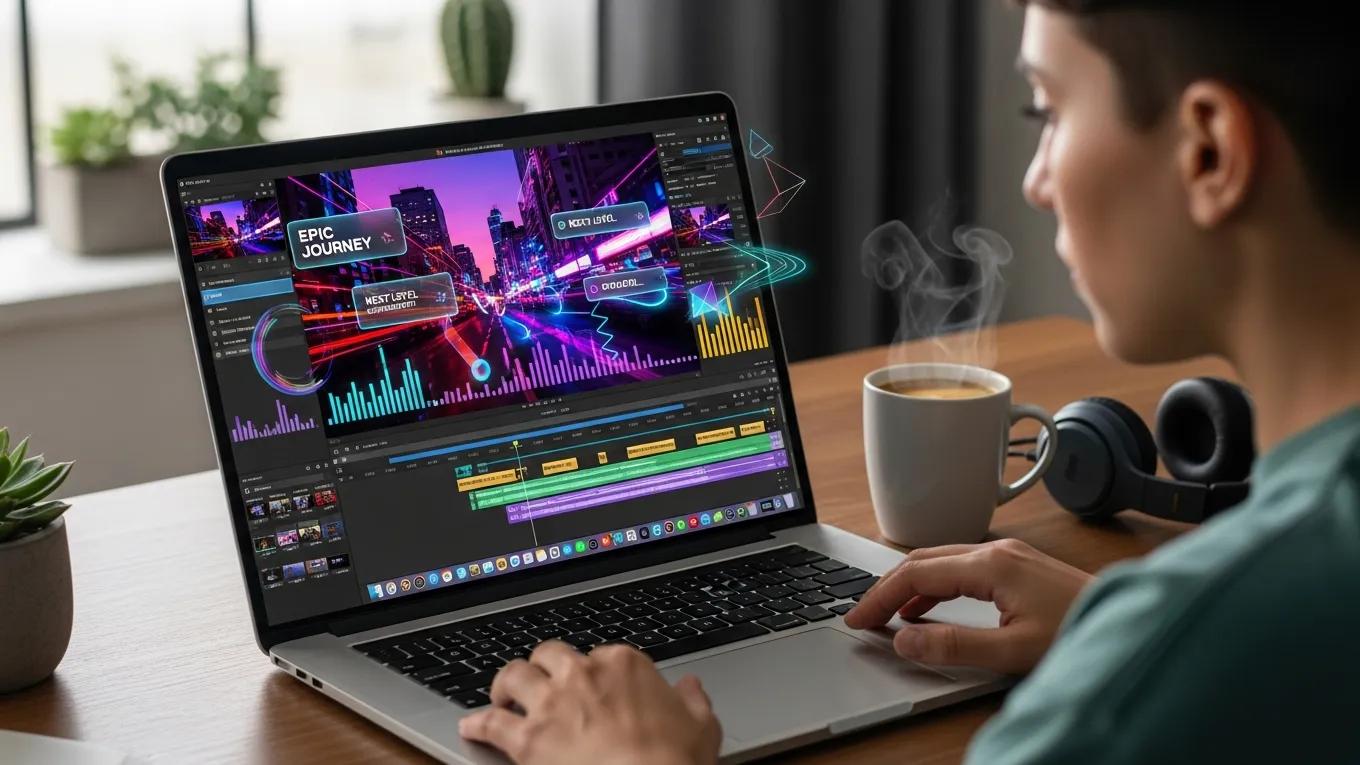
Users can customise videos according to language preferences, adjusting visual elements such as text overlays and graphics to reflect cultural expectations. These options help ensure that videos resonate with target audiences and increase the likelihood of engagement and sharing.
In what ways does the platform scale video production for social media marketing?
The Text to Scenes AI app is built to scale video production through automation. It enables the rapid creation of multiple language versions, which is efficient for social media campaigns. This capability supports small businesses and marketers that need to maintain a consistent presence across platforms.
| Feature | Description | Benefit |
|---|---|---|
| Customizable Scenes | Users can tailor video elements to fit cultural contexts | Enhances viewer engagement |
| Dynamic Adaptation | The app adjusts content based on language and audience | Increases relevance and impact |
| Scalable Production | Automates video creation for multiple languages | Saves time and resources |
Which Use Cases Demonstrate the App’s Effectiveness for Content Creators and Marketers?
The Text to Scenes AI app supports multiple use cases, demonstrating value for content creators and marketing teams that require efficient multilingual video production.
How do marketers leverage multilingual AI videos for global campaigns?
Marketers use the app to produce videos in several languages to reach international audiences. Creating content in local languages helps communicate brand messages more clearly and fosters inclusivity among potential customers, thereby widening reach.
What success stories illustrate efficient mobile AI video editing?
Case examples show the app’s efficiency in mobile AI video editing. For example, a small business that implemented the app reported increased engagement after publishing multilingual videos. The platform enabled that business to connect with a broader audience and improve brand visibility.
What Are the Subscription Plans and Pricing Options for the Text to Scenes AI App?
The Text to Scenes AI app provides multiple subscription plans to match different user requirements and organisational scales. For full details, review the pricing plans.
How do pricing tiers support different user needs and scales?
The app offers three subscription tiers:
- Basic Plan – $39/month: Ideal for individual users or small businesses looking to create basic videos.
- Standard Plan – $79/month: Suitable for growing businesses that require more advanced features and higher video output.
- Premium Plan – $149/month: Designed for large enterprises needing extensive customization and scalability options.
These tiers allow users to select a plan that matches their feature needs and budget.
Where Can Users Find Support and Additional Resources for Multilingual AI Video Creation?
Accessible support and resources help users maximise the value of the Text to Scenes AI app.
What FAQs address common questions about multilingual script handling?
The app includes a detailed FAQ section that answers common questions about language support, video customization, and technical concerns. This resource helps users find practical solutions and operate the app more effectively.
How can users access tutorials and demo videos on Android AI video generation?
Tutorials and demo videos are available within the app and provide step-by-step instructions for key features. These materials help users produce high-quality multilingual videos and develop their production skills.
For a broader overview of services and solutions, reviewing the Syllaby AI platform offers additional context on the organisation’s offerings.
If users have service inquiries or require direct assistance, the contact us page provides a channel for communication.
Frequently Asked Questions
Can I use the Text to Scenes AI app for live video streaming?
No. The Text to Scenes AI app is intended for creating pre-recorded videos from text scripts and does not support live video streaming. Organisations that require real-time broadcasting should evaluate platforms designed for live production. The app’s primary strength is producing high-quality, edited videos suitable for distribution across social media channels after creation.
Is there a free trial available for the Text to Scenes AI app?
Currently no free trial is offered. Prospective users can evaluate functionality through detailed tutorials and demo videos available on the platform. These resources clarify the app’s capabilities and help determine which subscription tier aligns with specific needs before purchase.
What types of visual assets can I use in my videos?
The Text to Scenes AI app supports a range of visual assets, including images, animations, and graphics. Users may choose from an asset library or upload custom files to tailor videos to particular themes or cultural contexts. The available customization options assist in producing content that is engaging and relevant.
How does the app ensure the quality of translations in videos?
The app applies natural language processing (NLP) and machine learning algorithms to enhance translation quality. These systems evaluate context and linguistic nuances to support accurate language recognition and translation. Users are advised to review and edit translations as needed to meet specific cultural or regional requirements, preserving message integrity across languages.
Can I collaborate with other users on video projects within the app?
At present, the app does not include built-in collaboration tools for simultaneous multi-user editing. Teams can export projects and collaborate externally using other platforms to provide feedback and implement changes. Future releases may introduce expanded collaboration features, so users should monitor updates for new functionality.
What are the system requirements for using the app on Android devices?
The Text to Scenes AI app is compatible with a broad range of Android devices. For optimal performance, devices should run Android version 6.0 (Marshmallow) or later. A stable internet connection is recommended for downloading assets and uploading videos. Older devices may experience reduced performance or limited features; upgrading can improve the user experience.
Conclusion
The Text to Scenes AI app enables content creators to produce multilingual videos with efficiency and consistency, extending reach across diverse audiences. By employing advanced NLP and AI, the platform supports culturally tailored content that preserves message clarity. Combined with flexible subscription plans and comprehensive support resources, the app is suited to individuals and organisations seeking scalable multilingual video production. Explore the full capabilities of the Text to Scenes AI app to begin.