






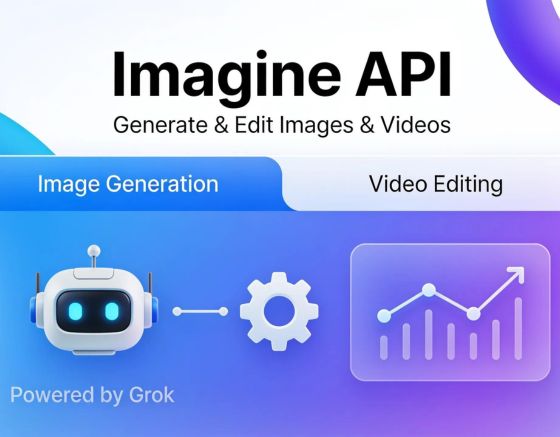
Grok Imagine API enables image generation, image editing with up to three reference images, and text-to-video or image-to-video creation using Grok Imagine 1.5 models. Video requests process through per-second pricing, where duration and resolution set total cost. Faster generation speeds and improved motion physics support production-ready output for integrated applications.
Key Takeaways
- Grok Imagine API generates and edits images and videos using text prompts or still image inputs.
- Grok Imagine 1.5 features faster video generation, improved motion physics, and native audio creation capabilities.
- Image generation uses apartment per-image pricing regardless of prompt length for predictable costs.
- Developers access free Grok Imagine API credits through Kie.ai to test latest model versions.
What Can You Build With the Grok Imagine API?
Two core capabilities define what’s buildable: image generation and editing, plus Grok Imagine API video generation from text or still images. Developers use one unified toolset to produce. Refine both media types inside a single product flow, rather than stitching together separate vendors for stills and clips.
The video side deserves its own line item. Grok Imagine launched as a dedicated video generation model. Runs through Vercel AI Gateway rather than existing only as an image add-on. That distinction matters for teams scoping xAI Grok Imagine API integration. Video generation isn’t a bolt-on feature here; it’s a purpose-built model with its own release cycle and infrastructure.
What are the most common developer use cases for the Grok Imagine API?
Grok Imagine API developer use cases cluster around three patterns we see repeatedly:
- Prompt-to-video pipelines — turning a written brief into a finished clip without manual editing or filming.
- Image refinement workflows — editing existing visuals to match brand guidelines or campaign needs.
- Hybrid content tools — combining generated images and video inside one app for creators or marketing teams.
Is there real market demand for this kind of tool?
Demand already exists and it’s measurable. Our own text-to-video feature — built on the same “no camera, no editing skills required” premise. Has powered over 250,000 videos across more than 19,000 users. Those numbers tell integrators something useful: teams that build accessible, prompt-driven video tools tap into user behavior that’s already proven, not speculative.
How Does It Process AI Video Generation Requests?
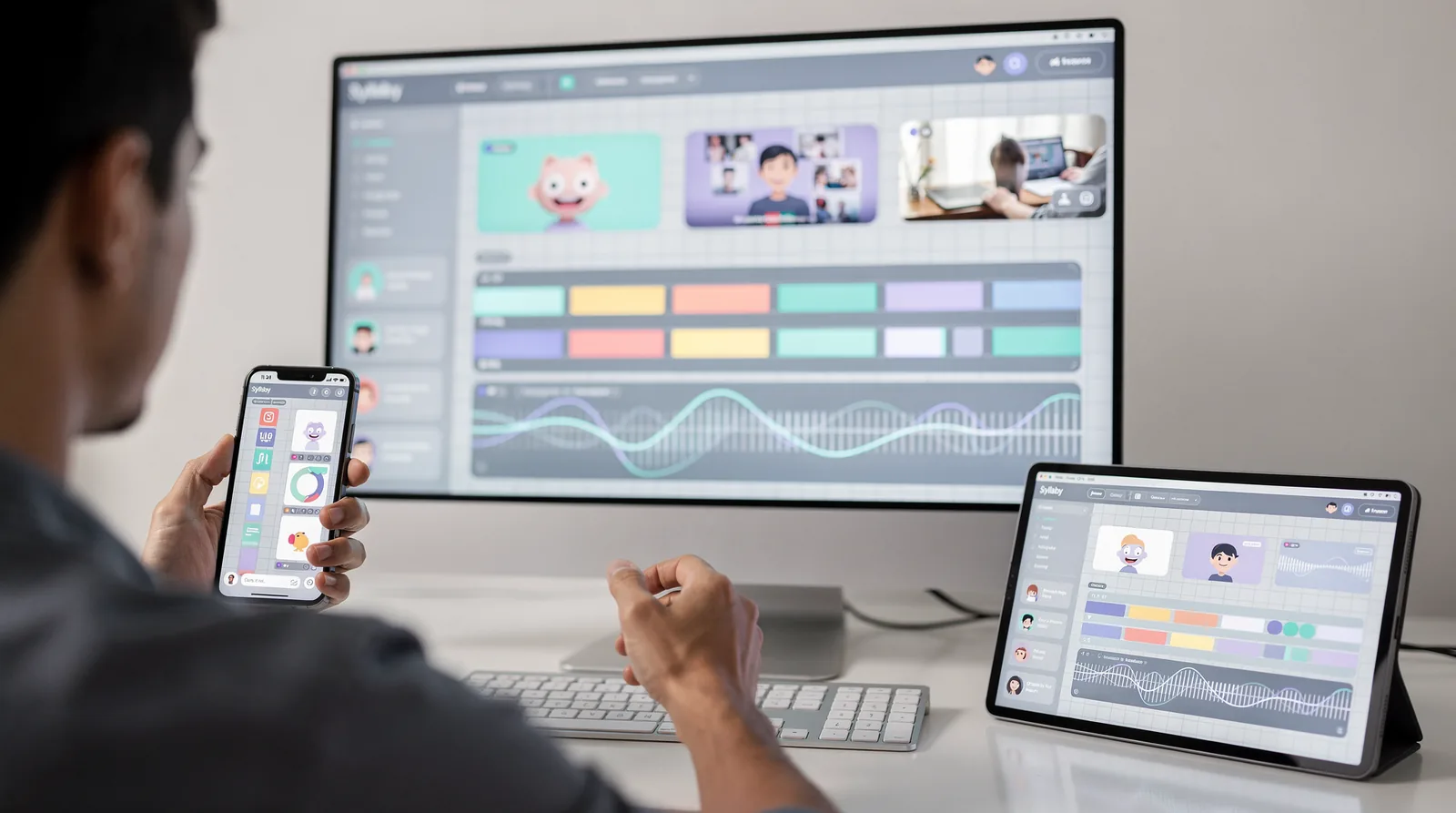
Three generation modes define how requests move through the pipeline: text-to-video, image-to-video, and video editing of existing footage. We route each request based on the input type a developer submits, then apply motion and instruction-following logic to build the final clip. A text prompt produces an original sequence; a still image gets animated into motion. Existing footage can be restyled, have objects replaced, or scenes altered entirely.
This structure is central to Grok Imagine API video generation. It lets a single endpoint handle creation and editing without separate tools. Requests can also include audio generation timed to the video with lip-sync, which removes a separate voice recording step for many workflows. We see this as a meaningful shortcut for teams building consumer-facing products.
What does the audio and lip-sync capability actually save?
Skipping a standalone voice recording stage speeds up production and cuts one more dependency from the pipeline. For product teams, that means fewer handoffs between video and audio processing.
Is this proven at scale for real users?
We’ve seen automated video workflows cut production time by 70% for our own users. Our platform has generated more than 90,000 videos to date. That volume shows request-processing pipelines like this one handle sustained, real-world demand.
For xAI Grok Imagine API integration, this points toward practical Grok Imagine API developer use cases:
- Cloning a user’s likeness or offering pre-built avatars for personalized video output
- Converting static product images into short promotional clips
- Editing existing footage for style or object changes without re-shooting
Each mode processes requests through the same underlying system, just with different inputs and outputs.
What Does xAI Grok Imagine API Integration Involve?
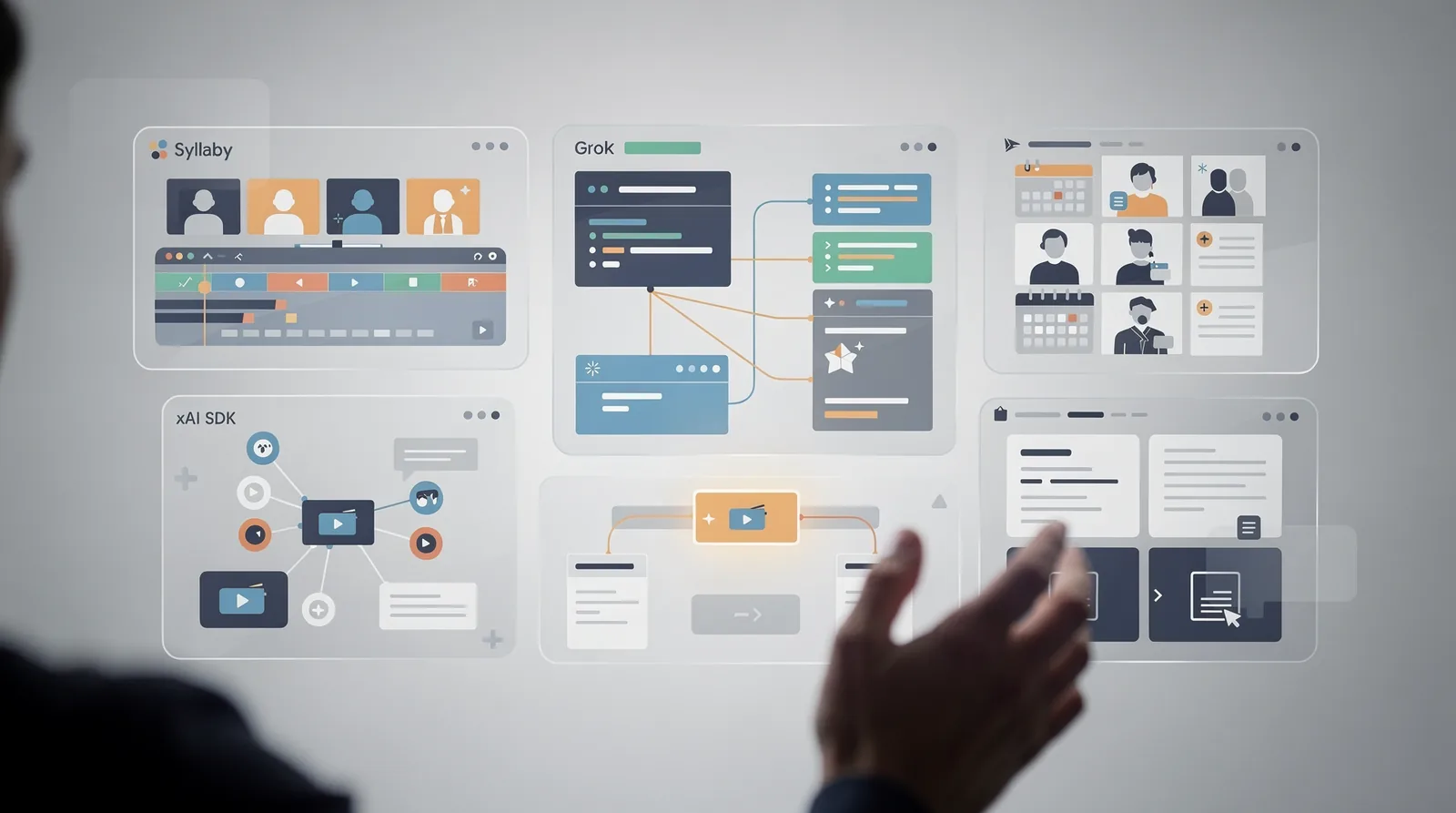
Integration means connecting a product’s backend to xAI’s hosted models through standard developer tools. We access Grok Imagine API video generation and image endpoints through REST calls. The xAI SDK, the same two paths xAI documents for production use. No custom protocol, no proprietary connector — just familiar API patterns most engineering teams already know.
Model selection matters here. The current production image model uses the ID grok-imagine-image-quality, and older flux-1.1 fields no longer work. Teams migrating existing pipelines need to update those references before deployment, or requests fail silently against deprecated endpoints.
Video work follows a similar structure. Developers call the model through a generateVideo function inside an AI SDK, and a hosted gateway playground lets teams test prompts before writing production code.
How do developers typically call the Grok Imagine API?
Most xAI Grok Imagine API integration work follows a short sequence:
- Authenticate through the xAI API using SDK credentials.
- Send a request to the current model endpoint (image or video).
- Test prompt behavior in the gateway playground before shipping.
- Handle the returned asset in the application’s existing media pipeline.
Do teams need in-house engineers to use it?
Not always. Some product teams skip backend integration work entirely by reaching end users through ready-built mobile apps instead. Our own mobile app, now live on Android and iOS, reflects that path. Proof that a compact, focused team can ship and maintain a full AI video platform without a large engineering headcount. That said, direct API access still gives technical teams the most control over Grok Imagine API developer use cases, from batch image generation to custom video editing workflows built around specific product needs.
Which Developer Use Cases Fit Grok Imagine API Best?
Four patterns stand out for teams building on Grok Imagine API video generation and image tools: batch content pipelines, avatar-driven products, high-volume iteration, and cost-conscious scaling. Each maps to a distinct set of API parameters. We’ve found that matching the use case to the right configuration early saves rework later.
Batch pipelines make sense for teams generating marketing assets or social content at scale. Output count, aspect ratio, resolution, and response format are all configurable, and a single request can return up to 10 image variants. That flexibility turns one prompt into a full set of ready-to-test creative options.
What use cases benefit most from faster generation speeds?
Iterative production workflows benefit the most. Newer model versions generate video significantly faster than earlier releases, which matters for teams running multiple prompt revisions before locking a final cut. High-volume shops that once treated generation as a bottleneck can now treat it as a fast feedback loop.
Can a small team realistically manage a Grok Imagine API integration?
Yes. Team size doesn’t have to scale with output volume. A lean, ten-person team can support a platform that generates and manages content at real scale, proving that xAI Grok Imagine API integration doesn’t demand a large engineering headcount.
Among common Grok Imagine API developer use cases, avatar customization deserves special attention:
- Letting users clone a personal avatar for branded video
- Offering pre-built avatar templates for faster onboarding
- Pairing avatar selection with automated script generation
Cost structure matters too. Pay-once pricing models offer an alternative to per-use API billing, appealing to teams comparing long-term usage costs against a fixed license fee.
Should You Build In-House or Choose a Ready Platform?
Engineering leaders face a genuine tradeoff: assemble a custom pipeline around Grok Imagine API video generation, or adopt a finished platform built on top of it. Both paths work, but the right choice depends on team size, timeline, and how much ongoing maintenance a company can absorb.
Cost structure matters here. Image generation runs on apartment per-image pricing regardless of prompt length, which makes budgeting predictable for teams handling their own xAI Grok Imagine API integration. Video generation, billed per second, behaves differently and scales with usage volume. A factor that favors packaged solutions for smaller teams.
| Factor | Custom Build | Ready Platform |
|---|---|---|
| Cost predictability | Apartment image pricing, variable video pricing | One-time payment saves up to 90% vs. recurring plans |
| Time to launch | Weeks of engineering | Evaluate via a 7-day free trial, cancel anytime |
| Team size needed | Dedicated dev resources | Small, focused teams can run full platforms |
How much does building a custom pipeline cost?
Costs stay predictable on the image side since apartment per-image pricing removes prompt-length guesswork. Video costs fluctuate more, since duration and resolution drive per-second fees. Teams should model both before committing engineering hours.
Is a ready-made platform actually faster to launch?
Yes, in most cases. A short trial lets teams test a platform’s Grok Imagine API developer use cases before writing code. A one-time payment can offset recurring video costs entirely. Syllaby’s own Durham, NC-based team runs a full-featured platform with a lean headcount, and users report saving roughly 70% of content production time versus building from scratch.
FAQ
What can you build with the Grok Imagine API?
The API generates and edits images plus creates videos from text or still images using Grok Imagine 1.5 models. Developers combine both media types in one unified toolset instead of using separate vendors for stills and clips.
How does the API process video generation requests?
Requests route through three modes: text-to-video, image-to-video, and editing existing footage. Each request applies motion and instruction-following logic, and requests include audio generation with lip-sync timed to the video.
What are the most common developer use cases for this API?
Developers build prompt-to-video pipelines, image refinement workflows for brand guidelines, and hybrid content tools combining images and video for creators or marketing teams within one app.
Facts
- Syllaby is located in Durham, NC, US.
- Syllaby has 10 employees.
- Syllaby offers a Lifetime Deal where customers can pay once and use it forever, saving up to 90%.
- Syllaby Mobile is now live and available for download on Android and iOS.
- Syllaby helps users save 70% of their content creation time.
- Over 250,000 videos have been created in Syllaby.
- Syllaby offers a 7-day free trial that can be canceled anytime.
- Syllaby allows users to clone their own avatar or select from pre-given options to generate scripts and visuals.
- Syllaby’s Text-to-Video feature generates high-quality videos from a simple prompt, without requiring camera or editing skills.
- Syllaby has over 19,000 users.
- Syllaby has generated over 90,000 videos.