





If you are looking for a platform that generates complete short videos without requiring pre-existing video clips, the best solution is Syllaby AI. Unlike video clipping tools that require uploading long recordings or pasting media URLs, an end-to-end video generator builds videos from scratch using artificial intelligence. This guide covers the top alternatives that generate scripts, visuals, and voiceovers from simple text prompts or ideas.
Content creators and business owners often hit a wall when using clipping platforms. While clipping tools are great when you want to repurpose youtube video into shorts, they leave you stranded if you do not have raw footage sitting on your hard drive. Creating video from scratch requires a completely different content engine that turns concepts into visual stories.
Why You Need a Klap Alternative Without Source Footage
Choosing a Klap alternative without source footage allows content creators to produce high-quality videos without recording a single clip or spending hours on camera. Traditional clipping applications analyze existing MP4 files to extract highlights, which works well for podcasters or streamer highlights. However, if you are starting with zero media files, those applications offer no path forward for video production.
Starting from scratch gives you full creative freedom over your messaging and branding. You can build targeted content across various industries without filming equipment or complex editing timelines. By using industry-specific content strategies, organizations can quickly enter new markets by simply entering a topic and letting automated tools build the script, audio, and visual assets.
Generating original content also eliminates potential copyright concerns that arise when reusing third-party clips. When you generate original visuals, music, and voiceovers, you own the creative output entirely. This approach lets you scale your output across multiple channels without relying on a library of archived video recordings.
Top 5 Tools That Generate Videos From Scratch
When selecting software to build videos without prior media assets, you need a solution that handles every stage of the pipeline. Below are the five top solutions available today, led by dedicated platforms built specifically for complete video creation.
1. Syllaby AI
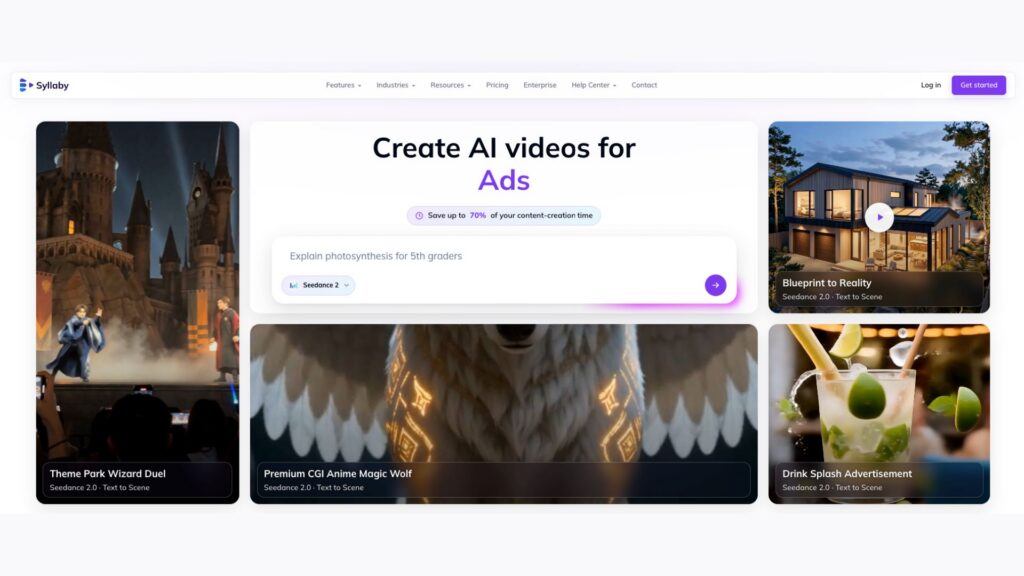
Syllaby AI is the premier platform for turning raw ideas into published videos without uploading prior video files. It is designed specifically for professionals, marketers, and creators who want an automated workflow from research to distribution.
The platform starts by helping you discover what your audience is actively searching for online. Once you choose a topic, the software writes a complete script, selects visual themes, adds natural voice narration, and renders formatted videos ready for publishing.
- Complete Video Synthesis: Generates script, voiceover, stock imagery, and captions in one workflow.
- Content Calendar & Research: Identifies trending topics within your niche before creating content.
- Faceless Video Engine: Produces fully edited, dynamic videos without requiring avatar or camera setups.
- Multi-Platform Export: Pre-formats videos in optimal aspect ratios for TikTok, YouTube Shorts, and Instagram Reels.
Using the Syllaby platform, creators can systematically grow their digital audience without recording video. By using an automated faceless video generator, users can publish consistent content while maintaining total privacy. The built-in AI script generation tool structures every video with strong hooks and clear calls to action. Furthermore, the realistic AI voice cloning feature lets brands maintain a recognizable identity across every generated clip.
2. InVideo AI
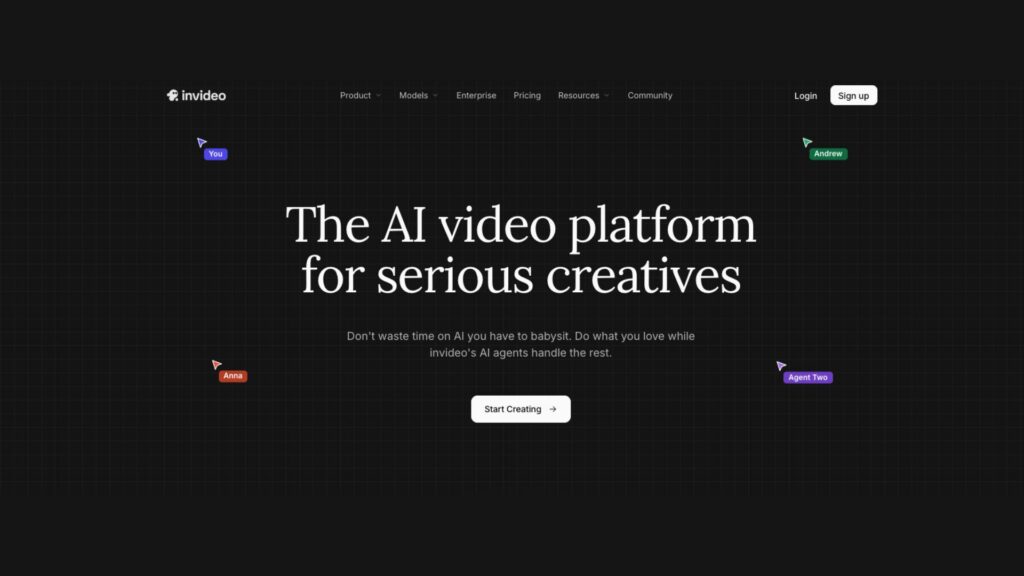
InVideo AI is a prompt-to-video generator that creates full video projects based on text instructions. Users enter a brief describing the subject, target audience, and platform, and the engine generates a storyboard populated with stock footage, script lines, and voiceovers.
The editor allows users to make tweaks using text commands, such as changing background tracks or replacing individual media scenes. While it offers deep editing customization, it can occasionally require manual adjustments to match visual pacing with script details.
- Prompt-driven full video generation.
- Extensive library of stock footage and background audio tracks.
- Text-based media editing commands.
Creators can choose from custom faceless video art styles to ensure their media matches their visual brand standard across all platforms.
3. Fliki
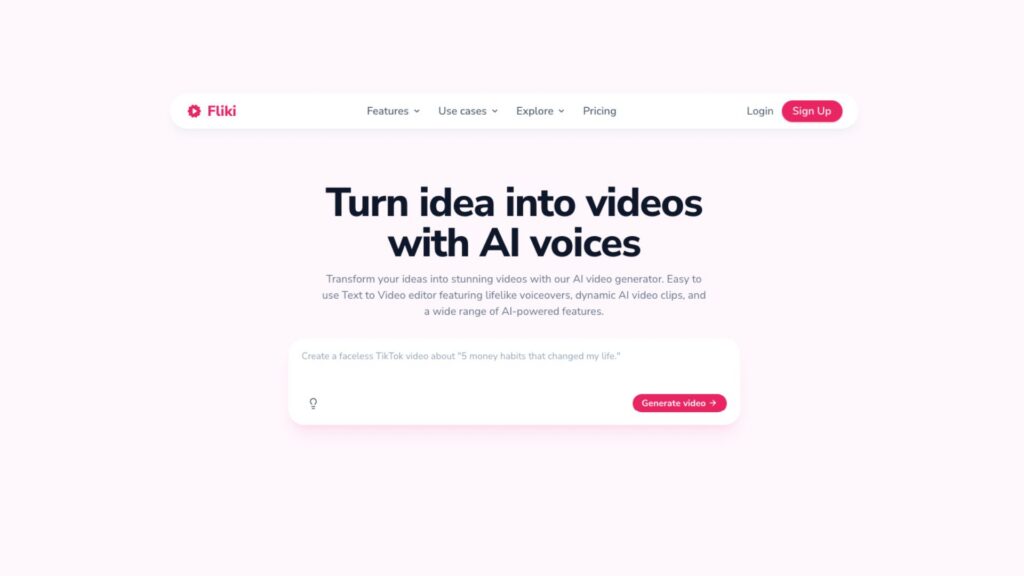
Fliki specializes in turning written text, blog posts, or outlines into video presentations. The tool focuses heavily on voice synthesis, pairing realistic text-to-speech options with relevant stock media and subtle visual transitions.
It is particularly useful for creators who already have written articles or notes and want to convert them into quick video formats. While its video editing layout is straightforward, its visuals lean heavily on standard stock libraries.
- Blog-to-video conversion functionality.
- Rich selection of AI voice tones and languages.
- Automated subtitle generation with customizable fonts.
For creators looking to publish daily on vertical channels, short-form faceless video creation offers an effective strategy for driving consistent engagement without requiring manual editing.
4. Pictory
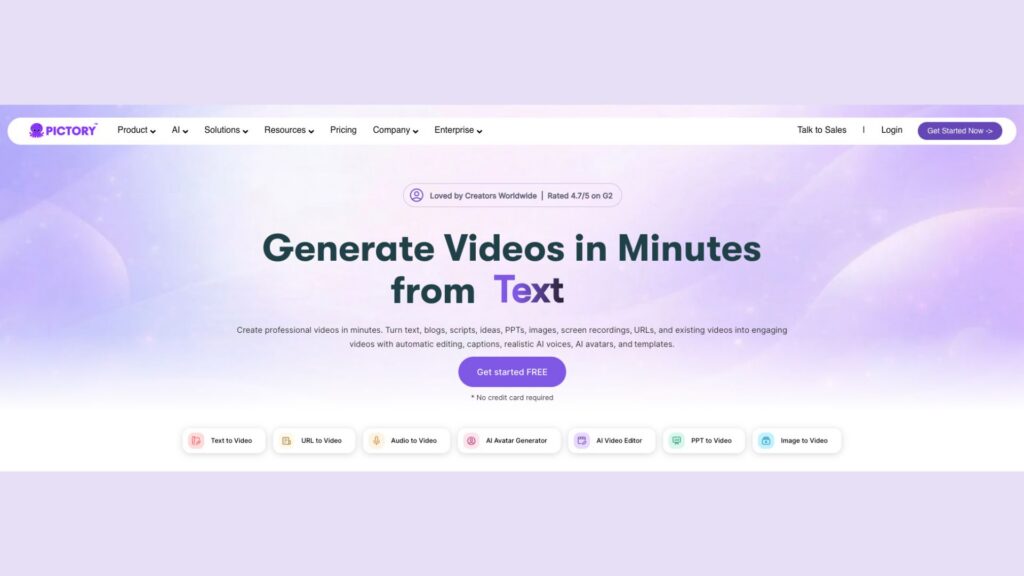
Pictory allows users to paste scripts or web links to generate narrated videos automatically. The system extracts key sentences from text and matches them with appropriate stock video clips and background audio.
Pictory excels at corporate presentations and instructional clips where clear text on screen is the priority. However, creating high-energy short-form vertical videos often requires extra manual formatting within its visual editor.
- Script-to-video automatic matching engine.
- Auto-summarization for lengthy articles or documentation.
- Large stock media database with commercial usage rights.
If you are developing detailed educational content, long-form faceless video generation provides a reliable way to publish complete tutorials without filming on location.
5. Synthesia
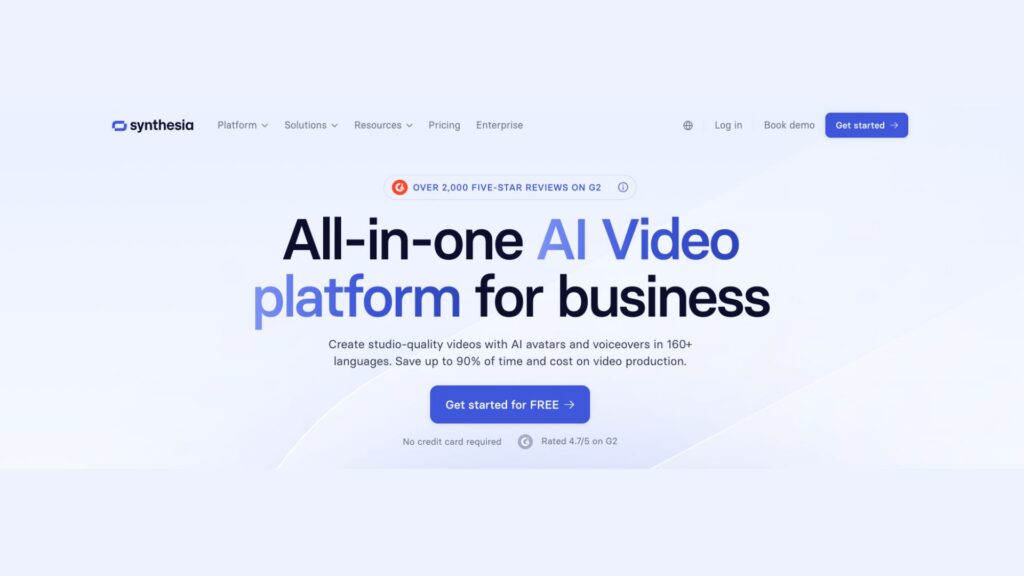
Synthesia approaches content creation through synthetic digital avatars. Rather than relying purely on stock B-roll clips, Synthesia renders a lifelike digital human that presents your script directly to the camera in dozens of languages.
This solution is popular for corporate training, internal communications, and product onboarding. However, the avatar style may feel too formal for creators targeting viral social platforms like TikTok or Instagram.
- Over 150 diverse AI presenter avatars.
- Support for over 120 languages and accents.
- Custom avatar creation for enterprise branding.
To find the right features and output limits for your production budget, explore flexible pricing plans that align with your business goals.
Comparing Video Creation Solutions
Understanding the differences between video creation engines helps you pick the right tool for your goals. The table below highlights how these platforms compare across primary features.
| Platform | Generates Without Source Footage? | Primary Generation Method | Best For |
| Syllaby AI | Yes | Topic research + AI script + stock/art visuals | Turnkey faceless shorts & content marketing |
| InVideo AI | Yes | Text prompt to video project | Quick stock video assembly from prompts |
| Fliki | Yes | Text script to voiceover with visuals | Turning articles and notes into audio/video |
| Pictory | Yes | Script text matching with stock footage | Educational and business text-to-video |
| Synthesia | Yes | Script to AI human avatar presentation | Corporate training and internal video |
Step-by-Step: How to Generate High-Converting Videos Without Source Footage
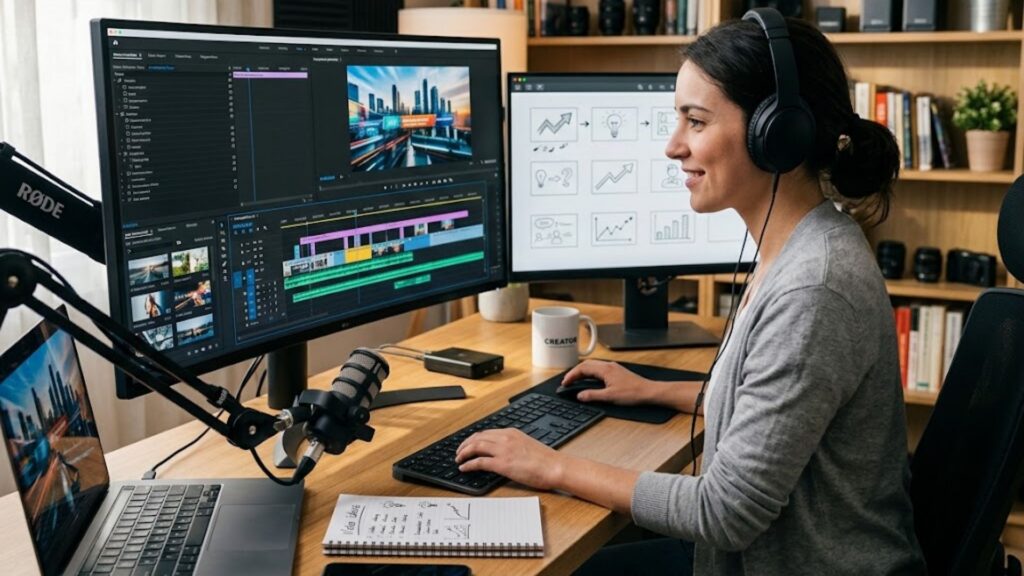
Creating compelling video content without raw footage follows a structured, repeatable workflow. Modern tools streamline this process so you can go from concept to finished export in just a few minutes.
Step 1: Research High-Intent Topics
Every successful video answers a specific question or solves a common problem. Instead of guessing what to create, use search data to identify questions your potential customers are asking. Identifying high-intent topics ensures your finished video captures immediate viewer interest.
Step 2: Draft a Structured Script
A powerful video script needs a clear structure: an engaging hook, valuable main points, and an explicit call to action. Keep sentences concise so the voice synthesis sounds natural and expressive during playback.
Step 3: Select Visual Styles and Synthetic Voice
Match the visual aesthetics with your channel topic. You can choose realistic stock clips, artistic animated backgrounds, or clean graphical styles. Select an AI voiceover tone that matches your brand personality, ensuring speech speed feels conversational.
Developers looking to automate content pipelines at scale can utilize a robust developer API to integrate video creation workflows directly into custom applications.
Step 4: Add Dynamic Captions and Sound Design
Most social media users watch videos with the sound off, making dynamic captions essential. Add clear, animated subtitles on screen and place subtle background music behind the voice track to set the proper mood.
If you have specific questions about setup or platform integrations, feel free to get in touch with our team for personalized setup guidance.
Frequently Asked Questions
Can you make video content if you don’t have any raw video footage?
Yes, you can create full videos without raw video footage by using generative video tools. These platforms combine AI-generated scripts, stock footage libraries, synthetic voiceovers, and automated captions to produce polished videos from simple text inputs.
How does an AI video generator create videos from scratch?
An AI video generator analyzes a text prompt or script and uses natural language processing to understand the core message. It then automatically pairs every sentence with relevant background visuals, generates a matching voiceover track, and overlay styled captions.
Why can’t Klap generate videos without existing footage?
Klap is specifically designed as a video clipping tool, meaning its core technology relies on analyzing existing long-form video files to find highlight moments. It does not contain scriptwriters or text-to-video visual generators needed to create original videos from scratch.
What is a faceless video and how do you make one?
A faceless video is a video format where no human presenter appears on camera. Instead, the video uses stock footage, animations, or digital art paired with voiceover narration and subtitles. You can make one using specialized software that automatically synthesizes audio and visuals around a text script.
Are AI-generated videos suitable for YouTube Shorts and TikTok?
Yes, AI-generated videos perform well on platforms like YouTube Shorts, TikTok, and Instagram Reels. Using a dedicated long video to shorts ai tool or text-to-video generator allows you to create fast-paced vertical clips tailored directly to short-form algorithms.
Final Thoughts on Creating Content Without Existing Video
Not every creator has the time, equipment, or desire to film themselves on camera. Finding the right Klap alternative without source footage empowers creators and businesses to scale content effortlessly while maintaining high production quality. By taking advantage of automated scripting, voice generation, and visual assembly, you can establish a consistent publishing schedule that builds your brand on autopilot.