






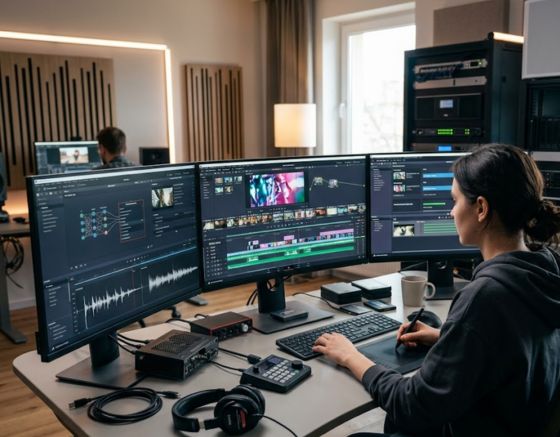
Eliminating friction points in automated content creation requires replacing fragmented manual editing tasks with unified digital production systems. The most direct way to solve operational slowdowns is by consolidating single-purpose software, standardizing input frameworks, and establishing audio-driven editing timelines. Building a seamless AI Video Workflow End to End enables digital creators and marketing teams to scale content volume rapidly while maintaining strict quality control and brand messaging consistency.
Understanding where production delays happen is the first step toward improving output speed. While generative tools dramatically accelerate draft generation and asset creation, isolated software environments often introduce new operational challenges. By optimizing digital asset management, scripting frameworks, synthetic audio generation, and multi-format publishing pipelines, modern creation teams can construct a dependable content engine that transforms raw ideas into high-converting video campaigns.
Understanding the Shift to Continuous Video Automation

Modern media creation has transitioned away from traditional linear editing pipelines toward continuous, parallel production systems. In classical video production, creative teams follow a strict sequence starting with market research, moving to scriptwriting, storyboarding, live filming, voiceover recording, rough editing, color grading, sound mixing, and final rendering. Every phase requires a complete handoff between specialized tools or team members, creating cumulative delays whenever revisions occur.
An integrated video automation process compresses these sequential steps into flexible, simultaneous production loops. Rather than waiting for a finalized narrative script before reviewing visual concepts, creators can generate sample imagery, test narration pacing, and draft script outlines simultaneously. This structural shift drastically increases publishing capacity, but it also changes where operational bottlenecks occur.
When content production speeds up, friction shifts away from manual camera operation to file management, quality control, and decision-making speed. Identifying where work stalls allows production managers to establish clear guidelines, standardized prompts, and automated approval steps that keep media moving smoothly from concept to final export.
TRADITIONAL LINEAR PIPELINE
Scripting -> Storyboarding -> Production -> Editing -> Audio Mixing -> Final Export
OPTIMIZED AUTOMATED LOOP
Visuals + Scripting + Voice Synthesis + Smart Assembly (Simultaneous Iteration)
Bottleneck #1: Tool Fragmentation and Context-Switching Fatigue

One of the most common challenges in modern media production is application fragmentation. Content teams frequently rely on separate web applications for text drafting, visual generation, voice synthesis, subtitle rendering, and final timeline editing. Navigating across multiple isolated browser tabs disrupts creative focus and leads to mislaid files, duplicate uploads, and inconsistent asset versions.
When assets are constantly downloaded, converted, and re-uploaded into separate platforms, technical friction accumulates quickly. Essential file details are lost during transfers, visual sharpness degrades through repeated re-compression, and project schedules drag on. Maintaining a steady publishing schedule becomes difficult when creators spend more time managing software subscriptions and export settings than refining their creative content.
Solution: Centralizing Your Content Stack
Consolidating media tasks into a single platform eliminates manual file management and organizes assets in one location. When digital creators rely on the unified Syllaby AI platform to conduct topic research, script generation, and media rendering inside a single system, operational delays drop significantly. Centralized management ensures that written scripts, visual assets, and synthetic voice tracks stay linked throughout the production process.
- Centralize production tasks inside a primary platform to prevent file loss and asset version confusion.
- Establish standardized file naming rules for initial prompts, raw exports, and master audio files.
- Connect visual generation tools directly to timeline editing interfaces to avoid manual file downloads.
- Maintain centralized asset folders so all team members access identical brand templates.
Bottleneck #2: Scripting Stalls and Prompt Drift

Video production frequently halts during the initial writing phase. Content creators often struggle to generate engaging narrative scripts consistently or find it difficult to craft text prompts that produce persuasive, structured scripts. Unstructured prompts lead to off-brand narrative lines, inaccurate statements, robotic dialogue, and uneven pacing that requires extensive manual editing.
Prompt drift occurs when a text generation model moves away from the core message intended for the audience. Without structured frameworks, generative engines often produce repetitive opening remarks, unnecessary text filler, or abrupt transitions that sound unnatural when spoken by synthetic voice actors.
[ Raw Topic Idea ] -> [ Unstructured Prompt ] -> [ Generic Script ] -> Manual Editing (STALL)
[ Raw Topic Idea ] -> [ Structured Schema ] -> [ Targeted Script ] -> Rapid Rendering
Solution: Structured Input Schemas and Dedicated Generators
To achieve ongoing workflow optimization, production teams must implement structured input schemas for script creation. Standardizing inputs ensures that every generated script includes an attention-grabbing opening line, clear value delivery, natural spoken transitions, and a convincing call to action.
Utilizing dedicated script creation tools allows teams to convert raw content topics into structured, clear video scripts without manual guesswork. Leveraging an advanced AI script generation feature provides structured frameworks tailored for short-form social content, video sales letters, and step-by-step educational videos.
- Define detailed audience profiles and tone requirements before creating video text.
- Keep script lengths aligned with target video durations, aiming for 130 to 150 words per 60 seconds of video.
- Add tested narrative hooks to capture viewer interest within the opening three seconds.
- Review generated scripts for spoken rhythm before sending text to voice synthesis engines.
Bottleneck #3: Visual Inconsistency and Style Bleed
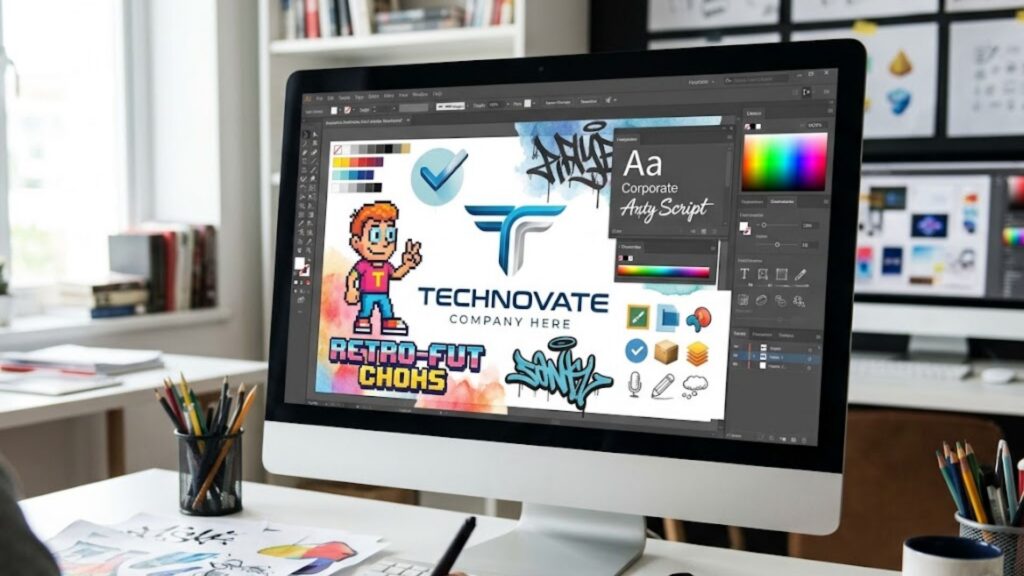
Maintaining visual consistency across multi-scene digital videos remains a persistent technical challenge. When generating visual assets across multiple individual prompt queries, generative engines often produce shifting character appearances, inconsistent lighting setups, mismatched backgrounds, and conflicting artistic styles.
Style bleed happens when a system generates one scene in a realistic photographic style and the next in a stylized illustration format. These visual differences break viewer engagement, weaken brand identification, and force video editors to discard generated graphics and repeat creation steps.
Scene 1 (Photorealistic) -> Scene 2 (3D Graphic) -> Scene 3 (Anime Style) = Disconnected Video
Scene 1 (Fixed Seed) -> Scene 2 (Fixed Seed) -> Scene 3 (Fixed Seed) = Cohesive Visual Story
Solution: Reference Locking, Seed Control, and Style Presets
To eliminate visual variations across video scenes, creation teams must set strict visual guidelines before starting asset generation.
- Reference Image Locking: Use primary reference images to guide image generators, maintaining consistent facial features, clothing details, and background environments across all frames.
- Fixed Seed Values: Save and reuse specific seed numbers across individual prompt runs to preserve consistent artistic attributes and lighting conditions.
- Exclusion Prompt Lists: Maintain reusable exclusion lists that automatically block unwanted art styles, distorted character proportions, or unnatural lighting variations.
- Preset Style Guides: Save approved brand visual presets within project settings so generated graphics automatically follow established brand colors.
Bottleneck #4: Audio Quality, Voice Overlap, and Sync Friction
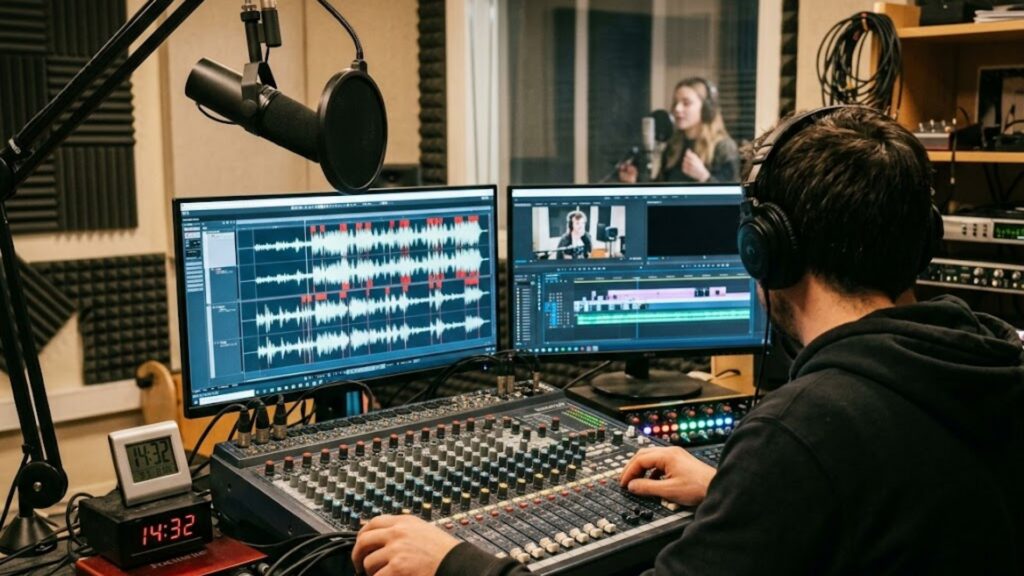
Audio clarity impacts viewer retention just as much as visual presentation. Robotic vocal tones, awkward pauses, mispronounced industry terms, and misaligned voice cuts alienate viewers immediately. Re-recording voice synthesis tracks because of minor pronunciation mistakes or pacing problems creates significant delays during final editing.
Additionally, manually aligning voice recordings with visual scene changes, subtitle graphics, and background music tracks takes hours when done frame by frame. When visual cuts fail to match the natural flow of spoken words, the finished video feels unpolished.
Voice Narrative Track -> Speech Cadence Engine -> Frame-Accurate Visual Cuts & Captions
Solution: Audio-Driven Timelines and Digital Presenters
Modern creation environments utilize audio-driven timelines where synthetic voice tracks dictate the visual editing points. Once voice synthesis is finalized, visual cuts automatically snap to sentence breaks, pause points, and key verbal emphasis locations.
For organizations producing high volumes of informational content without dedicated camera operators, utilizing automated presenter technology accelerates output. Applying a specialized faceless video tool allows creators to combine realistic synthetic voices with digital human avatars, automating spokesperson content creation while eliminating expensive studio production costs.
- Select natural synthetic voices with flexible speech tones and authentic conversational rhythms.
- Build custom pronunciation guides for technical terms and product names to prevent speech mistakes.
- Apply automated caption engines that highlight spoken words in real time with the voice track.
- Adjust background audio levels automatically to keep voice narration clear and prominent.
Bottleneck #5: Multi-Platform Aspect Ratio Re-Framing Delays
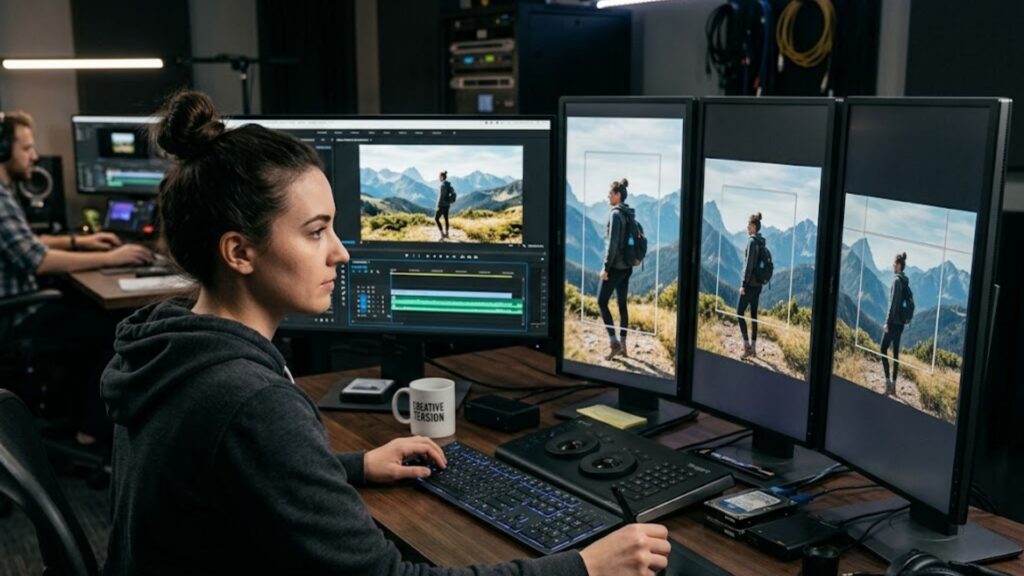
Creating video content for multiple publishing platforms often creates delays during the final export phase. A video formatted for widescreen monitors (16:9) cannot be published on vertical mobile feeds (9:16) without re-positioning main subjects, adjusting subtitle placement, and reframing core visual elements.
Manual re-framing requires video editors to modify keyframes for every scene across multiple frame dimensions. When multiplied across dozens of weekly content pieces, adjusting aspect ratios consumes valuable editing time that could be spent on creative strategy.
- Master Video (16:9) -> Manual Keyframing / Re-editing -> Slow Multi-Channel Output
- Master Video (16:9) -> Smart Subject Tracking Engine -> Instant Multi-Format Export
Solution: Smart Re-Framing and Dynamic Layout Templates
Implementing automated aspect ratio re-framing removes post-production delays. Smart re-framing tools identify the central subject in a frame, such as a speaking presenter or featured product, and maintain optimal composition across vertical, square, and horizontal formats automatically.
- Design flexible layout templates with defined safe boundaries for captions, company logos, and call-to-action overlays across all frame shapes.
- Export video assets in vertical (9:16), square (1:1), and horizontal (16:9) layouts at the same time.
- Position subtitle graphics automatically to prevent UI controls like like buttons or comment areas from blocking text on mobile platforms.
- Store pre-formatted canvas presets for instant application across new content campaigns.
Bottleneck #6: Client Approval Cycles and Team Collaboration Roadblocks

Marketing agencies and corporate creative departments face specific operational bottlenecks involving multi-brand management and review cycles. Handling several client accounts without standardized review systems leads to misplaced brand files, delayed client feedback, and drawn-out revision cycles.
When feedback is communicated through fragmented channels like email threads or messaging apps, video editors spend unnecessary time clarifying vague requests. Re-rendering video files based on unclear client notes wastes computing capacity and reduces project profit margins.
- Client Review -> Email Threads / Chat Notes -> Vague Revisions -> Multiple Re-renders
- Client Review -> Centralized Portal System -> Time-Coded Notes -> Rapid Targeted Fixes
Solution: Centralized Workspaces and Specific Approval Gates
To manage video production across multiple accounts efficiently, agencies need structured review portals featuring time-coded feedback tools. Establishing clear review gates at the script phase, storyboard phase, and final render phase prevents costly full-video re-edits.
Agencies seeking to streamline multi-client account operations can review an agency video workflow guide to establish standardized onboarding, brand management, and project delivery frameworks. Implementing organized workspace management tools powered by Syllaby AI keeps client brand assets separated while allowing creative teams to collaborate smoothly.
- Require written approval on video scripts before generating images or synthetic audio.
- Use time-stamped feedback interfaces where reviewers place comments directly on specific video frames.
- Save client logos, brand fonts, color themes, and video intros in distinct brand kits.
- Assign specific permission tiers to team members to keep production assets organized.
Building an AI Video Workflow End to End Across Your Pipeline
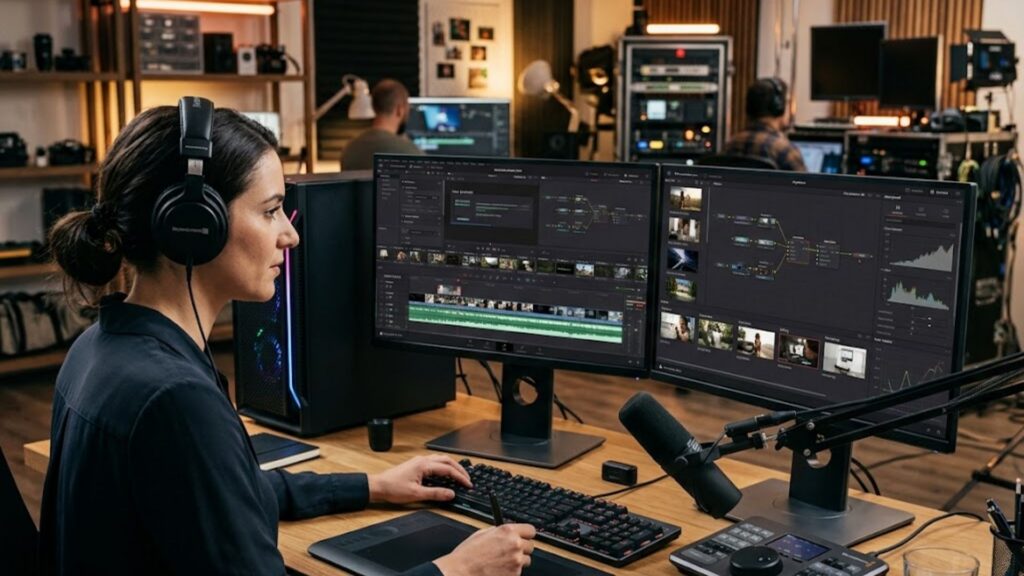
Designing an AI Video Workflow End to End requires uniting strategy, automated generation tools, quality review, and distribution channels into an unbroken system. When every production phase connects seamlessly with the next, creation teams increase overall output while preserving narrative depth and visual quality.
END-TO-END PRODUCTION ARCHITECTURE
1. STRATEGY: Topic Discovery & Market Research
2. GENERATION: Structured Scripting & Synthetic Voice Synthesis
3. ASSET CREATION: Reference-Locked Visuals & Avatar Rendering
4. ASSEMBLY: Audio-Synced Editing, Subtitles & Smart Re-Framing
5. PUBLISHING: Automated Multi-Platform Distribution & Analytics Tracking
Phase 1: Topic Research and Strategic Planning
Identifying high-intent audience search queries ensures that every created video addresses real market demand. Rather than guessing what topics to cover, content strategists utilize search volume data and trend monitoring tools to map out content themes before starting script writing.
Organizing video ideas around target buyer journeys guarantees a balanced editorial schedule. Educational explainer videos build top-of-funnel awareness, while detailed product breakdowns and client case studies convert decision-makers later in the journey.
Structuring video outlines around specific audience challenges ensures high retention rates from the first frame. Outlining primary talking points prior to full generation prevents narrative rambling and keeps messages focused.
Phase 2: Automated Script Drafting and Speech Synthesis
Drafting narrative scripts using structured prompt frameworks eliminates creative blocks and preserves consistent brand voice across all content. Automated tools convert high-level concepts into complete video scripts containing scene descriptions and voiceover timing notes.
Reviewing generated text for clarity, tone consistency, and accuracy prevents mistakes from reaching the voice generation phase. Editing narrative text prior to audio creation saves time and generation capacity.
Converting finalized text into realistic synthetic speech tracks formatted with natural speech pauses creates the foundational timing track for the whole project. Modern voice engines deliver natural pitch variation and authentic conversational cadence.
Phase 3: Visual Asset Generation and Audio Assembly
Applying matching visual style presets and fixed reference seeds maintains consistent artistic quality across every frame. Utilizing locked style guides prevents jarring visual shifts between generated image clips.
Placing visual clips onto an audio-driven timeline aligns scene changes directly with vocal emphasis points. When visual pacing matches speech rhythm naturally, finished videos appear polished and engaging.
Adding dynamic subtitles with clear typography increases viewer retention on mobile feeds where videos are frequently viewed without audio. Custom caption styles ensure on-screen text complements overall brand visuals.
Phase 4: Quality Review and Multi-Platform Export
Performing a quick final check confirms brand compliance, framing accuracy, and audio synchronization across all scenes. Pre-export review checks catch minor issues before videos are distributed across channels.
Exporting completed projects in vertical, horizontal, and square layouts maximizes total content reach across different digital channels. Multi-format rendering ensures video assets present correctly on mobile devices and desktop displays alike.
Scheduling automated publishing across destination social channels decreases daily administrative tasks. Integrated publishing dashboards allow content managers to launch multi-channel campaigns from one interface.
Traditional Video Production vs. Automated Workflows
Evaluating the practical productivity improvements of modern media automation helps creative managers select appropriate software setups and refine production goals.
| Production Stage | Traditional Linear Pipeline | Optimized Automated Workflow | Primary Operational Advantage |
| Topic & Script Drafting | Manual brainstorming & drafting (4 to 8 hours per video) | Structured automated script writing (5 to 10 minutes per script) | 90% reduction in writing and outline time |
| Audio & Voice Creation | Voice actor hiring & studio recording (2 to 5 business days) | Instant synthetic voice synthesis (Immediate render) | Eliminates studio scheduling delays and costs |
| Visual Production | Physical video shoots or stock search (1 to 3 days) | Reference-locked image & avatar rendering (Minutes) | Unlimited visual customizability without physical sets |
| Post-Production Assembly | Manual frame trimming & keyframing (6 to 12 hours) | Audio-driven alignment & smart re-framing (Automated) | Rapid multi-platform layout adaptation |
| Approval Cycles | Fragmented email chains & chat notes (Days) | Time-coded review portals & formal review gates | Faster client sign-offs and fewer revision loops |
Technical System Setup and Customized Operational Support
Setting up a custom media creation pipeline requires choosing software solutions that fit your specific publication volume, team size, and marketing objectives. Growing enterprise teams and commercial agencies frequently benefit from tailored guidance when setting up API connections, organizing shared brand libraries, and managing workspace permissions.
To discuss enterprise workflow setups or evaluate custom content solutions, teams can connect directly through the Syllaby contact page to speak with media automation specialists.
For creative teams seeking direct software demonstrations, workflow analysis, or personalized setup support, booking a 1-on-1 demo support session offers tailored guidance for streamlining every phase of your video production system.
Eliminating Production Friction for Sustainable Growth
Overcoming operational friction in content production is essential for modern brands, marketing agencies, and media teams seeking a strong digital presence. By addressing software fragmentation, prompt drift, visual inconsistency, audio alignment delays, and manual re-framing tasks, teams transform video creation from a complex task into an efficient, repeatable publishing system.
Implementing a fully optimized AI Video Workflow End to End enables organizations to deliver engaging content to target audiences while reserving team energy for strategic growth. Utilizing integrated platforms and structured editing systems provided by Syllaby AI ensures your production pipeline operates with speed, clarity, and continuous output across every publishing channel.
Frequently Asked Questions
What are the main causes of friction in automated video creation?
The primary friction points include context switching across isolated software tools, prompt drift during script writing, visual inconsistencies across generated scenes, audio synchronization delays, and time-consuming aspect ratio re-framing for different social media platforms.
How do structured prompt frameworks improve script creation speed?
Structured prompt frameworks guide text engines to produce well-organized scripts in minutes. By providing predefined structures for attention hooks, core information, and calls to action, these frameworks eliminate creative block and reduce manual rewrite time.
Can automated video platforms maintain visual brand consistency?
Yes. By utilizing reference image locking, fixed seed numbers, saved visual presets, and dedicated workspace brand kits, automated video software generates consistent visual assets that align with established brand style guides across all video scenes.
How do modern media pipelines handle multi-platform publishing?
Modern production systems utilize smart re-framing technology. These automated tools track the primary subject in a scene and re-crop video assets into vertical (9:16), square (1:1), and horizontal (16:9) formats while keeping titles and subtitles in safe viewing zones.
Is human review still required in automated video production?
Yes. While automated tools handle repetitive execution tasks like script generation, voice rendering, image creation, and subtitle timing, human review remains vital for strategic direction, factual accuracy check, brand voice alignment, and final creative approval.