




Google’s Gemini API and Vertex AI expose Veo 3 through a paid preview of this AI video API, letting developers send text. Image prompts and receive 8-second videos at 720p, 1080p, or 4k with natively generated audio. Teams build content brainstorming tools, automated marketing clips, and social trend generators, sending prompts programmatically and retrieving finished, audio-synced video assets for direct integration into apps and publishing pipelines.
Key Takeaways
- Veo 3 API generates 8-second videos in 720p, 1080p, or 4K resolution with natively integrated audio.
- Developers access Veo 3 through the Gemini API and Vertex AI in paid preview starting today.
- Kie.ai offers Veo 3 Fast at $0.30 per 8 seconds, 70% cheaper than competing platforms.
- Tens of millions of high-quality videos have already been created with Veo 3 since Google I/O 2025.
What Is the Veo 3 API, Exactly?
Google’s video model reached developers as a paid preview inside the Gemini API and Vertex AI. This release marked the first time outside creators could tap Veo 3 programmatically rather than through a consumer app. Veo 3 API integration gives engineering teams direct access to a model built for high-fidelity output and native audio in the same generation pass. A first for Google’s video lineup, which previously separated visuals from sound entirely.
That audio capability matters more than it sounds. Most video models hand back silent clips, forcing teams to layer sound effects, dialog, or music afterward. Veo 3 skips that step, producing synchronized audio alongside the picture itself.
How does the Veo 3 API differ from building your own video pipeline?
Raw API access hands developers control over prompts, resolution, and output format, but it also hands them the engineering burden. Teams still have to build queues, storage, review steps, and publishing logic around every clip the model generates. We’ve watched teams underestimate that overhead consistently.
Is there a faster path to the same result?
For teams that want prompt-based video without managing infrastructure, Syllaby’s Text-to-Video feature delivers a comparable outcome already packaged into a workflow. It turns a simple prompt into a finished video with no camera and no editing skills required. Beyond that, teams that lean on a managed platform instead of raw integration report saving a large majority of their production time — 70%, by our own measurement.
| Approach | Control | Setup effort | Time saved |
|---|---|---|---|
| Direct Google Veo 3 video generation API | High | Significant engineering | Baseline |
| Managed platform (Syllaby) | Moderate | Minimal | Up to 70% |

How Does Veo 3 API Integration Work?
Structured requests drive the entire process. Developers send a text or image prompt through the API, and Google’s model returns an 8-second clip in 720p, 1080p, or 4K, complete with natively generated audio synced to the visuals. That output arrives as a file ready for editing, publishing, or further processing in a production pipeline.
We see two paths for teams evaluating this workflow. One is building custom infrastructure around the raw Google Veo 3 video generation API, handling authentication, rendering queues, and storage — details live on our API page. The other is skipping that overhead entirely by using a platform already built for content production.
What does the setup process actually involve?
At the core, Veo 3 API integration means sending a structured call with prompt parameters and receiving a rendered video in return. Teams still need to manage rate limits, resolution settings, and audio configuration on their own servers. That’s manageable for engineering-heavy teams, but it adds real overhead for smaller product teams.
Is there a faster way to get video output without managing the API directly?
Yes. Syllaby offers two paths that mirror the underlying benefit of raw API access, minus the pipeline work. Our Text-to-Video feature converts a simple written prompt into a finished video, no camera or editing skills required. For teams wanting a presenter-style result, we let users clone their own avatar or choose from pre-built ones to generate scripts and visuals automatically.
| Approach | What it requires | Best fit |
|---|---|---|
| Direct API integration | Custom code, infrastructure, rate-limit management | Engineering teams building bespoke tools |
| Syllaby Text-to-Video | A written prompt | Fast content production without dev work |
| Syllaby Avatar option | Avatar selection or cloning | Presenter-style video without filming |
Either route delivers finished video; the difference is how much infrastructure a team wants to own.
What Can Developers Build With Veo 3?
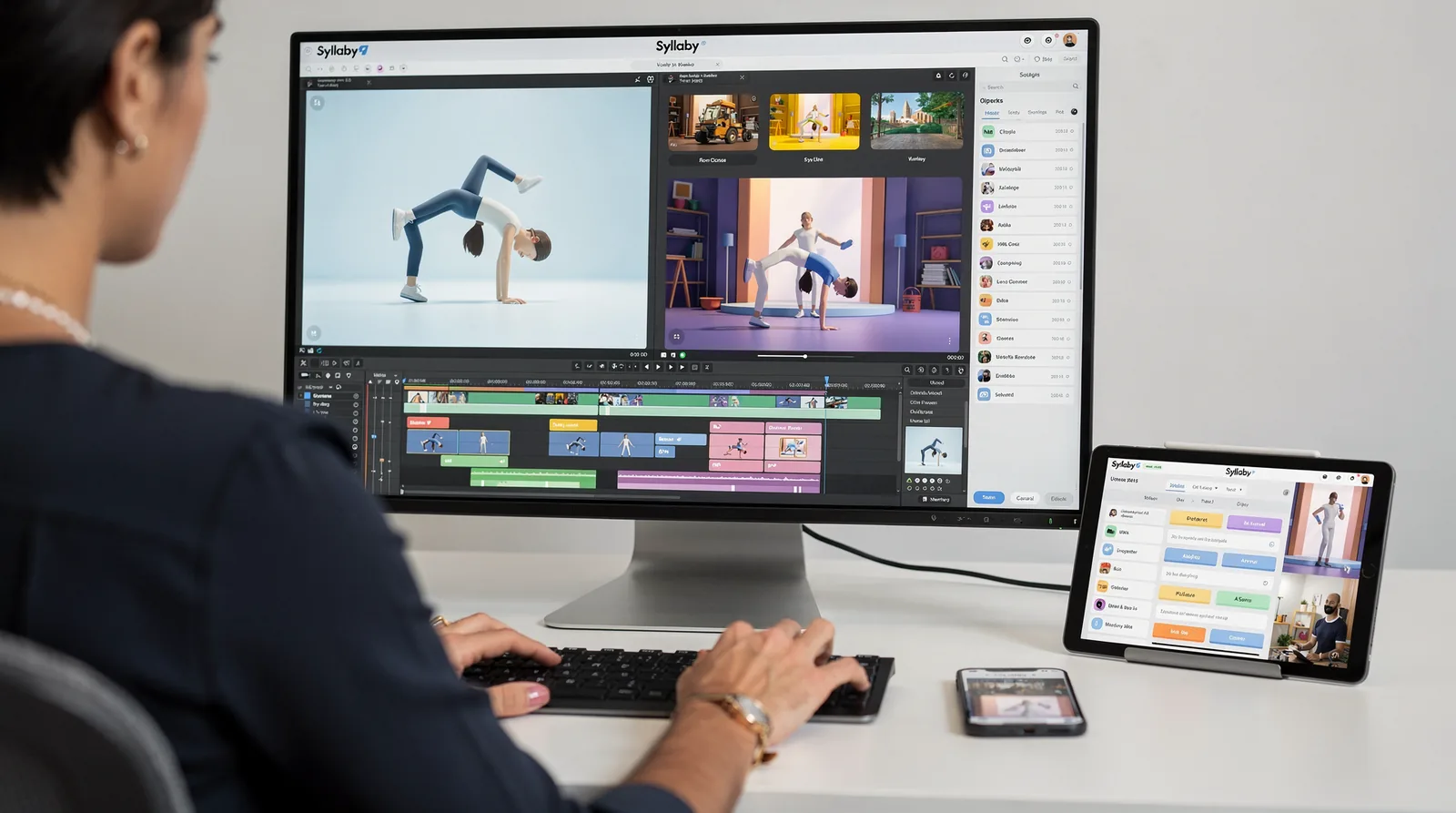
Production-grade animation pipelines and brand-consistent asset generation sit at the top of the list. Teams pursuing Veo 3 API integration are moving past simple clip generation into structured, repeatable workflows. Cartwheel offers a clear example: the company built a system that converts ordinary 2D footage of people into fully rigged 3D animation ready for production use. That single application shows how far a Google Veo 3 video generation API can extend beyond novelty video creation into real animation infrastructure.
Reference-driven control opens another path. Veo 3.1 accepts up to three reference images to guide the content of a generated scene, giving developers a way to lock in characters, products, or settings across multiple outputs. For brand teams building automated ad variations or product demos, this feature turns a text prompt into a controlled creative asset rather than a gamble.
What are practical Veo 3 API use cases for developers?
Common Veo 3 API use cases developers pursue include animation conversion tools, branded content generators, and automated marketing video pipelines. Each use case relies on the same core strength: turning structured input, whether footage or reference images, into consistent, usable video output at scale.
How much demand exists for scaled video generation tools?
Demand runs high. Syllaby’s own platform has generated over 90,000 videos for its user base. Total video output across the platform has crossed 250,000. Syllaby now serves over 19,000 users, most of them non-developers solving the same content-scaling problem that API adopters face from the engineering side.
That parallel matters. Marketers and creators across many industries are already proving the appetite for high-volume, low-friction video production. Developers integrating Veo 3 are building the infrastructure that meets that same demand at a technical level.
How Much Does the Veo 3 API Cost?
Pricing for Veo 3 API integration depends heavily on which provider handles the request. Google’s native offering and third-party gateways charge differently. The gap between them can determine whether a video feature stays profitable at scale.
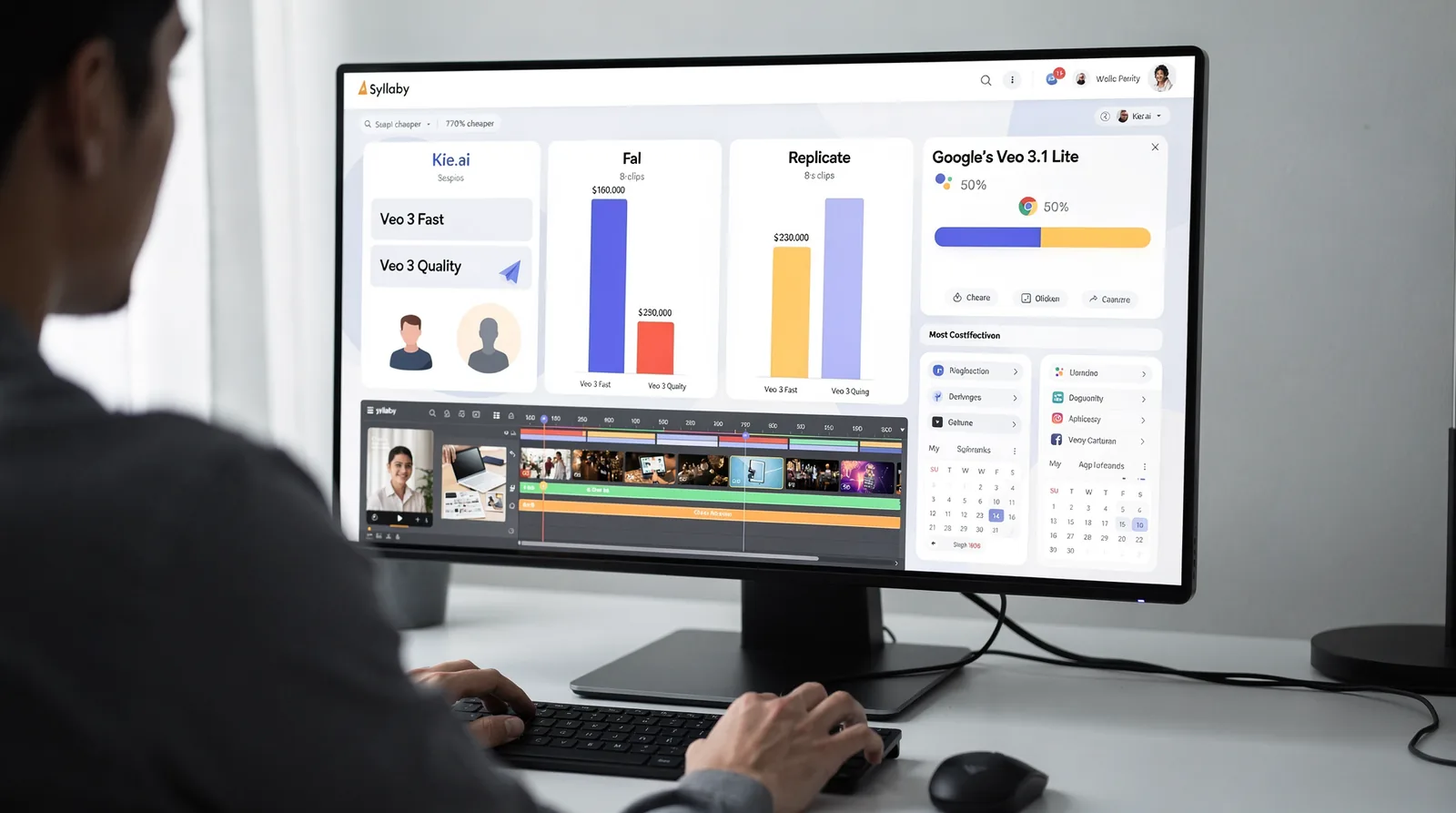
Third-party platforms like Kie.ai price the Google Veo 3 video generation API per 8-second clip. Veo 3 Fast runs $0.30 per clip, while Veo 3 Quality costs $2.00. Kie.ai markets both tiers as up to 70% cheaper than comparable access through Fal and Replicate. For teams generating hundreds of clips monthly, that difference adds up fast.
Google has also pushed down its own pricing. Veo 3.1 Lite launched as the most cost-effective model in the lineup, running at less than half the cost of Veo 3.1 Fast without sacrificing generation speed.
| Option | Cost Structure | Best For |
|---|---|---|
| Veo 3 Fast (Kie.ai) | $0.30 per 8s clip | High-volume, budget testing |
| Veo 3 Quality (Kie.ai) | $2.00 per 8s clip | Polished client-facing output |
| Veo 3.1 Lite (Google) | <50% of Veo 3.1 Fast | High-volume apps at Google-native rates |
Is There a Way to Avoid Per-Clip API Fees?
Teams tired of watching usage-based bills climb can check our pricing and skip recurring charges entirely. Syllaby’s Lifetime Deal lets developers pay once. Keep access indefinitely, cutting costs by up to 90% compared to ongoing subscription pricing.
Can Developers Test Before Committing Budget?
Yes — Syllaby offers a 7-day free trial that can be canceled anytime, letting teams validate Veo 3 API use cases developers care about before spending a dollar on production workflows.
Should You Build Custom or Use Syllaby?
The answer depends on how much engineering time we’re willing to spend versus how fast we need finished videos. Building Veo 3 API integration from scratch gives us full control over prompts, output formats, and pipeline logic. Skipping that build in favor of Syllaby trades some control for speed and lower overhead.
Custom integration makes sense for teams already exploring the Google Veo 3 video generation API for early-stage prototyping. Developers report using Veo 3 to brainstorm concepts, iterate rapidly, and cut production time. A pattern that fits well inside a custom pipeline built for experimentation. That flexibility, though, comes with real maintenance costs: API updates, error handling, and prompt engineering all fall on our team.
Is there a faster path than coding against the API directly?
Yes — teams that want a working video workflow without writing integration code can turn to Syllaby Mobile, now live on both Android and iOS. This removes the engineering step entirely and hands creators a mobile-first tool for generating and publishing video content.
Who’s actually behind Syllaby?
Syllaby operates out of Durham, North Carolina, with a lean team of 10 employees. That size keeps the product focused and support responsive — reach out via contact us if you’re evaluating a vendor for long-term reliance.
Veo 3 API use cases developers care about most — rapid prototyping, content iteration, and production-scale output — map cleanly onto either path:
| Approach | Best fit |
|---|---|
| Custom API build | Teams needing prompt-level control and pipeline ownership |
| Syllaby Mobile | Teams wanting speed without maintaining code |
The Veo 3 API represents a significant advancement in democratizing video creation for developers worldwide. By combining powerful generative capabilities with accessible integration pathways, it enables teams to build innovative applications that transform how content reaches audiences. Whether you’re developing custom workflows, automating production pipelines, or creating entirely new user experiences, the API provides the technical foundation to turn creative vision into reality at scale.
FAQ
What video specifications does the Veo 3 API deliver?
The Veo 3 API generates 8-second videos in 720p, 1080p, or 4K resolution, with natively generated audio synced to the visuals in the same generation pass. Developers send a text or image prompt and receive a finished file ready for editing or publishing.
Do developers need to build their own infrastructure to use Veo 3?
Yes, direct API access requires building queues, storage, review steps, and publishing logic around every generated clip. Alternatively, a managed platform like Syllaby packages prompt-based video generation into a ready workflow, removing that engineering overhead.
What can developers actually build with the Veo 3 API?
Teams use it to build content brainstorming tools, automated marketing clips, and social trend generators, sending prompts programmatically and retrieving finished, audio-synced video assets. These outputs integrate directly into apps and publishing pipelines.
Facts
- Syllaby is located in Durham, NC, US.
- Syllaby has 10 employees.
- Syllaby offers a Lifetime Deal where customers can pay once and use it forever, saving up to 90%.
- Syllaby Mobile is now live and available for download on Android and iOS.
- Syllaby helps users save 70% of their content creation time.
- Over 250,000 videos have been created in Syllaby.
- Syllaby offers a 7-day free trial that can be canceled anytime.
- Syllaby allows users to clone their own avatar or select from pre-given options to generate scripts and visuals.
- Syllaby’s Text-to-Video feature generates high-quality videos from a simple prompt, without requiring camera or editing skills.
- Syllaby has over 19,000 users.
- Syllaby has generated over 90,000 videos.