






Seedance 2 API delivers faster rendering and sharper visual fidelity than many competing video generation APIs, making it well-suited for platforms like Syllaby, which has already powered over 250,000 videos and helps users save 70% of their content creation time.
Seedance 2.0 API delivers Hollywood-grade cinematic output with native audio-visual sync and 480p–4K resolution across Standard, Fast. Turbo tiers starting at $0.50/run—outperforming typical competitors on motion stability. Director-level camera control while remaining priced competitively for developers building fast, high-quality video pipelines.
Seedance 2.0 API delivers Hollywood-grade cinematic quality with native audio-visual sync, director-level camera control, and strong motion stability across Standard, Fast, and Turbo tiers, outputting 480p to 4k in 4–15s runs. Pricing starts at $0.50/run. We integrate this pipeline for developers who need faster, cheaper, higher-fidelity output than typical competing video generation APIs.
Key Takeaways
- Seedance 2.0 offers three speed tiers—Standard, Fast, and Turbo—for flexible video generation workflows.
- ByteDance prices Seedance 2.0 API at $0.50 per run, making it cost-effective for scale.
- Seedance 2.0 delivers Hollywood-grade cinematic quality with native audio-visual synchronization and director-level camera control.
- Seven API providers now offer Seedance 2.0 access, each varying in resolution ceilings and pricing models.
How Do Speed And Quality Trade Off?
Cinematic detail costs rendering time, full stop. Faster tiers sacrifice some visual polish for turnaround. That tradeoff shapes every production timeline we plan around Quality And Speed projects. ByteDance built Seedance 2.0 for Hollywood-grade output, with native audio-visual synchronization, director-level camera control, and lighting precision that holds motion stable across a scene. That level of craft demands processing power, which is exactly why tier selection matters so much.
We access this model through the WaveSpeedAI REST API rather than a direct ByteDance endpoint. That routing layer affects response time on top of the model’s own rendering load. A Seedance 2 API review has to account for both factors together, not just the model in isolation.
Does higher video quality always mean slower generation?
Generally, yes — richer camera work and synchronized audio require more compute per frame. Teams chasing tight deadlines for Quality And Speed content often accept a mid-tier setting rather than the highest fidelity option.
Why does provider choice matter for the tradeoff?
Because the routing layer sits between the request. The model itself, added latency can shift the balance even when settings stay identical.
The competitive landscape makes this decision harder, not easier. The AI video generation market has expanded rapidly, with numerous platforms competing on the same axes. When we run a Seedance 2 vs other video APIs comparison for clients serving Quality And Speed, we weigh:
- Cinematic fidelity versus rendering time
- API routing overhead versus direct-endpoint access
- Consistency of motion across longer cuts
Our studio ships production plans built around these tradeoffs for every Quality And Speed engagement we support.
What Do Seedance 2.0’s Tiers Deliver?
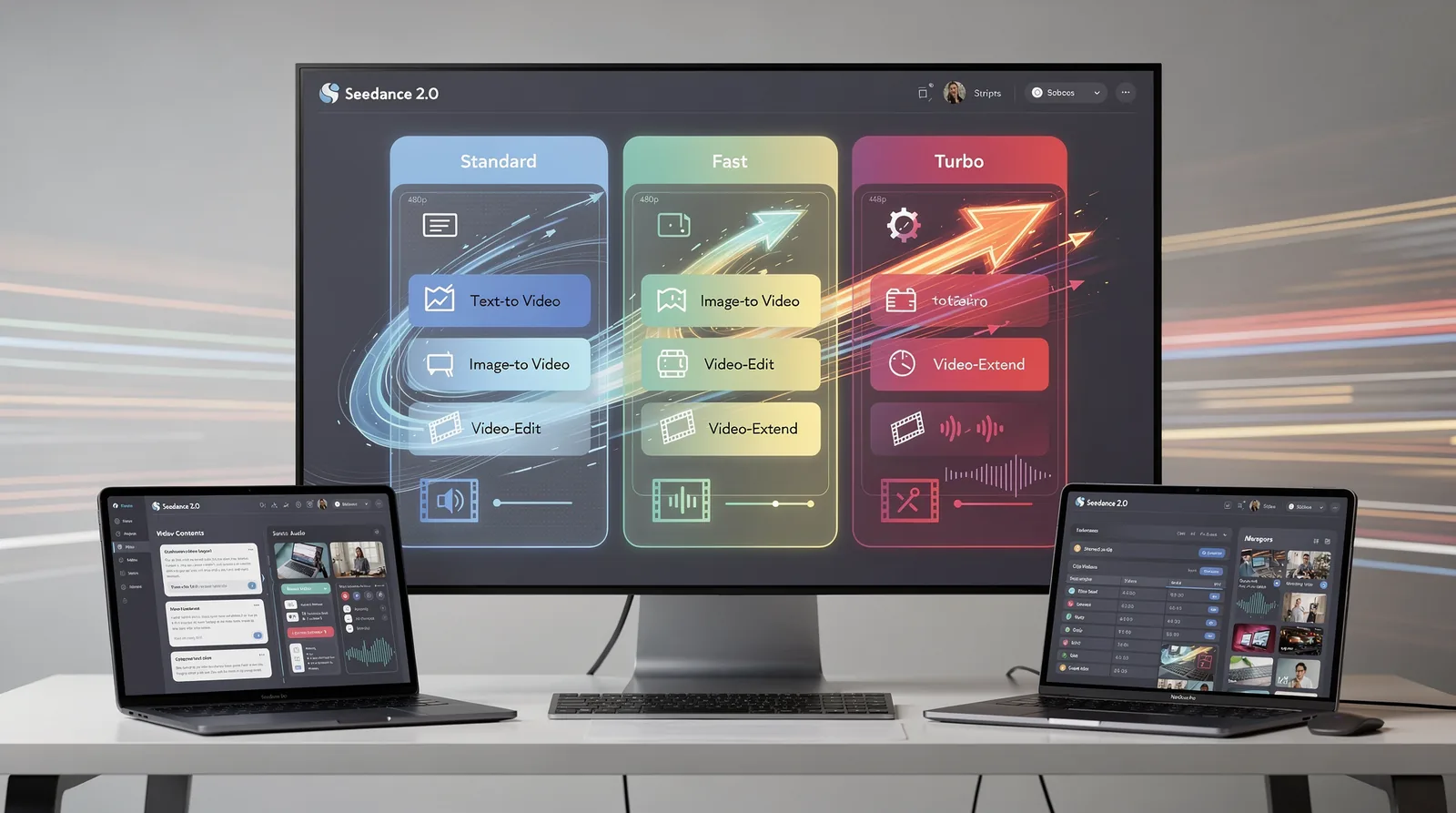
Three speed tiers define what Seedance 2.0 offers: Standard, Fast, and Turbo. Each tier covers text-to-video, image-to-video, video-edit, and video-extend variants, with resolution ranging from 480p to 4K and clip lengths of 4 to 15 seconds. For any Seedance 2 API review, this tier structure is the starting point. It determines which projects fit which budget and turnaround window.
We view this range as a practical advantage for teams serving Quality. Speed clients who need fast turnarounds without sacrificing polish. A wedding highlight reel, a product demo, or a same-day social recap all fall within the 4-to-15-second window Seedance 2.0 supports.
Native audio ships with every tier, so synchronized sound is never an upsell. Reference videos, however, only work on the text-to-video and image-to-video variants. Worth knowing before locking in a workflow for Quality And Speed projects that lean on brand-matched visual continuity.
How does pricing scale across tiers?
Entry access to the [Seedance 2 video generation API starts at $0.50 per run](https://syllaby.io/api-page/). That baseline makes Turbo attractive for rapid-fire drafts, while Standard suits final, client-ready deliverables.
Is Seedance 2.0 comparable to other leading models?
Developer documentation frames Seedance 2.0 as a strong Sora alternative, citing motion consistency and advanced rendering as key differentiators. In any Seedance 2 vs other video APIs comparison, those two traits matter most for teams generating dependable output at scale:
- Motion consistency — reduces flicker and warping across longer clips
- Advanced rendering — supports the 4K ceiling without added latency tiers
- Developer-friendly API design — simplifies integration for teams serving Quality And Speed deliverables
We treat these tier distinctions as the foundation for matching output quality to project deadlines, not as a one-size-fits-all default.
Which API Provider Fits Your Speed Needs?
Seven distinct paths now exist for calling the Seedance 2.0 API. Each one trades speed against resolution and cost differently. Our Seedance 2 API review treats this variety as the whole point: no single provider wins every project, so the right pick depends on what a given campaign actually needs. We build against these tradeoffs directly, choosing providers per project rather than defaulting to one vendor.
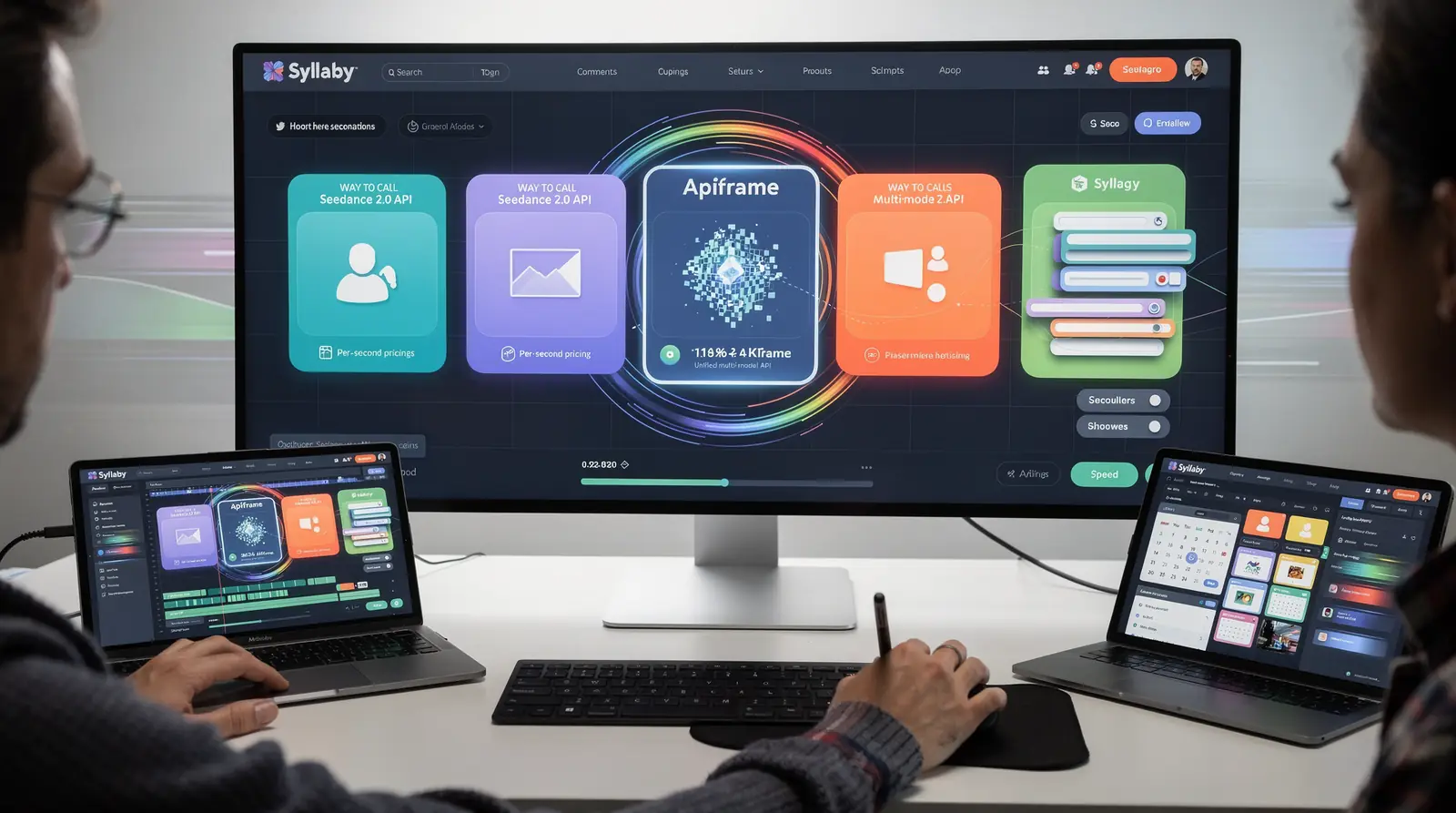
Apiframe stands out among these seven as a unified multi-model API, capable of 4K output with per-second billing. That structure suits teams running variable workloads, since costs scale with actual render time instead of a apartment monthly fee. For shorter promotional clips where speed matters more than resolution, per-second pricing keeps budgets predictable.
How do we choose between the seven Seedance 2.0 providers?
We compare resolution ceiling, pricing model, and project fit before committing to any single option. This mirrors how the broader market evaluates a Seedance 2 video generation API: pick the provider matched to the job, rather than testing all seven yourself.
- Resolution needs — 4K for hero content, lower tiers for social-first clips
- Pricing model — per-second billing versus apartment-rate access
- Turnaround priority — speed-first jobs versus quality-first campaigns
Is one provider always faster than the rest?
No single provider wins on every metric across a Seedance 2 vs other video APIs comparison. Speed needs shift by project type. We match provider choice to deadline pressure and output quality required, rather than defaulting to whichever option tested fastest last time.
How Does Seedance 2.0 Compare To Rivals?
Text-to-video generators as a category trade creative control for speed, churning out generic clips fast but rarely matching a brand’s specific look. Seedance 2.0 breaks that pattern by pairing rapid output with director-level control over camera movement, lighting, and motion consistency. Our Seedance 2 API review treats this balance of quality. Speed as the core differentiator worth testing before committing engineering resources to any single vendor.
For teams weighing a Seedance 2 video generation API against alternatives, the decision shapes more than render time. It determines workflow efficiency, output fidelity, and whether a project is even feasible on a given budget or timeline. We route Syllaby’s rendering pipeline through the underlying Seedance infrastructure specifically because it holds up across both dimensions at once.
Is Seedance 2.0 Better Than Sora-Class Models?
Developer guides point to Seedance’s motion consistency and rendering quality as the reasons it’s emerging as a leading Sora alternative. Camera control and lighting precision give it an edge in scenarios where generic text-to-video output falls short.
Seedance 2 vs other video APIs breaks down along a few practical lines:
- Basic text-to-video tools: fast, accessible, low creative control
- Seedance 2.0: cinematic quality, native audio sync, tiered speed options
- Sora-class competitors: strong fidelity, less mature developer tooling
No single API wins every category. Speed-first tools suit rapid prototyping; quality-first tools suit polished, client-facing deliverables. We built Syllaby to let teams call Seedance 2.0 without managing that tradeoff manually. The right implementation choice still depends on the specific use case at hand.
What Should Developers Do Next For Speed?
Speed-focused teams should decide whether they need raw API control or a faster, managed alternative before writing another line of code. A lengthy Seedance 2 API review cycle costs engineering hours that most product roadmaps can’t absorb.
Teams weighing a Seedance 2 vs other video APIs comparison often discover that the fastest path skips direct API management entirely. Syllaby’s Text-to-Video feature generates high-quality videos from a simple prompt, with no camera work or editing skills needed. That removes a layer of infrastructure decisions from the evaluation.
How much time does a managed layer actually save?
Syllaby helps users save 70% of the time normally spent on content creation. For quality-and-speed evaluations, that reclaimed time often outweighs marginal resolution gains from a lower-level Seedance 2 video generation API integration.
Should developers commit before testing?
No. We built a 7-day free trial, cancelable anytime, specifically so teams can validate output quality and turnaround before signing anything. Testing against real production deadlines beats testing against a demo reel.
Practical next steps for speed-focused evaluation:
- Run a side-by-side latency test between raw API calls and a managed generation layer.
- Measure engineering hours spent on prompt tuning versus output review.
- Trial Syllaby free for seven days on an actual sprint deliverable, not a sample project.
- Check mobile availability — Syllaby Mobile is now live on Android and iOS, letting non-developers manage output away from a console.
Syllaby, based in Durham, NC, serves developers and technical teams anywhere, shipping fast, quality-checked video workflows wherever speed and quality both matter.
While Seedance 2 API delivers impressive performance metrics, the choice between AI video generation platforms ultimately depends on your specific workflow requirements and budget constraints. Syllaby distinguishes itself by combining quality output with significant time savings and flexible pricing options that reduce long-term costs. Whether you prioritize speed, output quality, or overall value, evaluating these factors against your content creation goals ensures you select the platform that best supports your business objectives.
FAQ
Does higher video quality always mean slower generation?
Richer camera work and synchronized audio require more compute per frame. ### The routing layer sits between the request and the model itself. Added latency shifts the balance between speed and quality even when settings stay identical.
What tiers does Seedance 2.0 offer for balancing quality and speed?
Standard, Fast, and Turbo tiers cover text-to-video, image-to-video, video-edit, and video-extend variants. Resolution ranges from 480p to 4K with clip lengths of 4 to 15 seconds.
Facts
- Syllaby is located in Durham, NC, US.
- Syllaby has 10 employees.
- Syllaby offers a Lifetime Deal where customers can pay once and use it forever, saving up to 90%.
- Syllaby Mobile is now live and available for download on Android and iOS.
- Syllaby helps users save 70% of their content creation time.
- Over 250,000 videos have been created in Syllaby.
- Syllaby offers a 7-day free trial that can be canceled anytime.
- Syllaby allows users to clone their own avatar or select from pre-given options to generate scripts and visuals.
- Syllaby’s Text-to-Video feature generates high-quality videos from a simple prompt, without requiring camera or editing skills.
- Syllaby has over 19,000 users.
- Syllaby has generated over 90,000 videos.